30 Post-Purchase Survey Questions That Drive Revenue
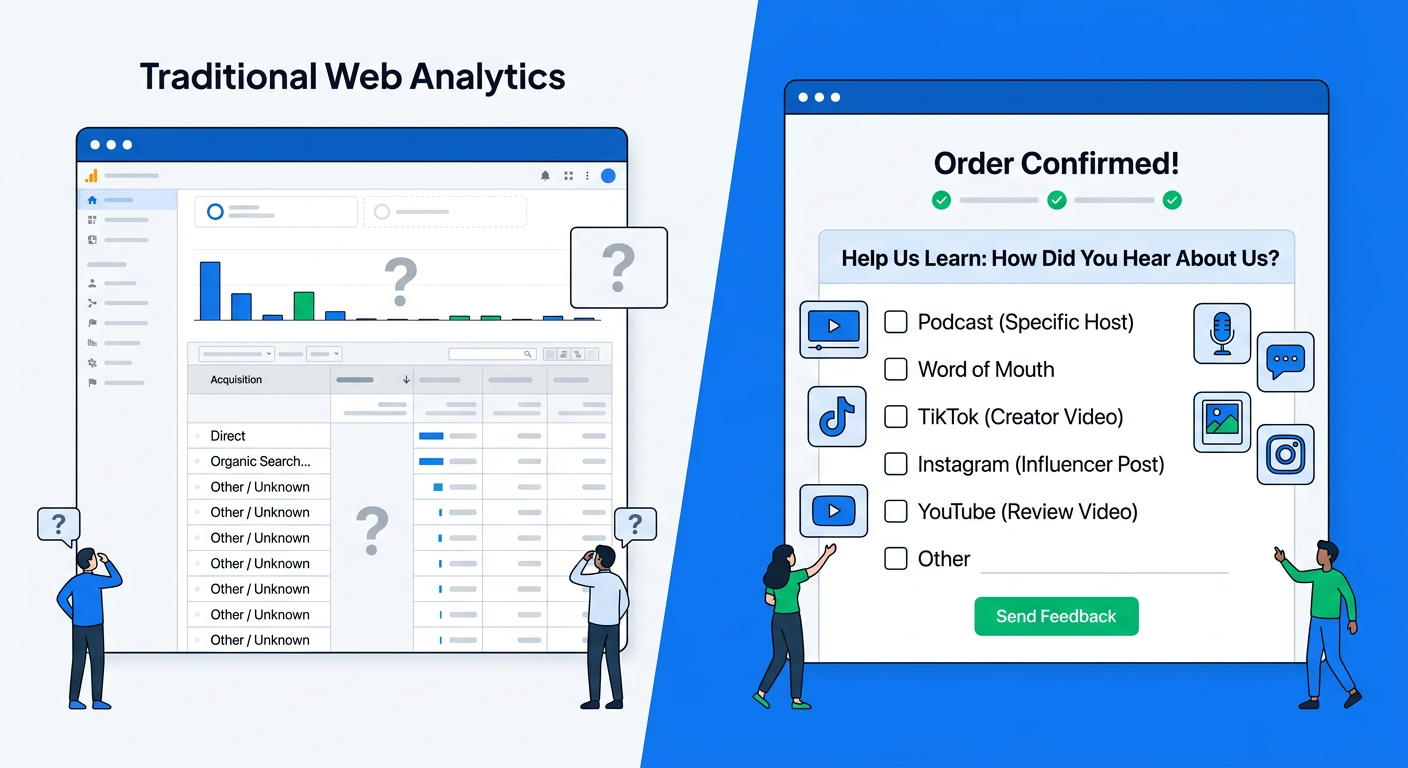
Most Shopify stores send a post-purchase survey. Few get answers that change how they spend money or build product.
The difference is the questions. Bad ones produce vague praise or one-word complaints. Good ones surface the exact channel that drove the sale, the friction that almost lost it, the feature that exceeded expectations, and the reason a customer will or won't return.
This list focuses on questions that tie feedback to revenue outcomes: attribution that improves ROAS, friction insights that lift conversion, product feedback that reduces returns, and retention signals that increase LTV.
Why these questions matter more than volume
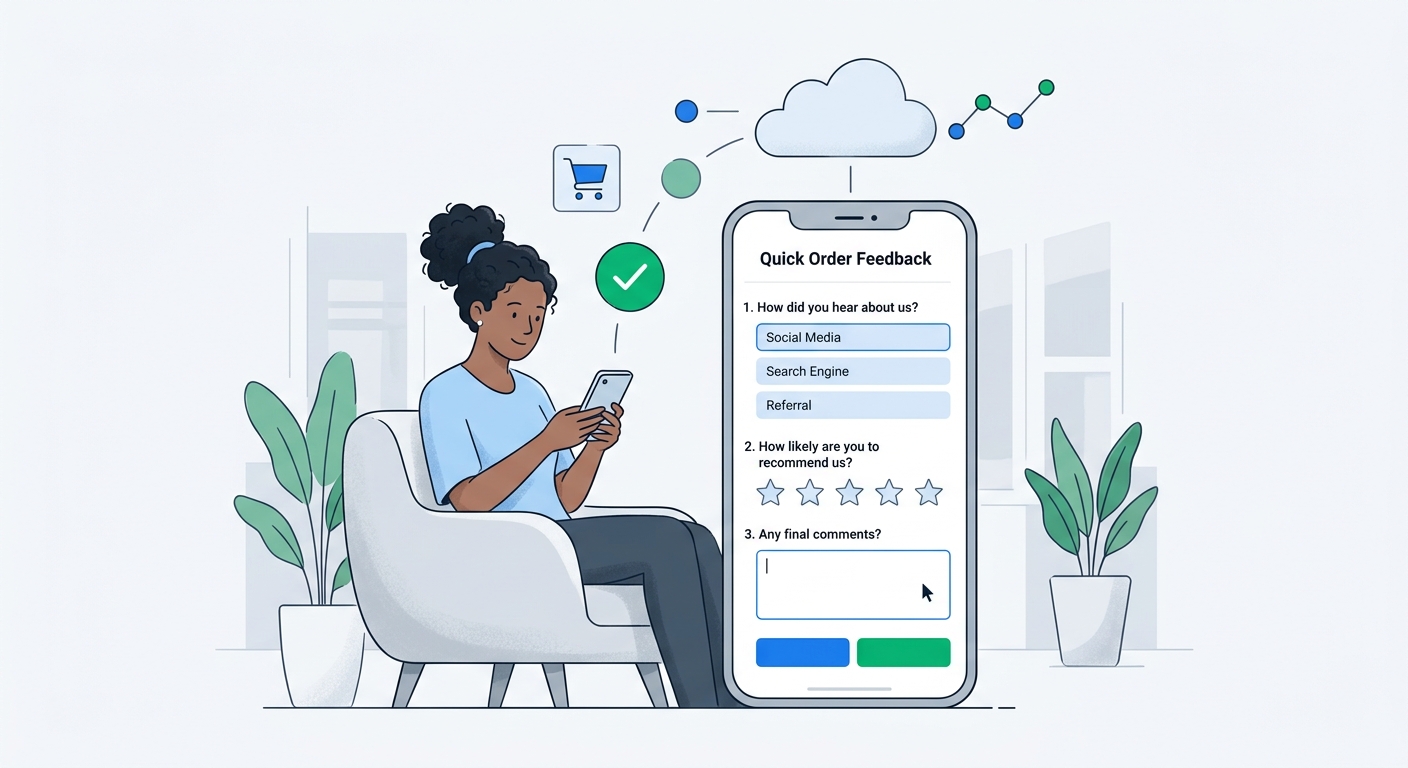
A 30-question survey gets ignored. A 2-question survey that asks the right things gets answered and acted on.
Post-purchase timing is special. The customer has the product or just received it. Their memory is fresh. They have an order ID you can join to every answer. Revenue-aware platforms link responses to AOV, channel, and customer history automatically.
That linkage turns qualitative answers into quantitative decisions:
- Which channel's customers spend the most?
- What objection almost stopped our highest-value buyers?
- Which product attribute drives repeat purchases?
Generic "How was your experience?" rarely answers those.
Attribution questions: Know where revenue actually comes from
Self-reported attribution beats pixels for many channels. Customers remember the podcast, the influencer, the friend, or the search that actually tipped them.
How did you first hear about us? (Open text or multiple choice with "Other")
What most influenced your decision to buy from us today?
Where did you see us before deciding to purchase?
Did you discover us through a recommendation, ad, search, or social post?
What made you choose us over other options you considered?
These feed directly into channel performance analysis. With AI channel grouping, open-text answers like "saw a TikTok from @somecreator" or "heard on the Tim Ferriss podcast" get automatically bucketed instead of left as messy "other" entries.
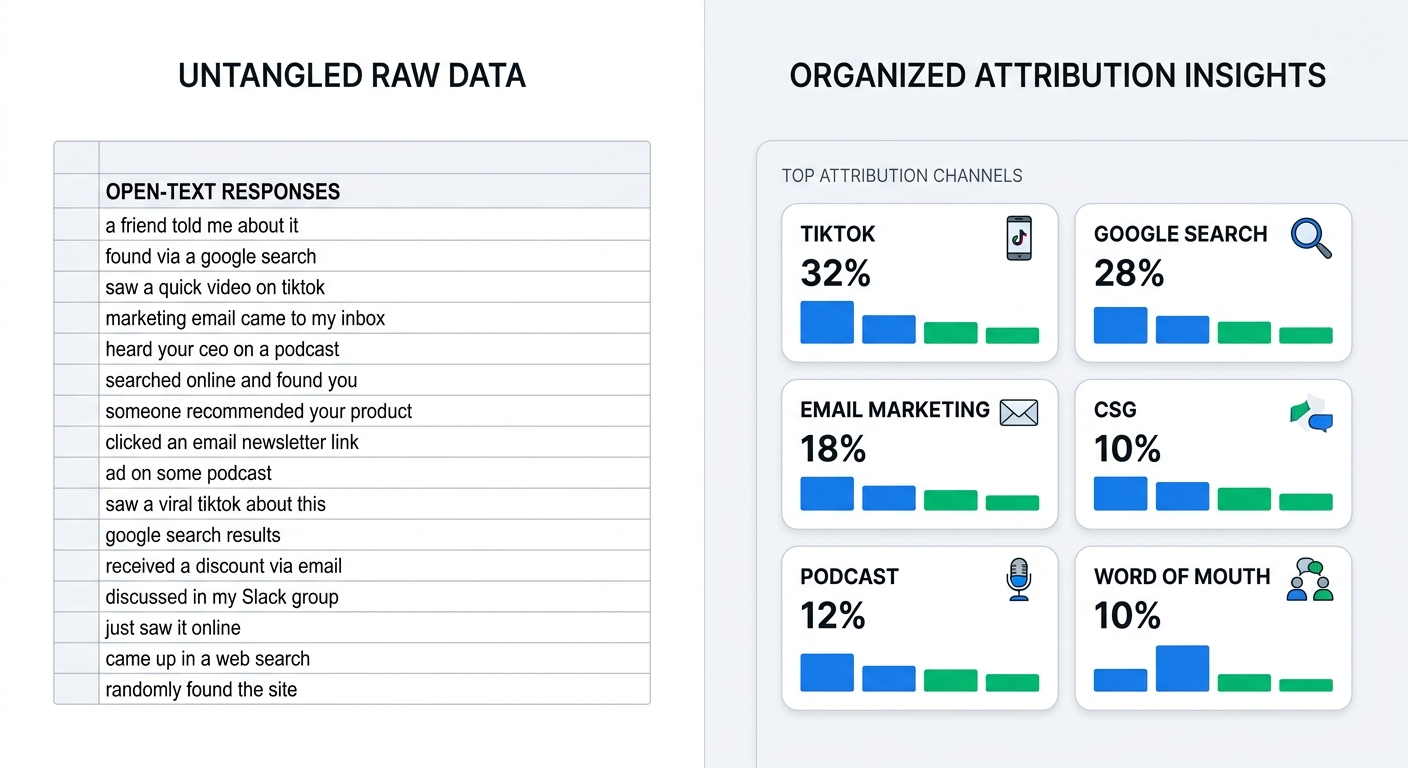
Use the data to reallocate budget from low-AOV channels to the ones that bring buyers who spend more.
Friction and "almost lost" questions
The most valuable feedback often comes from people who nearly didn't buy.
What almost stopped you from buying today?
Was there anything confusing or missing during your shopping experience?
How easy was it to find what you were looking for?
Did anything about pricing, shipping, or checkout make you hesitate?
What would have made your decision easier?
Answers here surface objections you can fix on product pages, in ads, or at checkout. If 35% of high-AOV buyers mention sizing uncertainty, you add size charts or fit quizzes.
Product and expectation questions
Tie product feedback to who is buying and how much they spend.
How well did the product match the description and photos?
What did you like most about the product?
What could we improve about this product?
Did the product meet, exceed, or fall short of your expectations?
How likely are you to buy this product again or recommend it?
Open text on "what could we improve" is gold for product roadmaps. Revenue linkage shows whether complaints come from low or high spenders.
Satisfaction, support, and delivery questions
On a scale of 1-5, how satisfied were you with your overall purchase experience?
How was the shipping speed and packaging?
Did our customer support meet your needs? (If they contacted support)
Was the checkout process straightforward?
How would you rate the value for the price you paid?
These are standard but become powerful when segmented by channel or order value. High NPS from one acquisition source vs another tells you who to double down on.
Retention and advocacy questions
The questions that predict future revenue.
How likely are you to shop with us again? (1-5 or 0-10)
What would make you a repeat customer?
Is there anything that would prevent you from buying from us again?
How likely are you to recommend us to a friend or colleague? (NPS)
What other products from us would interest you?
Would you like to leave a review or video feedback?
Follow-up on "what would make you repeat" gives direct input for email flows, loyalty, and product development.
Questions that unlock zero-party data and personalization
What are you hoping this product will help you achieve?
How did you first learn about this specific product?
What other challenges are you trying to solve right now?
Any other feedback or ideas for us?
These turn one-time buyers into profiles you can use for better recommendations and messaging.
How to actually use 30 questions (pick 1-3 per survey)
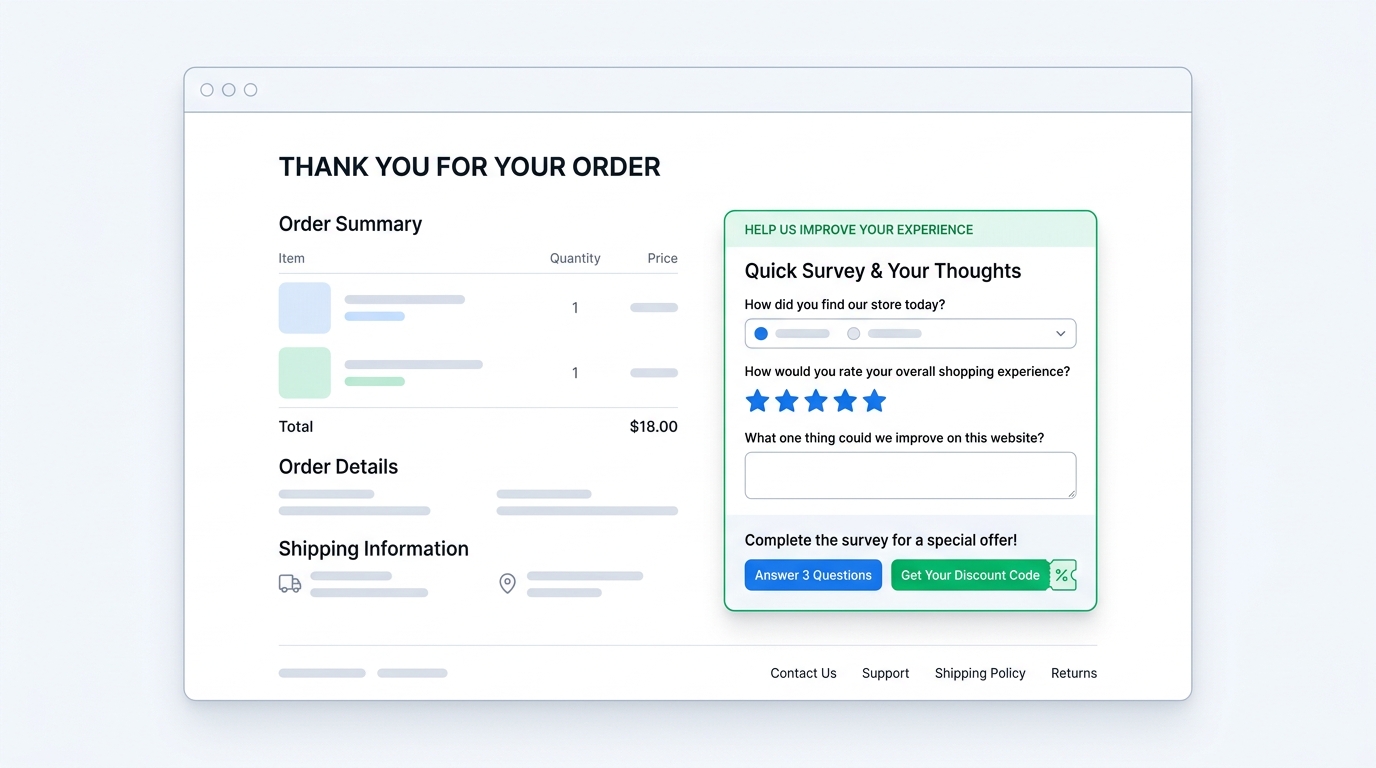
No single survey should contain all 30. Rotate 1-3 questions across different post-purchase moments or customer segments.
A minimal high-signal survey:
- Attribution question (always first for many brands)
- One friction or "almost stopped" question
- One retention or NPS question
Attach a discount code as reward for completion. The "survey for a discount" mechanic increases response rates while still collecting the data you need.
Revenue-aware analysis changes everything
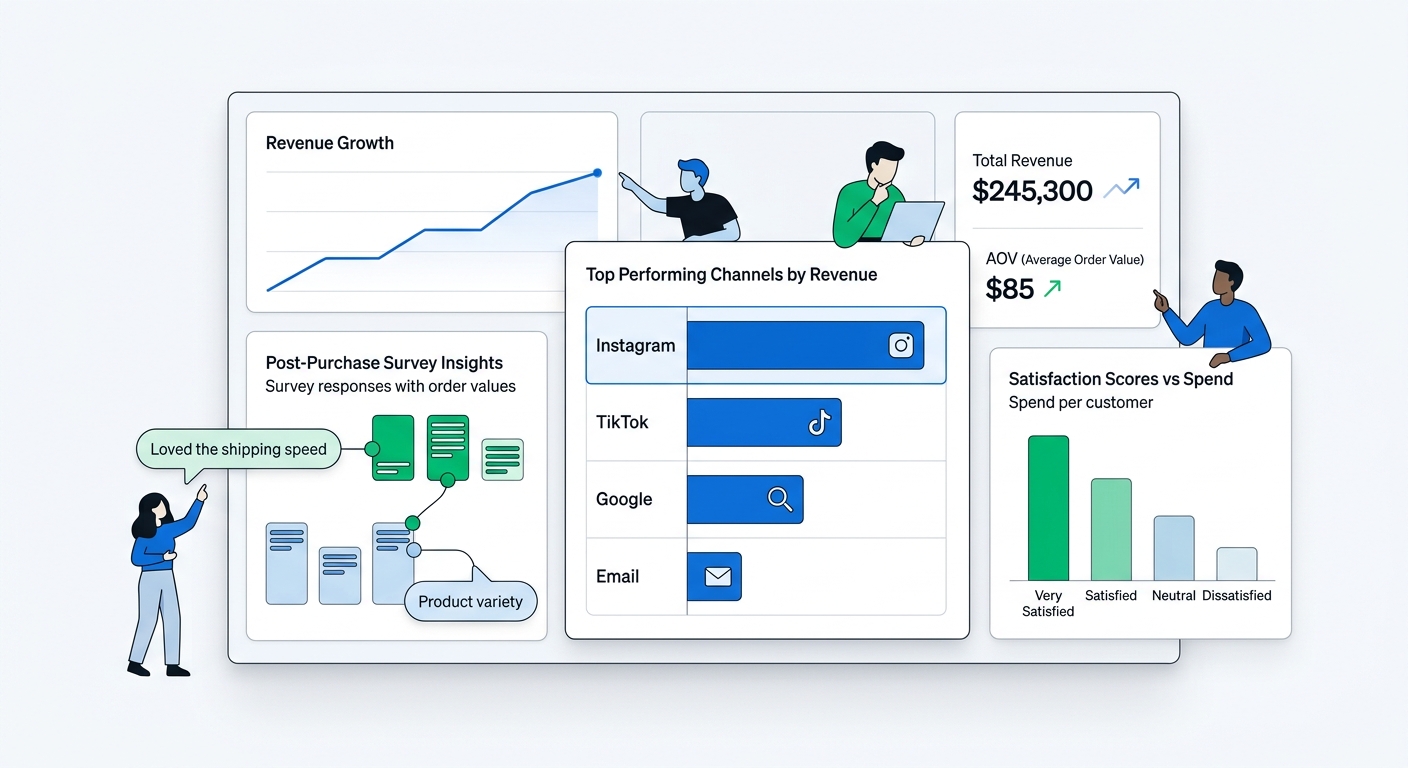
When every response carries order value and channel data, simple counts become revenue decisions.
Instead of "40% said shipping was slow," you see "the 40% who complained about shipping had 2.3x higher AOV than average — fixing this protects our best customers."
AI tools make this accessible without exports. Theme extraction groups open answers automatically. Conversational interfaces let you ask "which channels' customers complain most about sizing?" and get answers with representative quotes and revenue impact in seconds.
From insights to action
The final step is closing the loop.
- Attribution data → shift ad spend and creative
- Friction data → update site copy, add FAQs, adjust pricing presentation
- Product feedback → prioritize roadmap items that affect high-value segments
- Retention signals → trigger win-back flows or loyalty offers
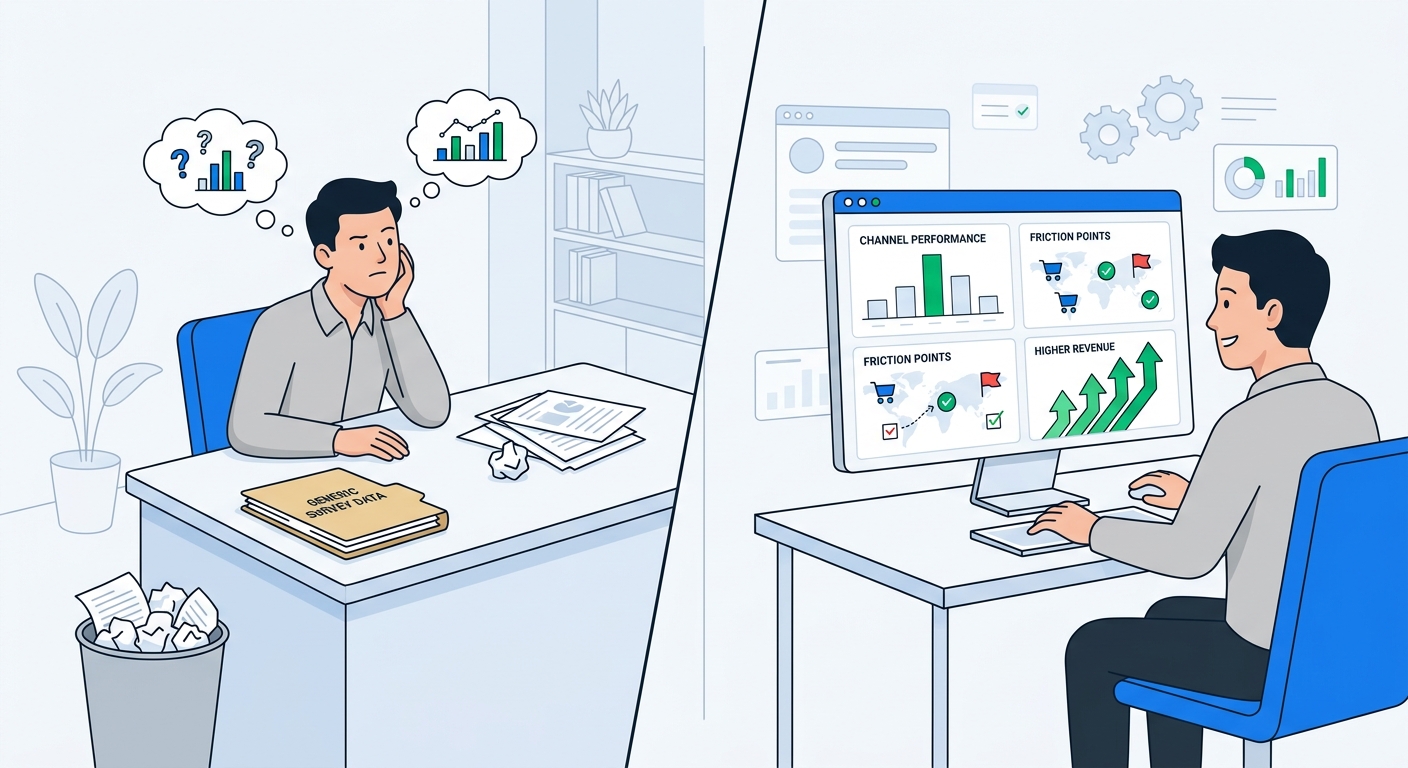
Stores that treat post-purchase surveys as a revenue system instead of a checkbox see compounding returns. Better attribution lowers CAC. Fewer returns increase margins. Higher repeat rates lift LTV.
Common mistakes that waste the opportunity
- Asking 8+ questions and getting low completion
- Using only multiple choice with no open text
- Collecting data but never reviewing or acting on it
- Ignoring the revenue context (treating every response equally)
- Sending the same static survey to every customer regardless of order value or source
Getting started on Shopify
Install a post-purchase survey tool that supports open text, video questions, automatic discount codes on completion, and deep analytics with order linkage.
Create 2-3 targeted surveys:
- Immediate post-checkout for attribution and first impression
- 3-7 days after delivery for product and delivery feedback
- Optional: a lightweight one for repeat buyers
Connect the data to your AI tools (via MCP or built-in insights) so you can query it conversationally instead of exporting CSVs.
The 30 questions above are a menu. Pick the 2 or 3 that will give you the clearest next action on your current biggest lever — whether that is scaling a channel, reducing returns, or increasing repeat purchases.
Start with attribution and one friction question. The answers will tell you what to ask next.
Install UserLoop from the Shopify App Store to run post-purchase surveys with discount automation, AI analysis, and MCP access built in.
Related reading
- The Complete Guide to Shopify Post-Purchase Surveys (2026)
- Chat With Your Survey Data: How AI Is Replacing Spreadsheet Analysis
- How Did You Hear About Us? Survey: Setup Guide & AI Analysis
- Exit Intent Popup Surveys for Shopify: Learn Why Visitors Leave (and Win Some Back)
Post-purchase is the moment you have their attention and their money. Ask questions that turn that moment into a growth system.
Choose your next survey question
Browse 56 ecommerce survey questions with answer options and a free CSV, then use UserLoop’s Shopify post-purchase surveys to collect answers linked to orders.


The agentic growth toolkit for Shopify
Ask your customers anything
UserLoop talks to your customers at scale with surveys and contests that feed one AI-queryable dataset. AI does the setup and the analysis.
- SurveysFind out why customers buy: checkout, email, link & QR.
- ContestsGiveaways that grow your list and social following.
Free plans on both apps · live in minutes