The Complete Guide to Shopify Post-Purchase Surveys (2026)
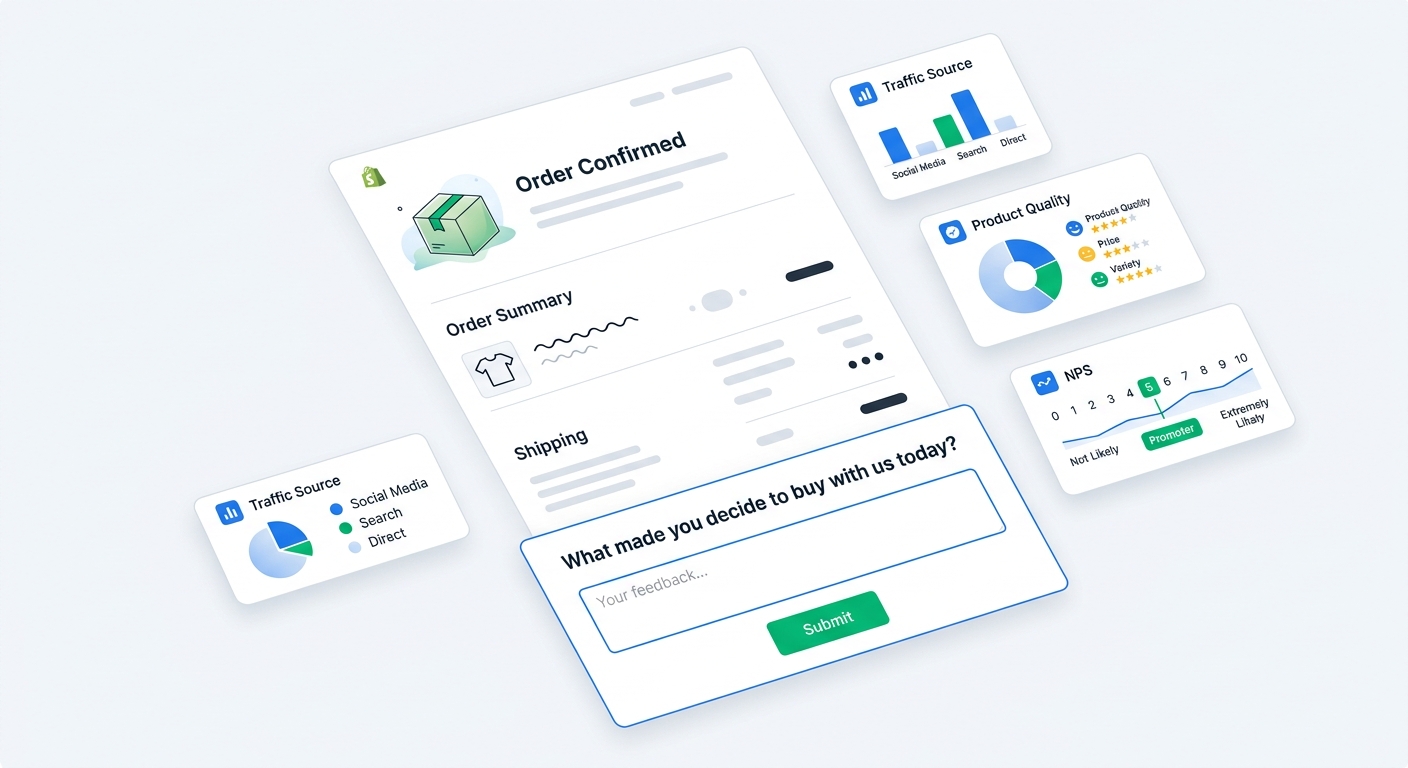
Most Shopify stores know exactly what happened after a customer clicked an ad. They know the campaign, landing page, product viewed, discount code used, cart value, payment method, and conversion event.
They know much less about why the customer bought.
That gap is where post-purchase surveys earn their place. A good post-purchase survey asks one or two questions right after checkout, while the decision is fresh and the customer is still on your site.
For Shopify merchants, the best post-purchase surveys do four jobs:
- Fix attribution blind spots that pixels and UTMs miss
- Reveal what convinced customers to buy
- Find friction that almost blocked the order
- Connect feedback to order value so you can act on the answers
This guide covers how to set up Shopify post-purchase surveys in 2026, what to ask, where to place them, how to improve response rates, and how AI analysis turns messy answers into usable decisions.
What is a Shopify post-purchase survey?
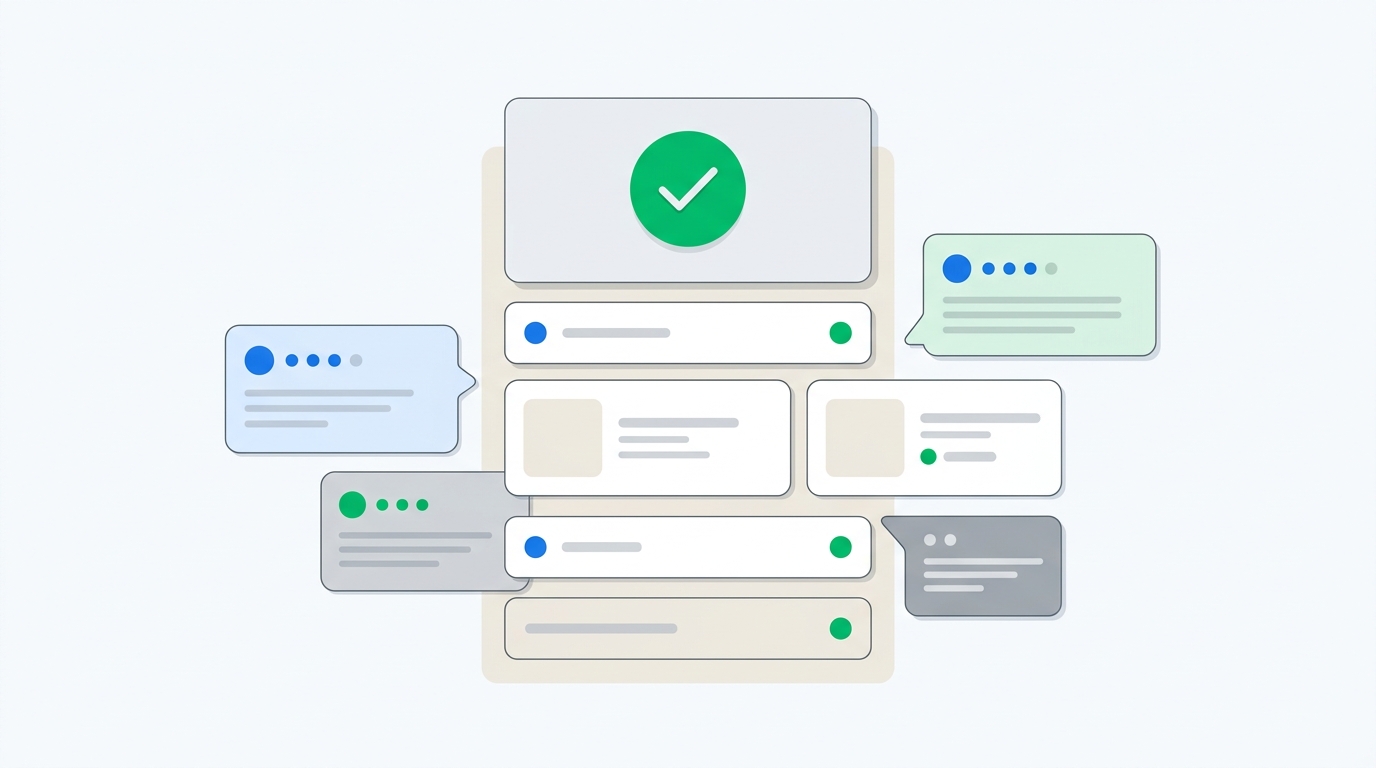
A Shopify post-purchase survey is a short survey shown to customers after they complete an order. It usually appears on the order status page, also called the thank-you page or order confirmation page.
The best version is not a 12-question market research form. It is a focused question at the right moment.
Common post-purchase survey questions include:
- How did you hear about us?
- What convinced you to buy today?
- What almost stopped you from buying?
- Who are you shopping for?
- Was this your first time hearing about us?
- How likely are you to recommend us to a friend?
The order confirmation page works because the customer is already in a cooperative state. They bought. They are waiting for confirmation details. A one-question survey feels like part of the checkout flow, not an interruption.
That timing is the difference between a survey customers ignore and a survey that becomes one of your best marketing datasets.
Why post-purchase surveys matter more in 2026
Attribution has become less reliable, not more reliable.
Meta, Google, TikTok, Klaviyo, affiliate platforms, analytics tools, and attribution platforms all have partial views of the customer journey. Each system sees the part it can track. Each system has an incentive to claim credit. Privacy changes, cookie loss, app tracking limits, dark social, offline recommendations, podcasts, creators, and word of mouth all make the picture messier.
A post-purchase survey adds something different: the customer's own explanation.
That does not mean self-reported attribution is perfect. Customers forget details. They simplify the journey. They may say "Instagram" when the actual path included a creator post, a search, a retargeting ad, and a friend's recommendation.
Still, the answer is useful because it captures channels that analytics cannot see at all. If 22% of customers mention a podcast, a private community, a creator, Reddit, a friend, or a physical event, that is a signal you would not get from last-click reporting.
We covered the tradeoff between survey answers and click tracking in Self-Reported Attribution vs. UTM-Based Attribution. The short version: do not treat either source as the whole truth. Use both.
The best place to ask: the order status page
For most Shopify stores, the order status page is the best post-purchase survey placement.
Email surveys have a place, especially for product feedback after delivery. But for attribution, purchase motivation, and checkout friction, email is late. The customer has moved on. The context fades. The email competes with every other message in their inbox.
The order status page gives you three advantages:
- The customer is still present
- The purchase decision is fresh
- The survey can be embedded in the confirmation experience
With UserLoop's post-purchase surveys, merchants can add a survey to the Shopify order confirmation page and collect answers linked to the order. That connection matters. A response is not just a row in a survey export. It is tied to revenue, products, discounts, customer status, and order value.
What to ask first
The biggest mistake is asking too much.
A customer who just bought will often answer one good question. They may answer two. They will not happily answer a research questionnaire disguised as a thank-you page.
Start with the business decision you need to make.
If attribution is unclear, ask how they heard about you
Use this question:
"How did you hear about us?"
For most Shopify stores, this is the best first post-purchase survey question. It catches sources that paid platforms miss: word of mouth, podcasts, creators, PR, Reddit, events, retail exposure, community recommendations, and offline referrals.
Use open text if you can. Multiple choice looks cleaner, but it forces customers into categories you invented before seeing the data.
A dropdown with "Facebook, Instagram, Google, TikTok, Other" will hide the most useful answers. "My dermatologist recommended you" becomes Other. "Saw a creator compare you to Brand X" becomes TikTok. "My sister had your bag at the airport" becomes Friend/Family. Those distinctions matter.
If you want a full setup guide for this question, read "How Did You Hear About Us?" Survey: Setup Guide & AI Analysis.
If conversion is the problem, ask what almost stopped them
Use this question:
"What almost stopped you from buying today?"
This is one of the highest value questions for conversion work. Customers will tell you about shipping cost, unclear sizing, delivery timing, weak reviews, missing product details, subscription confusion, return policy anxiety, price hesitation, or trust concerns.
This question is powerful because the customer bought anyway. They crossed the line despite the friction. For every buyer who mentions a blocker, there are likely visitors who hit the same blocker and left.
If 30% of answers mention shipping cost, stop running random button color tests. Fix the shipping anxiety.
If positioning is unclear, ask what convinced them
Use this question:
"What convinced you to buy today?"
This tells you what actually worked. It might be reviews. It might be the founder story. It might be a specific ingredient, a comparison page, a creator video, a guarantee, a bundle, or the fact that the product shipped quickly.
Use the answers in product page copy, ad creative, landing pages, email flows, and merchandising. Customer language beats brainstormed marketing language almost every time.
If lifecycle marketing matters, ask who they are buying for
Use this question:
"Who are you shopping for?"
This is useful for giftable products, apparel, wellness, pet, baby, home, and hobby categories. A customer buying for themselves should not always receive the same follow-up as a customer buying a gift.
Survey answers can become segmentation data for email flows. If you use Klaviyo, read Klaviyo + Post-Purchase Surveys for ideas on turning survey responses into smarter lifecycle messages.
Open text vs multiple choice
Open text gives you richer answers. Multiple choice gives you cleaner reporting. The right choice depends on the question.
Use open text when you do not know the possible answers yet. Attribution, purchase motivation, and purchase blockers are usually better as open text because the weird answers are the useful ones.
Use multiple choice when the categories are known and the answer needs to trigger a workflow. "Who are you shopping for?" can be multiple choice. "Which product are you most interested in next?" can be multiple choice. NPS uses a numeric scale.
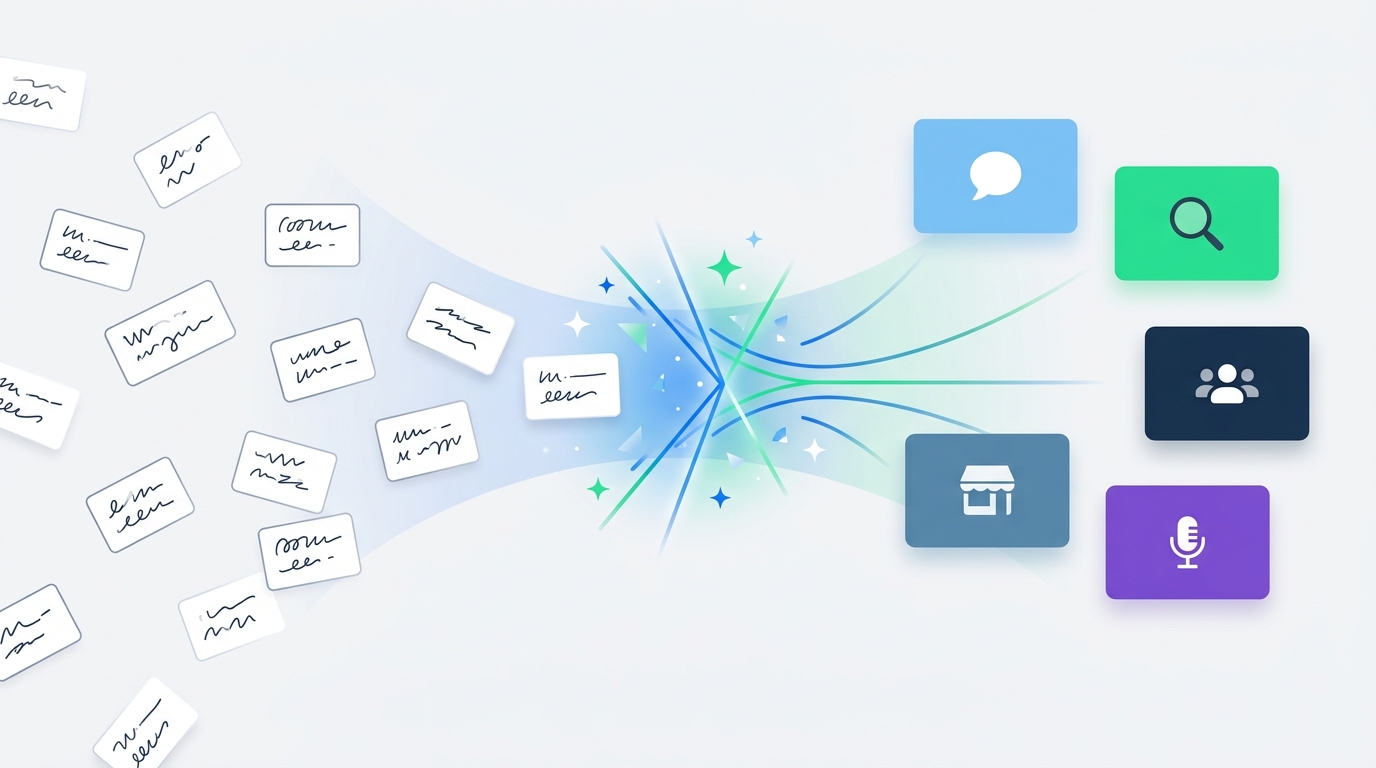
The old objection to open text was analysis. Nobody wants to manually clean 2,000 responses that say "TikTok," "tik tok," "TT," "saw a creator," and "that video app."
That is why AI channel grouping matters.
UserLoop's survey analytics can group messy open-text attribution answers into clean channel buckets. The raw response stays intact, but the reporting becomes usable. "My friend sent me your site," "coworker recommended it," and "my sister bought one" can roll into Word of Mouth. "Saw you on a TikTok live" and "creator review on TT" can roll into TikTok or Creator, depending on the grouping you need.
This is the upgrade from collecting anecdotes to running attribution analysis.
How many questions should you ask?
Ask one question by default.
Ask two if the second question is a natural follow-up. Ask three only if you have a strong reason and you are watching completion rate closely.
A good structure looks like this:
- Primary question: "How did you hear about us?"
- Optional follow-up: "Can you tell us more?"
Or:
- Primary question: "What almost stopped you from buying?"
- Optional follow-up: "What could we have made clearer?"
Do not ask attribution, NPS, product feedback, gifting intent, demographic questions, and email preferences in one session. That is not a post-purchase survey. That is a hostage situation with form fields.
If you need to learn multiple things, rotate questions over time. Keep the experience short for each customer while still building a broad dataset across orders.
Response rate benchmarks for Shopify post-purchase surveys
Post-purchase surveys usually outperform email surveys because the timing is better.
A simple one-question survey on the order status page can often reach response rates in the 40% to 60% range when it is easy to answer and visually integrated into the confirmation page. Email surveys are more commonly in the 10% to 20% range, depending on timing, brand affinity, and incentive.
Treat those as directional benchmarks, not guarantees. Your response rate depends on the question, placement, device mix, order volume, customer relationship, and how intrusive the survey feels.
The fastest ways to improve response rate are boring but effective:
- Ask one question
- Put it on the order status page
- Use plain language
- Make it mobile friendly
- Avoid required multi-step forms
- Do not ask for information you will not use
For a deeper benchmark guide, the scheduled follow-up post on post-purchase survey response rates will go into measurement, sample size, and optimization tactics. In the meantime, UserLoop's response rate calculator can help estimate how many completed surveys you need based on traffic and order volume.
How to set up a post-purchase survey in Shopify
The setup is straightforward if you use a Shopify survey app built for the order confirmation page.
Step 1: Choose the survey goal
Pick one goal for the first survey. Attribution is usually the best starting point because it affects budget decisions quickly.
Good first goals:
- Find out where customers really heard about you
- Learn what convinced them to buy
- Identify what nearly blocked the purchase
- Segment customers for post-purchase flows
Bad first goals:
- Learn everything about every customer
- Build a 15-question research dataset
- Ask questions because another brand asked them
Step 2: Choose the survey type
For order confirmation surveys, use an embedded post-purchase survey. For later product feedback, use email surveys. For visitors who leave before buying, use popup surveys or exit intent surveys.
This matters because each placement answers a different question. Buyers can explain why they bought. Non-buyers can explain why they did not. Customers after delivery can explain whether the product matched expectations.
UserLoop supports multiple survey types in one platform, including checkout, popup, app block, email, link, NPS, and video collection. That lets you keep the post-purchase survey focused instead of forcing one survey to do every job.
Step 3: Write the question plainly
Do not over-polish the question. Customers should understand it instantly.
Good:
"How did you hear about us?"
Worse:
"Which marketing channel most influenced your purchasing decision today?"
The second version sounds like internal reporting software. The first sounds like a normal question.
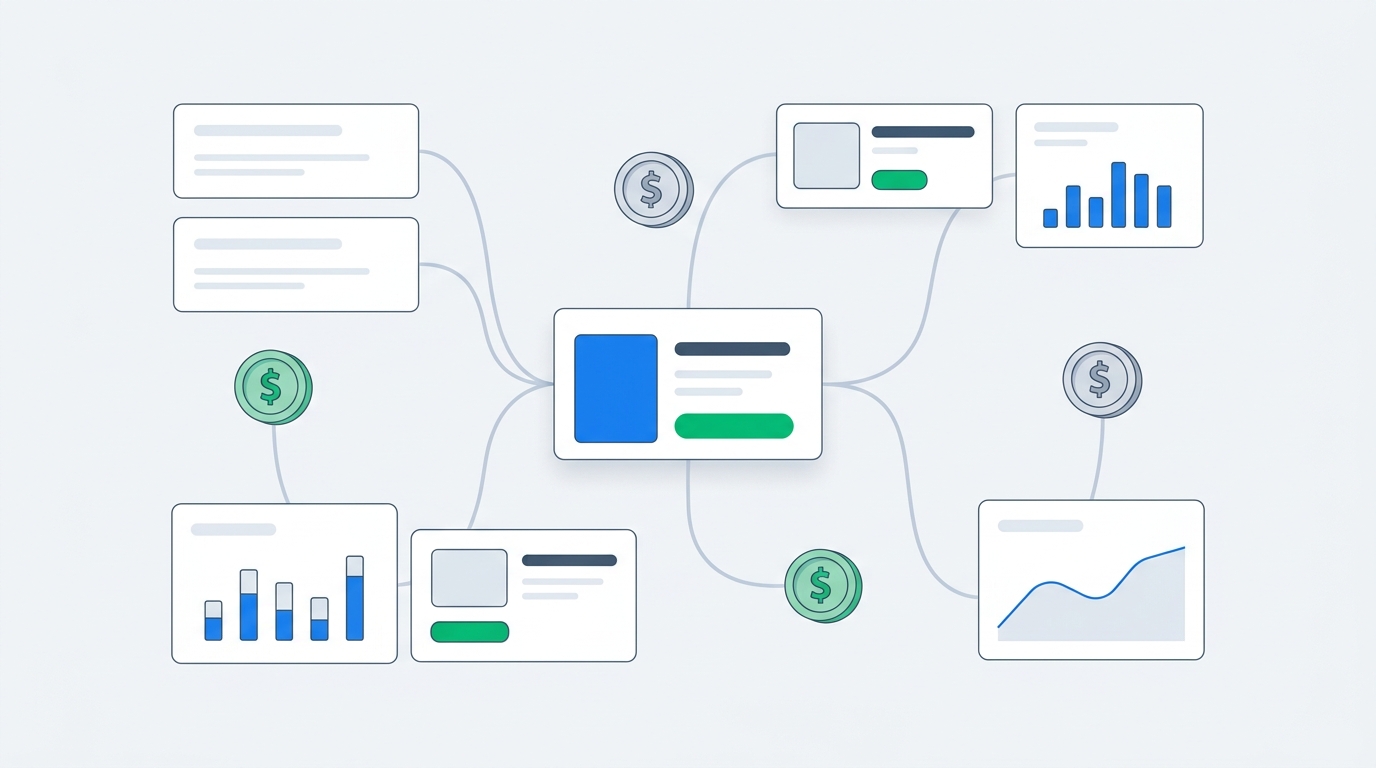
Step 4: Connect answers to orders
This is where Shopify-native surveys beat generic form tools.
You want the response connected to:
- Order value
- Products purchased
- Discount used
- New vs returning customer
- UTM parameters
- Customer email or profile
- Purchase date
Without that context, survey data becomes another export. With it, you can answer sharper questions: Which acquisition channels produce the highest AOV? Do customers who mention creators buy different products? Are customers who cite word of mouth more likely to return? Which purchase blockers show up on high-value orders?
That is the point of revenue-aware analytics. Feedback should connect to money, not float around in a dashboard nobody trusts.
Step 5: Review results weekly
Do not check the dashboard obsessively after five responses. Let the survey collect enough data, then review patterns on a schedule.
For smaller stores, weekly or biweekly review works. For higher-volume stores, review attribution and purchase blockers weekly, then do a deeper monthly readout for trends.
Look for:
- Channels that appear in survey data but not analytics
- Paid channels that get too much last-click credit
- Repeated purchase blockers
- Product-specific issues
- High-AOV segments
- Language customers use to describe value
How to analyze post-purchase survey data
Raw survey data is useful for reading individual customer language. Reporting is useful for making decisions. You need both.
Start with the raw answers. Read the first 50 to 100 responses manually. You will notice patterns, phrasing, and surprises that a dashboard may flatten too early.
Then group responses into themes or channels.
For attribution, AI channel grouping should turn open-text answers into buckets like Paid Social, Organic Social, TikTok, Creator, Word of Mouth, Search, Podcast, PR, Community, Retail, and Other. The exact taxonomy depends on your business.
For purchase blockers, group answers into themes like shipping cost, delivery speed, sizing, price, trust, reviews, product information, returns, payment options, and comparison shopping.
For purchase motivation, group answers into themes like quality, ingredients, design, price, reviews, recommendation, guarantee, brand story, convenience, and urgency.
The next step is connecting those groups to business outcomes. This is where many survey programs fail. They count responses but never ask what changed.
Better questions:
- Which self-reported channels have the highest AOV?
- Which channels are under-credited by last-click analytics?
- Which purchase blocker appears most often on abandoned categories?
- Which product line has the most sizing concerns?
- Which customer motivation should become the next landing page angle?
If your team uses Claude or ChatGPT for analysis, UserLoop's MCP workflow lets you chat with survey data instead of exporting CSVs and building spreadsheet pivots. You can ask questions like, "Show me the top purchase blockers for orders over $150" or "Compare self-reported TikTok customers against Meta customers by AOV." We wrote more about that in Chat With Your Survey Data.
Common mistakes
Asking too many questions
Long surveys lower completion and annoy customers. Keep the order confirmation survey short. Move deeper research to email or link surveys later.
Using only multiple choice for attribution
Multiple choice makes reporting easy by making the data worse. If attribution is the goal, open text plus AI grouping is the stronger setup.
Treating survey attribution as absolute truth
Self-reported attribution is one lens. UTMs and platform data are another. Use the disagreement between them as the insight.
If Meta claims 70% of orders but only 18% of customers mention Meta, investigate. If podcasts show up in survey data but have no clean click path, that does not mean the survey is wrong. It means your analytics stack cannot see audio and memory very well.
Not connecting responses to revenue
A channel with 8% of responses might matter more than a channel with 20% if the 8% has much higher AOV or repeat purchase rate. Count responses, but do not stop there.
Letting the data sit untouched
A survey that never changes a decision is decoration. Before you launch, decide who reviews the results and what decisions the survey should inform.
A simple 30-day rollout plan
Start small. In week one, add "How did you hear about us?" to the order status page as an open-text question. In week two, read the raw answers and look for channels you did not expect. In week three, use AI channel grouping to compare survey channels against UTMs, platform reporting, and spend. In week four, rotate in one decision-focused follow-up: what almost stopped the purchase, what convinced them to buy, or who they bought for.
The bottom line
Shopify post-purchase surveys work because they ask the right person at the right time.
A customer who just bought can tell you what your analytics stack missed, what nearly stopped the order, what finally convinced them, and what should happen next. The trick is keeping the survey short, asking questions tied to decisions, and connecting answers to revenue.
If you want to add post-purchase surveys to your Shopify store, start with UserLoop's post-purchase survey tools. You can also install UserLoop directly from the Shopify App Store and launch your first order confirmation survey without wiring together a generic form tool, a spreadsheet, and a cleanup process you will hate by week three.


The agentic growth toolkit for Shopify
Ask your customers anything
UserLoop talks to your customers at scale with surveys and contests that feed one AI-queryable dataset. AI does the setup and the analysis.
- SurveysFind out why customers buy: checkout, email, link & QR.
- ContestsGiveaways that grow your list and social following.
Free plans on both apps · live in minutes