How to Personalize Shopify Email Marketing with Survey Data
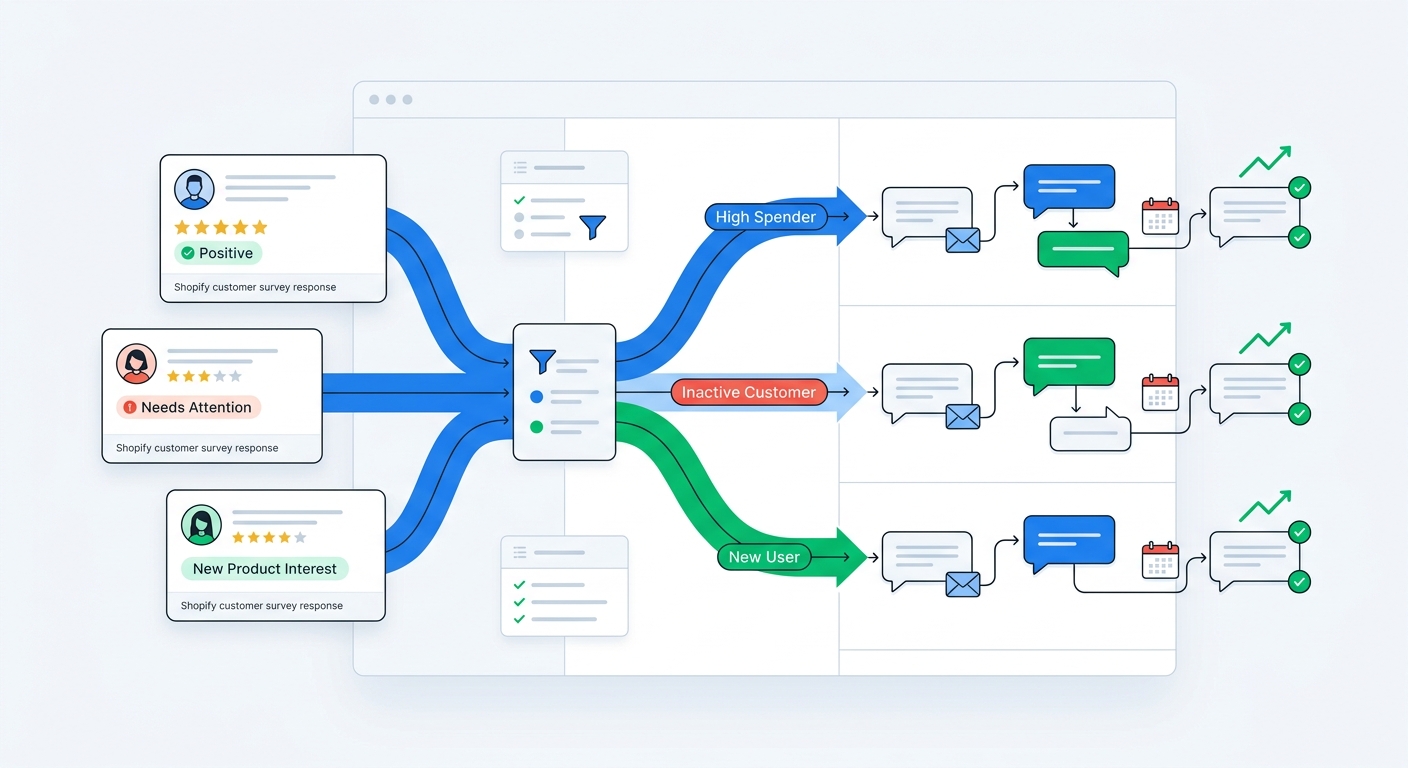
Most Shopify email personalization is fake.
It swaps in a first name, references a product category, maybe triggers a flow off a purchase, and calls it tailored. That is not personalization. That is automation wearing a fake mustache.
Real personalization starts when you know what the customer actually meant.
Why did they buy? What were they worried about? What outcome do they want? Are they price sensitive, quality obsessed, gift shopping, replacing a competitor, or trying to solve one very specific problem?
Behavioral data usually cannot answer that cleanly. Survey data can.
That is why survey-driven email personalization works so well on Shopify. It adds declared intent to your email stack, which means your campaigns can react to customer context instead of just customer events.
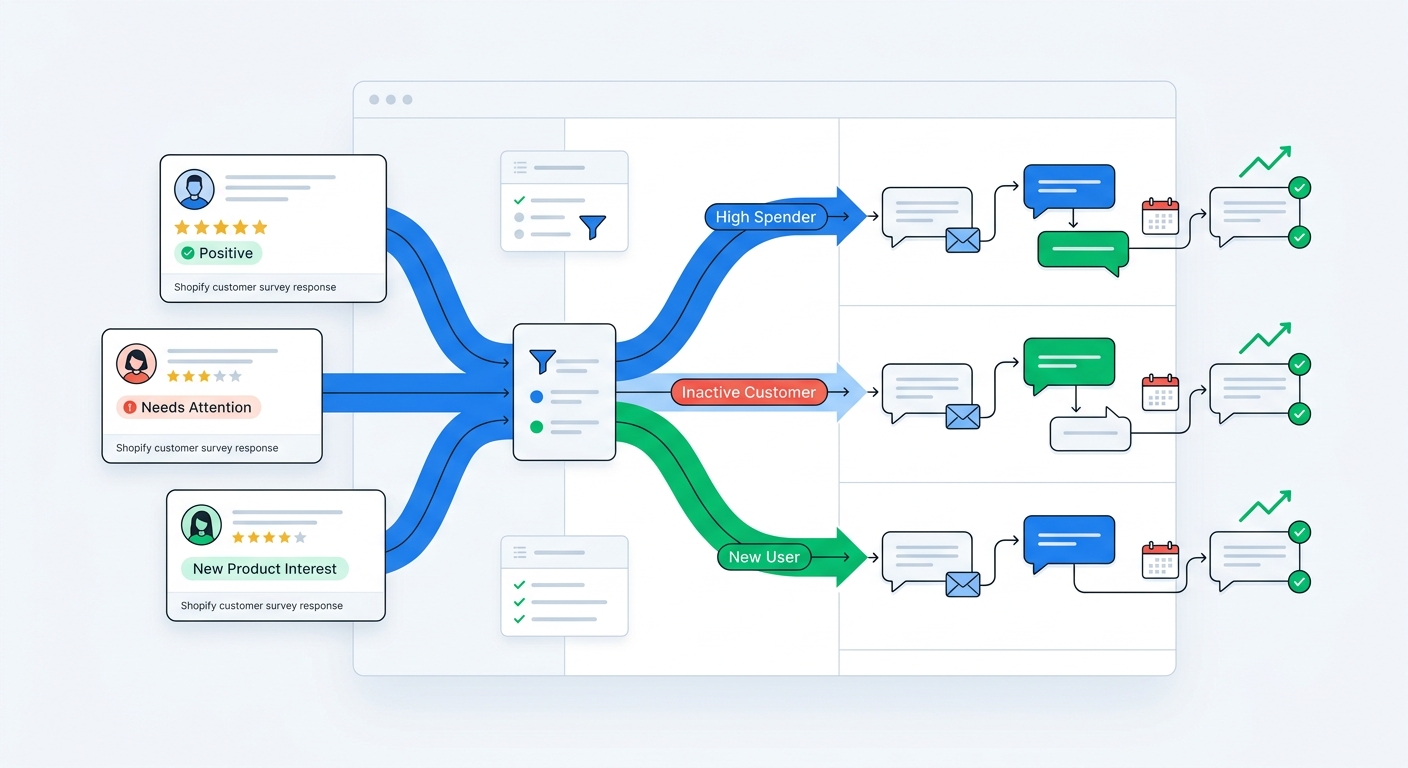
Why behavior-only personalization breaks down
Most ecommerce email stacks personalize using a familiar set of signals:
- viewed product
- purchased product
- cart abandoned
- discount used
- first-time versus repeat customer
- predicted churn or winback score
Useful, yes. Complete, no.
Two customers can buy the same product for opposite reasons.
One is buying because they want the cheapest starter option. Another is buying because they care about premium ingredients and plan to become a loyal subscriber. If both customers trigger the same welcome, onboarding, and upsell sequence, your email program is leaving money on the table.
That is the core problem. Behavior tells you what happened. Survey data tells you why.
This is exactly why post-purchase surveys are so valuable. They capture zero-party data at the moment of highest intent, then turn that context into something your lifecycle emails can actually use.
What survey data is most useful for email personalization
Not every answer deserves a segment. You are not trying to build a deranged 700-branch automation tree.
You want the signals that change what message should be sent next.
Usually those fall into four buckets.
1. Intent
Questions like:
- What convinced you to buy today?
- What are you hoping this product helps with?
- What will you use it for first?
Intent data is excellent for onboarding, cross-sells, and educational content.
2. Objections and hesitation
Questions like:
- What almost stopped you from buying?
- What were you unsure about?
- How confident are you this is the right fit?
This is gold for reducing returns, support tickets, and buyer's remorse.
3. Customer type or use case
Questions like:
- Are you shopping for yourself or someone else?
- Which best describes you?
- Is this your first time buying this type of product?
These answers help you change tone, content, and offer structure.
4. Attribution and channel context
Questions like:
- How did you hear about us?
This is not just for analytics. It is useful for segmenting creator-driven, referral-driven, search-driven, and discount-motivated buyers into different follow-up paths. If you want the full attribution angle, Self-Reported Attribution vs UTM Tracking is worth reading.
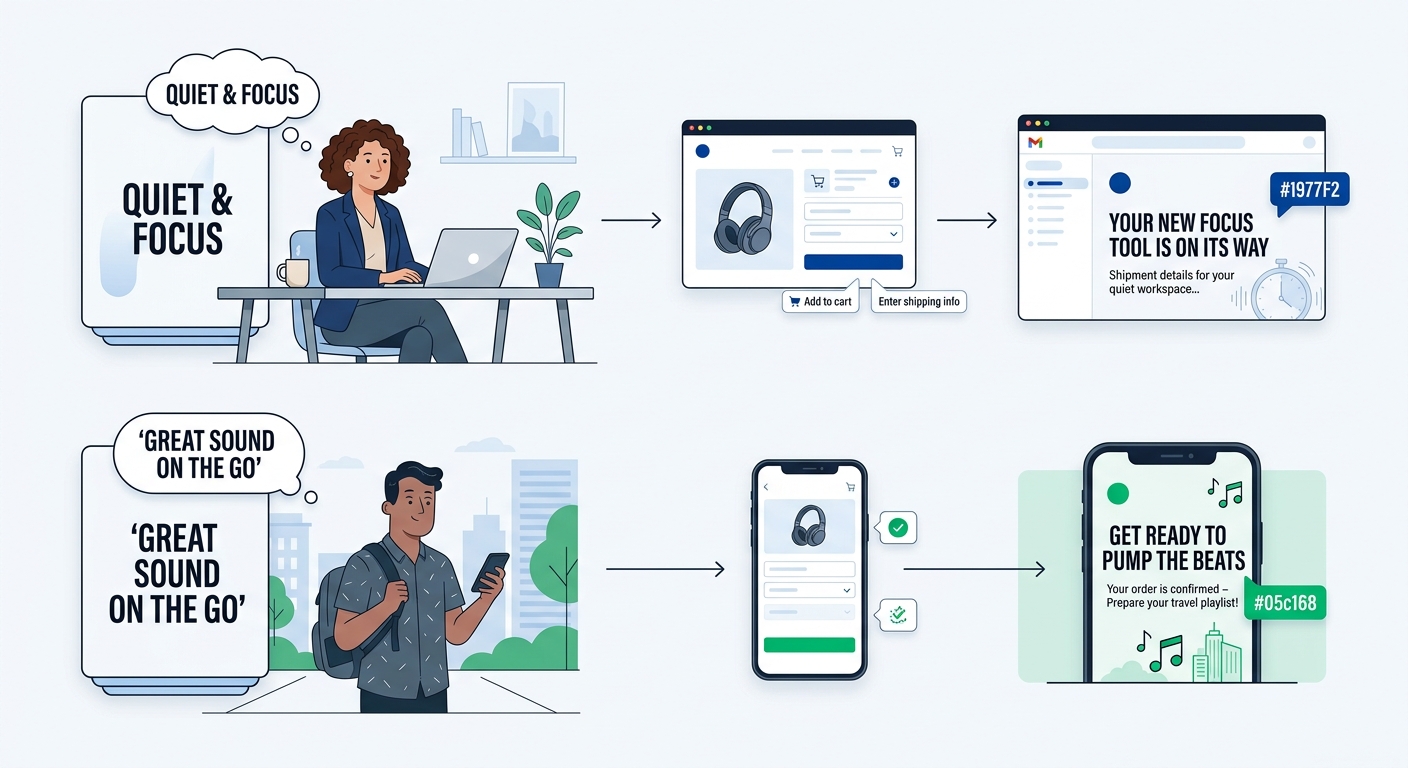
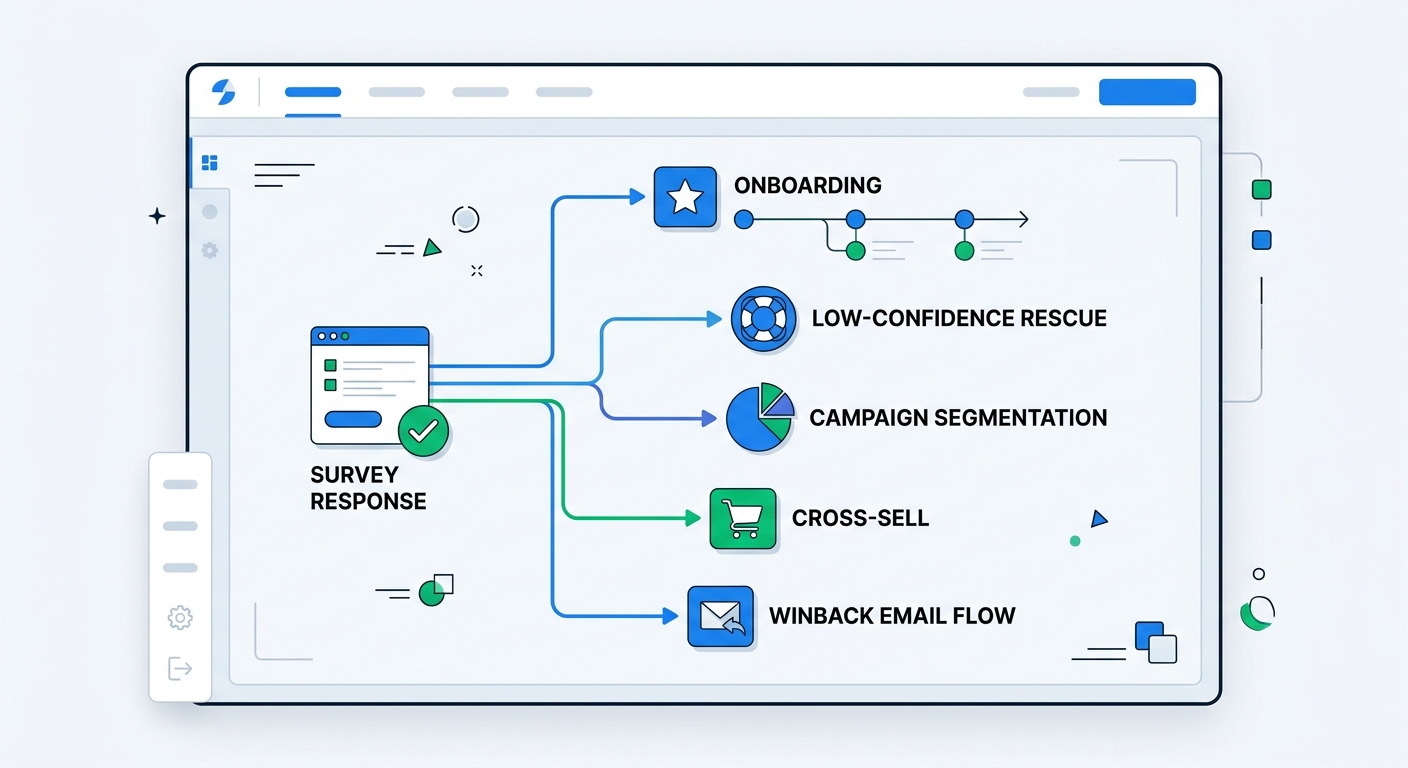
The five best ways to personalize Shopify email with survey data
Most stores do not need more campaigns. They need fewer generic ones.
These are the five places survey data usually makes the biggest difference.
1. Welcome and onboarding flows
This is the obvious one, and most brands still underuse it.
If your survey tells you the customer's goal, concern, or use case, your first few emails should reflect that.
Examples:
- a skincare buyer focused on sensitivity should get ingredient reassurance and patch-test guidance
- a supplement buyer focused on energy should get expectation-setting and routine tips
- a fashion buyer worried about fit should get sizing help and styling examples
- a gift buyer should get delivery timing and presentation ideas, not a replenishment pitch
That is actual personalization. Same product, different message.
If you are still sending a universal three-email welcome flow to everyone, the survey data is telling you to stop.
2. Low-confidence rescue flows
If a customer signals hesitation, do not wait for the return.
Trigger a short sequence designed to remove friction fast.
That might include:
- setup guidance
- FAQ answers tied to the objection they mentioned
- ingredients or compatibility reassurance
- usage examples
- a support CTA before frustration turns into churn
This works especially well when paired with the logic in How to Reduce Shopify Return Rates with Customer Feedback. A lot of returns are not product failures. They are expectation failures.
Survey answers let you catch those earlier.
3. Segmented campaign content by motivation
Campaigns do not need to go to one giant blob of subscribers.
If you know what different customers care about, you can segment your broadcasts around that motivation.
For example, one apparel brand could segment customers into:
- fit-focused
- style-focused
- value-focused
- occasion-based buyers
Same catalog. Four different angles.
That usually beats sending one campaign with generic copy and hoping everyone somehow sees themselves in it.
Survey-powered popup segmentation works well here too. If you collect pre-purchase intent through Shopify popup surveys, you can personalize campaigns before the first purchase instead of waiting until after.
4. Smarter cross-sell and replenishment flows
Most cross-sells are based on product adjacency.
Bought X, now recommend Y.
Fine. But often lazy.
Survey data lets you recommend based on the customer's goal instead.
If someone bought because they want easier meal prep, better sleep, less acne, or fewer returns from sizing mistakes, the next product should align to that outcome, not just your internal merchandising map.
That tends to produce emails that feel more relevant and less like a catalog dump.
5. Winback flows that reflect original purchase context
Most winback flows are blunt instruments.
Here is your discount. Please come back. We miss you. Same song, same dance.
Survey data gives you a better angle.
If the customer originally bought for a specific use case, from a specific channel, or with a specific concern, your winback can return to that context.
Examples:
- creator-acquired customers get social proof and fresh use cases
- price-sensitive customers get value framing or bundles
- quality-focused customers get new feature education and product detail
- gift buyers get seasonal reminders instead of generic replenishment pushes
You are not just asking them to return. You are reminding them why they cared in the first place.
What questions should you actually ask?
Keep it tight.
For most stores, one to three questions is enough. More than that and you start trading response quality for your own curiosity.
Here are the highest-leverage questions.
Best question for onboarding personalization
What will you use this product for first?
This is strong because it points directly at education, use case, and cross-sell logic.
Best question for rescue and support logic
What almost stopped you from buying?
This exposes risk before it becomes a support ticket.
Best question for segmenting message angle
What mattered most in your decision?
Typical themes include:
- price
- quality
- ingredients
- speed
- ease of use
- reviews or trust
Those themes map cleanly to campaign messaging.
Best question for attribution-aware personalization
How did you hear about us?
Use open text if possible. Then group responses with AI so you get channel-level clarity without forcing awkward multiple-choice buckets.
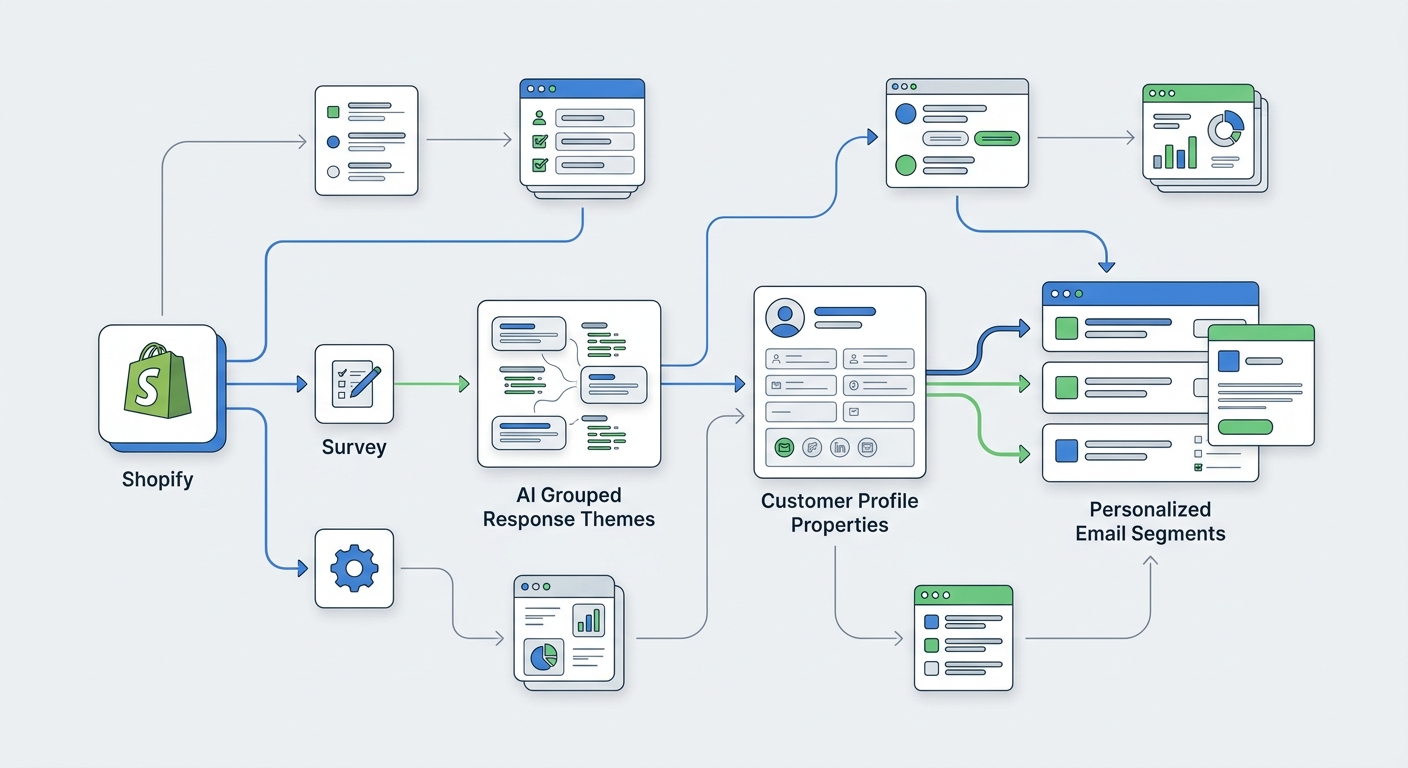
That is where UserLoop's AI grouping gets useful. Open-text answers stay natural for customers, but the output still becomes usable for segmentation and reporting.
How to pass survey data into your email stack
Here is the simple version.
- Customer answers a survey on popup, checkout, or post-purchase.
- Responses are attached to the customer or order.
- Key fields sync into your email platform as profile properties, events, or tags.
- Flows branch using those properties.
- Campaign segments update automatically as new responses come in.
The technical requirement is not complexity. It is consistency.
You need to decide:
- which responses become profile fields
- which responses stay as events
- which open-text answers should be grouped into normalized themes
- which fields are actually allowed to trigger automation
If you dump raw answers everywhere with no structure, your email team ends up staring at a junk drawer.
If you normalize the useful parts, you get personalization without chaos.
For merchants using conversational analysis, this gets even better when combined with Chat With Your Survey Data: How AI Is Replacing Spreadsheet Analysis. It is much easier to build good segments when you can actually inspect patterns in plain English instead of spelunking in CSV exports.
Pre-purchase versus post-purchase survey data
You do not have to pick one. They solve different problems.
Pre-purchase surveys
Best for:
- capturing shopper intent before conversion
- qualifying discount seekers
- routing people to the right products or collections
- personalizing email before the first order
This is where the survey-plus-offer format works so well. Survey-triggered discount codes create a much better exchange than the usual email-for-coupon popup.
Post-purchase surveys
Best for:
- understanding why the customer bought
- identifying hesitation and confidence level
- attributing the sale more accurately
- improving onboarding, retention, and winback
Together, they create a fuller picture.
Pre-purchase tells you what the shopper wanted. Post-purchase tells you what pushed them to act. Email personalization gets dramatically better when you have both.
Common mistakes that wreck survey-driven personalization
A lot of brands collect survey data and still get mediocre email results because they make one of these mistakes.
Mistake 1: collecting data you never use
If the answer does not change messaging, segment membership, or analysis, do not ask it.
Mistake 2: asking too many questions
This kills response rate and usually produces noisier data.
Mistake 3: over-segmenting too early
You do not need 40 microslices. Start with a few high-leverage categories like confidence, goal, concern, and channel.
Mistake 4: leaving open text unstructured
Open-text responses are powerful, but only if you can group them into usable themes.
Mistake 5: personalizing only the first email
The point is not one clever intro email. The point is improving the entire lifecycle path.
A practical setup for most Shopify brands
If you want a simple starting point, use this.
Survey setup
Ask two questions after purchase:
- What convinced you to buy today?
- What almost stopped you from buying?
Optionally add:
- How did you hear about us?
Email logic
Use the answers to drive:
- onboarding content by motivation
- support or education for hesitation themes
- campaign segments by purchase driver
- channel-based winback and retention messaging
Reporting layer
Review answers weekly to see:
- which objections show up most often
- which motivations correlate with higher AOV
- which channels produce better repeat customers
This is where revenue-aware survey analysis matters. If your tooling links responses to order value, you can learn not just what customers say, but which segments are actually worth more.
Why this matters now
Shopify merchants already have too much behavioral data.
The bottleneck is not event volume. It is meaning.
Survey data adds meaning.
It tells you what customers wanted, feared, noticed, and valued. That makes your email marketing less generic, your segments more useful, and your automation more profitable.
And honestly, this is the part most teams miss. Personalization is not about showing that you know a customer's name. It is about showing that you understand their situation.
Survey data is one of the fastest ways to get there.
If you want to build this into your store, use UserLoop's survey tools for Shopify to collect popup, post-purchase, NPS, link, app block, and video feedback in one place, then feed those answers into better lifecycle marketing.
Or, if you want to see the Shopify app first, start here: UserLoop on the Shopify App Store.


The agentic growth toolkit for Shopify
Ask your customers anything
UserLoop talks to your customers at scale with surveys and contests that feed one AI-queryable dataset. AI does the setup and the analysis.
- SurveysFind out why customers buy: checkout, email, link & QR.
- ContestsGiveaways that grow your list and social following.
Free plans on both apps · live in minutes