App Block Surveys vs Popup Surveys: When to Use Each on Shopify
Shopify merchants usually ask the wrong first question about onsite surveys.
They ask, "Should this be a popup?"
The better question is, "Where does the customer have enough context to answer, and what do I want to do with the answer immediately after?"
That one change makes the decision much easier.
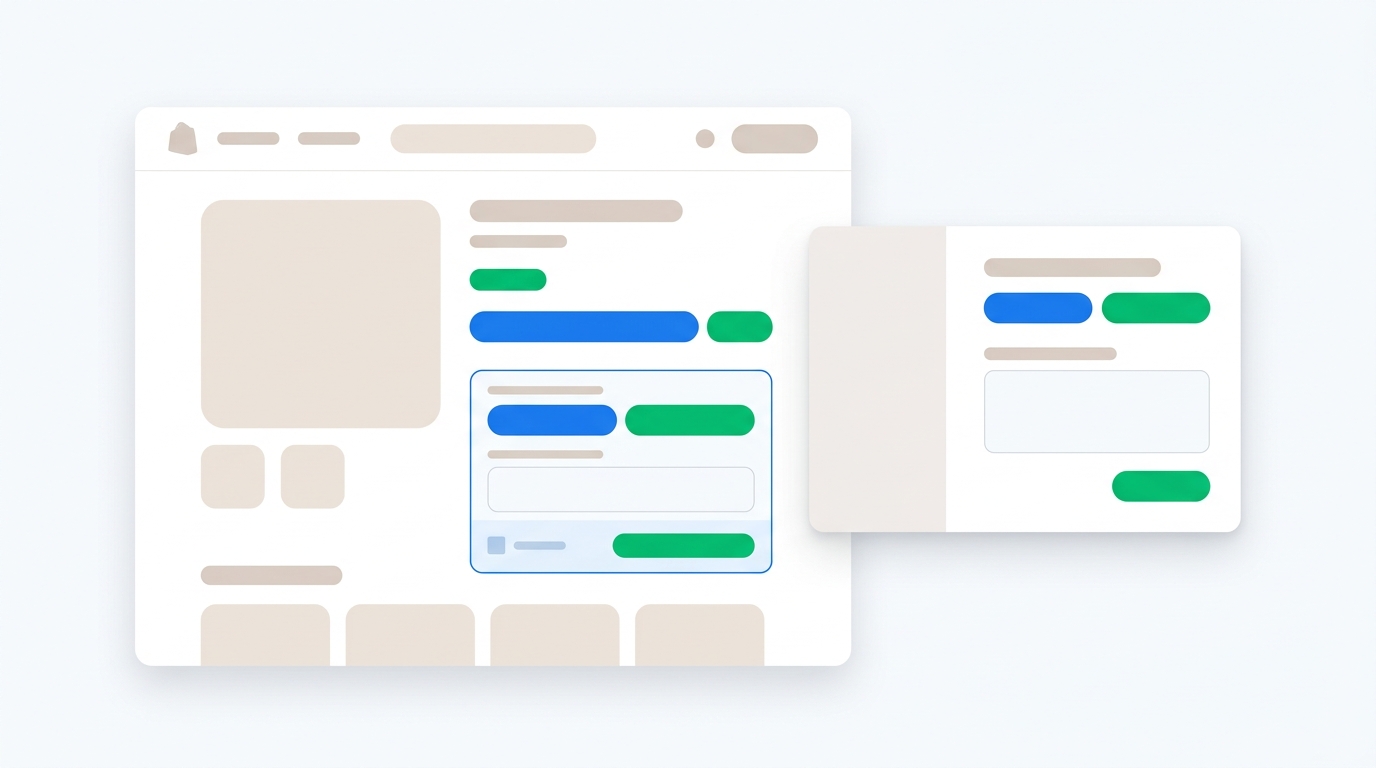
An app block survey sits inside the page. It is part of the product page, landing page, account page, blog article, cart, or order status page. It feels calm and permanent. The shopper sees it because it belongs in that part of the experience.
A popup survey interrupts the current page. That sounds bad until you use it properly. Popups are useful when timing matters: exit intent, cart hesitation, first visit segmentation, post-click landing pages, discount rewards, and short qualification moments.
Neither format is "better." The wrong format is the one that asks at the wrong moment.
What is an app block survey?
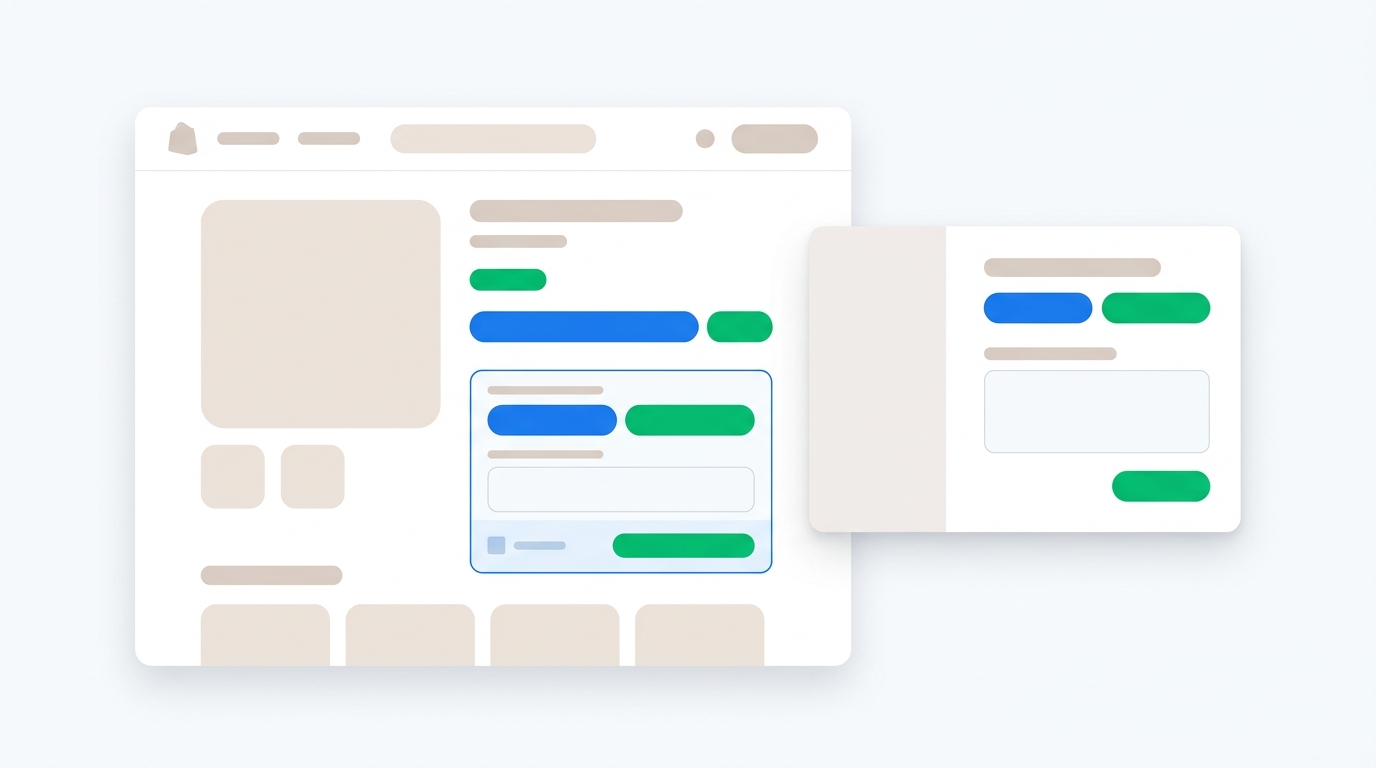
An app block survey is an embedded survey placed on a Shopify theme page using Shopify's theme editor. Instead of appearing over the page, it lives inside a section of the page.
For example, you might add an app block survey:
- Below a product description
- Under a size guide
- On a landing page after the main offer
- In a cart drawer or cart page
- On an order status page
- Inside a customer account page
- On a blog post or education page
The big advantage is context. The survey appears exactly where the shopper is already thinking about the thing you want to ask.
If someone is reading a product page, you can ask what information is missing. If they are looking at a sizing section, you can ask whether the size guidance answered their question. If they just purchased, you can ask how they heard about you or what almost stopped them from buying.
App blocks are best when the survey should feel like part of the page rather than a triggered interaction.
What is a popup survey?
A popup survey appears over the current page based on a trigger. That trigger might be time on page, scroll depth, exit intent, cart value, URL, product category, campaign source, or visitor behavior.
Popup surveys are useful because they can react to intent.
Examples:
- Show an exit-intent survey when a visitor moves to leave
- Ask a cart abandonment question when someone has items in cart but hesitates
- Offer a discount code after a visitor answers one question
- Segment first-time visitors before sending them to a collection
- Ask what brought a shopper to the store after they land from a paid ad
- Capture product concerns after repeated product page views
A popup is not just a modal with a form. Used well, it is a decision point. The answer can change what happens next.
That is why survey popups often beat basic email popups. A normal email popup asks for contact details and gives a discount. A survey popup asks a useful question first, then gives the discount, routes the shopper, or segments them for a follow-up flow. We covered that idea in more depth in Popup Surveys vs. Email Popups.
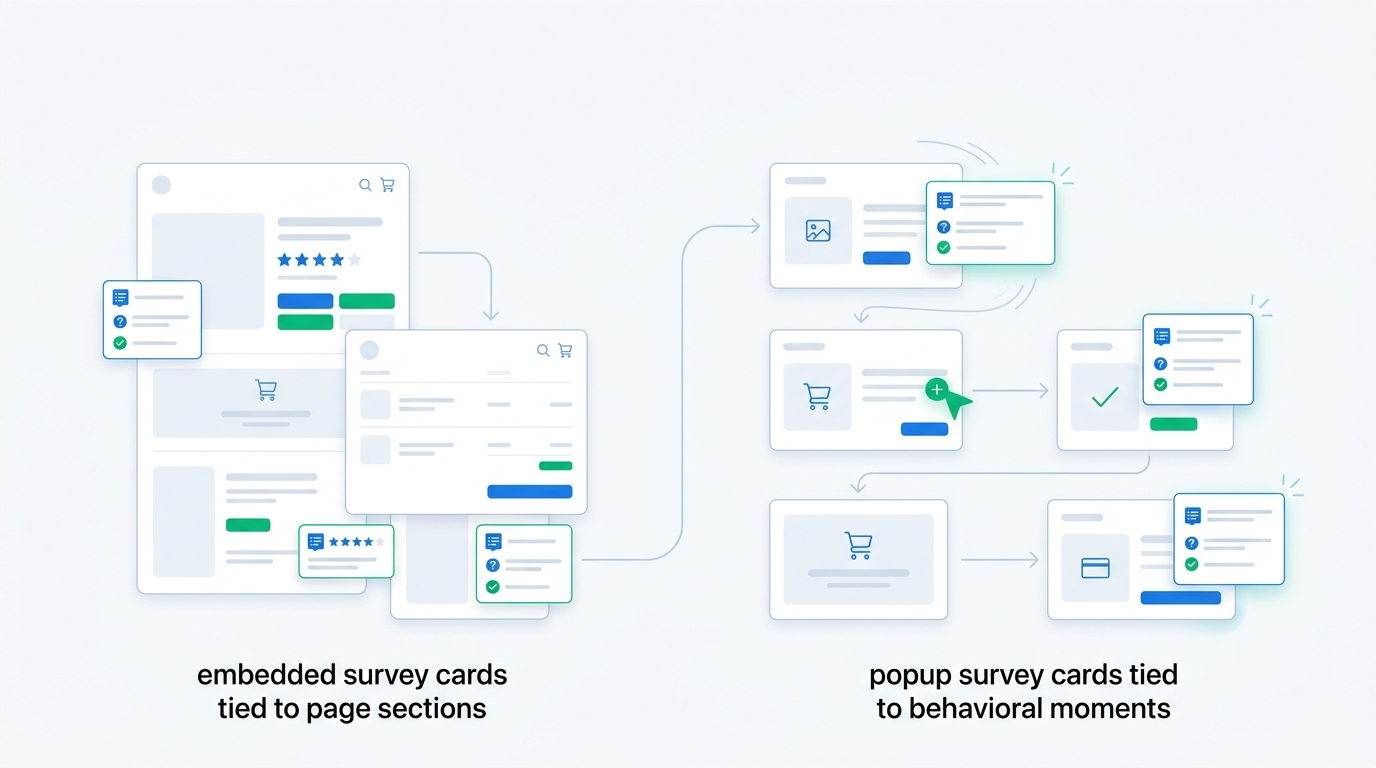
The simple rule: app blocks are for context, popups are for timing
Use app block surveys when the page itself gives the customer enough context to answer.
Use popup surveys when the behavior gives you the context.
That is the cleanest distinction.
A product page app block can ask, "What information would help you decide?" because the shopper is already reading the product page. The page provides the context.
An exit popup can ask, "What stopped you from buying today?" because the shopper's behavior provides the context. They are about to leave. That timing matters more than the exact section of the page.
When to use app block surveys
App block surveys work best when you want persistent, page-specific feedback without interrupting the shopper.
Use app blocks on product pages to find missing information
Product pages carry more conversion weight than most merchants admit. If the page fails to answer a question, the shopper does not always contact support. They leave, compare, or buy the wrong thing.
A small embedded question near the product details can uncover the gap:
- "What information is missing from this product page?"
- "What is your biggest question before ordering?"
- "Is anything unclear about sizing, ingredients, materials, or compatibility?"
- "What would make this product easier to choose?"
This is a better use case for an app block than a popup because the question belongs next to the product content. You do not need to interrupt the shopper. You need to collect page-specific friction.
Over time, the answers tell you which pages need better photos, comparison tables, size guidance, ingredient explanations, use case examples, shipping clarity, or return policy placement.
If you use UserLoop, those responses can be reviewed by page, product, and revenue context instead of sitting in a generic feedback inbox. That matters because one product page might attract lots of complaints but little revenue impact, while another might have fewer comments attached to high-value orders.
Use app blocks on landing pages to measure message clarity
Landing pages are full of confident copy. The problem is that visitors do not read them the way marketers write them.
An app block survey can sit after the hero section, after a comparison section, or near the CTA and ask:
- "What is still unclear?"
- "What nearly stopped you from continuing?"
- "Which benefit matters most to you?"
- "What are you comparing this against?"
This works especially well for paid traffic. Instead of judging a landing page only by conversion rate, you can collect qualitative reasons for hesitation. If a Meta campaign sends traffic to a landing page and shoppers keep saying the same objection, that is not just feedback. It is ad spend leakage.
For broader landing page research, UserLoop's landing page surveys are built for this exact job: short questions placed where the visitor has enough context to answer.
Use app blocks after purchase for attribution and buyer research
The order confirmation page is one of the best places to ask a short survey question. The customer has bought. The experience is fresh. You can collect attribution, purchase motivation, objections, gifting intent, or product discovery data without disrupting checkout.
This is where app block style placement shines. The survey belongs on the post-purchase page, not as a random interruption.
Good questions include:
- "How did you first hear about us?"
- "What almost stopped you from buying today?"
- "Who are you buying this for?"
- "What made you choose us over other options?"
- "What product should we make next?"
If attribution is the goal, keep the question open enough to capture real answers. Customers do not think in your channel taxonomy. They say "TikTok," "my sister," "that podcast," "Google," "I saw the founder on YouTube," or "I have followed you for months."
UserLoop's AI channel grouping turns those raw answers into clean buckets so you are not manually cleaning spreadsheets every week. It is the difference between collecting self-reported attribution and actually using it. For setup details, read the How Did You Hear About Us survey guide or the post-purchase surveys page.
When to use popup surveys
Popup surveys work best when the survey needs a trigger, an incentive, or an immediate next step.
Use popups for exit intent and cart hesitation
If a shopper is about to leave, an embedded survey halfway down the page will not help. The moment has passed.
An exit-intent popup can ask one direct question:
"What stopped you from checking out today?"
Answer options might include:
- Shipping cost or delivery timing
- Price
- Not sure about size or fit
- Need more product information
- Comparing with another brand
- Payment issue
- Just browsing
- Other
This is where timing beats elegance. You are not trying to create a serene research experience. You are trying to catch the reason for hesitation while the shopper is still reachable.
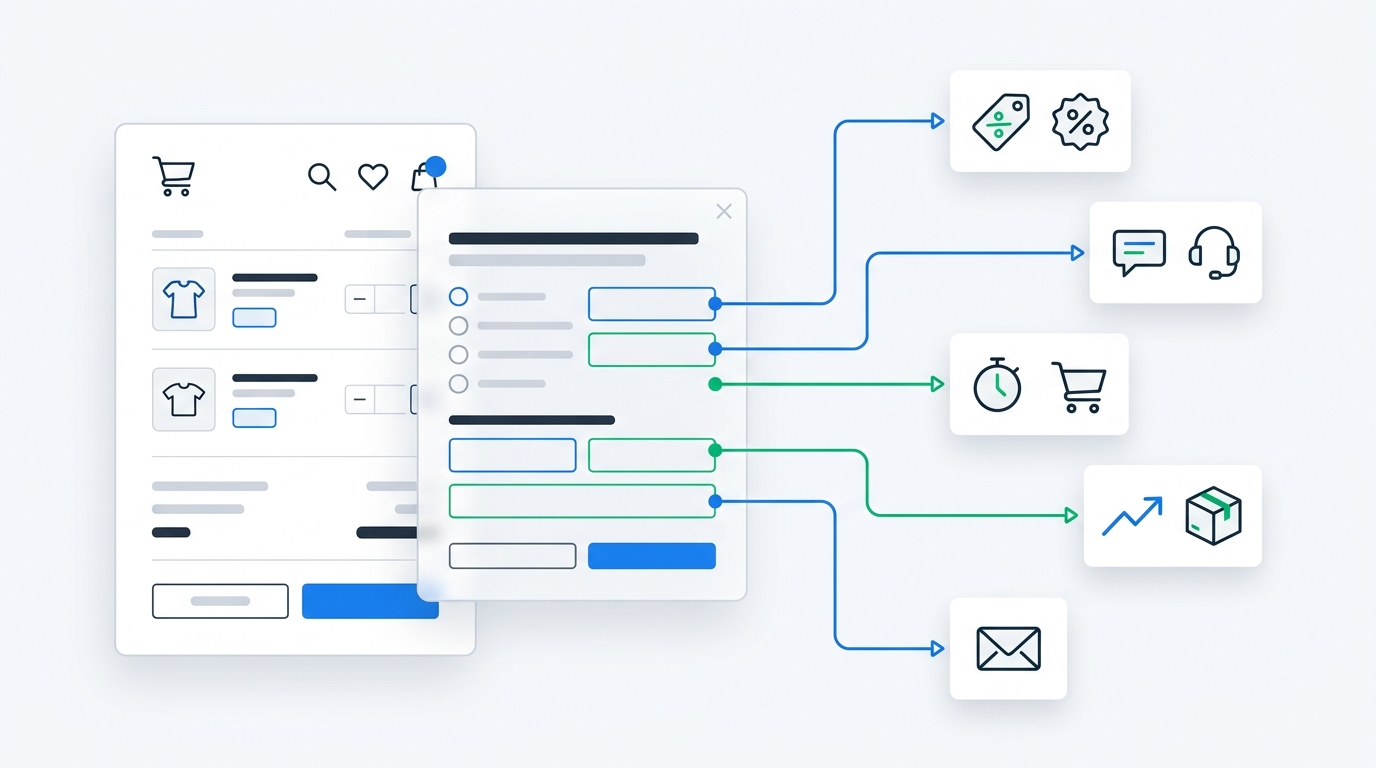
The answer can then trigger a better next step. A shipping concern can show delivery clarity. A size concern can link to a fit guide. A price concern can offer a discount if that makes sense for your margin. A trust concern can surface returns, reviews, or guarantees.
We wrote a full breakdown of this tactic in How to Turn Cart Abandoners Into Customers With One-Question Surveys.
Use popups when a discount is the reward
A discount popup that only asks for an email is a blunt instrument. It gives away margin before learning anything.
A survey-for-discount popup works harder:
- Ask one useful question
- Let the visitor answer with one tap or a short text response
- Generate a discount code after completion
- Save the answer to the customer profile or survey dashboard
- Use the answer for segmentation, merchandising, email flows, or ad analysis
That first question can be simple:
- "What are you shopping for today?"
- "Who are you buying for?"
- "What matters most: price, ingredients, fit, durability, or delivery speed?"
- "What made you hesitate?"
The shopper still gets the incentive. The merchant gets context.
UserLoop supports popup surveys with discount code automation, so merchants can reward survey completion without manually creating codes or duct-taping a separate popup app to a survey tool. If that is the main use case, start with ecommerce surveys or the Shopify App Store listing for UserLoop Reviews & Feedback.
Use popups for first-visit segmentation
Sometimes you need to know who the visitor is before you can show the right path.
A skincare store might ask, "What skin concern are you shopping for?"
A pet brand might ask, "Who are you shopping for?"
A supplement store might ask, "What goal brought you here?"
A furniture store might ask, "Which room are you working on?"
That answer can route the visitor to a relevant collection, personalize follow-up emails, or explain which product line fits their needs.
This is a popup job when the answer should affect the session immediately. If you bury that question lower on the homepage as an app block, many visitors will never see it before they choose a path.
Where app block surveys beat popup surveys
App block surveys are better when interruption would reduce trust or distort the answer.
Product feedback is a good example. If someone is calmly reading about materials and you suddenly ask a question in a modal, you may annoy them. An embedded survey below the material section feels more natural.
App blocks also work better for questions that need page context:
- "Was this sizing information helpful?"
- "What is missing from this product description?"
- "Did this comparison answer your question?"
- "What topic should this guide cover next?"
They are also easier to keep always-on. A popup usually needs frequency caps, triggers, and suppression rules. An app block can quietly collect feedback for weeks.
That makes app blocks strong for continuous product page research, content feedback, post-purchase questions, and customer account surveys.
Where popup surveys beat app block surveys
Popup surveys are better when the question depends on behavior.
If someone has spent 90 seconds on a product page, viewed the size guide twice, and moved toward the back button, that behavior tells you something. A popup can respond to it.
Popup surveys also win when the survey has an incentive. A discount reward needs visibility. If the reward is buried in an embedded block, fewer shoppers will notice it.
Use popups for:
- Exit-intent surveys
- Cart abandonment surveys
- Survey-triggered discount codes
- First-visit segmentation
- Campaign-specific landing page questions
- Urgent objection capture
- Mobile-friendly one-question prompts
The tradeoff is that popups need discipline. Bad popup surveys ask too much, appear too soon, and cover important page content. Good popup surveys ask one useful question at the right moment and then get out of the way.
The decision framework
Use this framework before choosing the placement.
1. Does the customer need page context or behavior context?
If the question is about a specific page section, use an app block.
If the question is about what the visitor is doing, use a popup.
"What information is missing from this product page?" belongs in the page.
"What stopped you from checking out?" belongs at the moment of hesitation.
2. Should the answer change the current session?
If yes, use a popup or another triggered format.
A shopper who says they need help choosing a size should get help now, not three days later in a report. A shopper who says price is the blocker might receive a discount or financing message. A shopper who says they are buying a gift might be routed to giftable bundles.
If the answer is mainly for research, an app block may be enough.
3. Is there an incentive?
Discount rewards need attention. Popups are usually better.
If you are asking a low-stakes feedback question with no reward, app blocks are often cleaner.
4. How much friction can this moment tolerate?
Do not interrupt high-intent actions unless the interruption helps the shopper complete the action.
A popup that appears while someone is selecting a variant is usually a bad idea. A popup that appears when they are leaving with items in cart is much easier to justify.
5. Will you review the answers by revenue impact?
This is the part merchants skip.
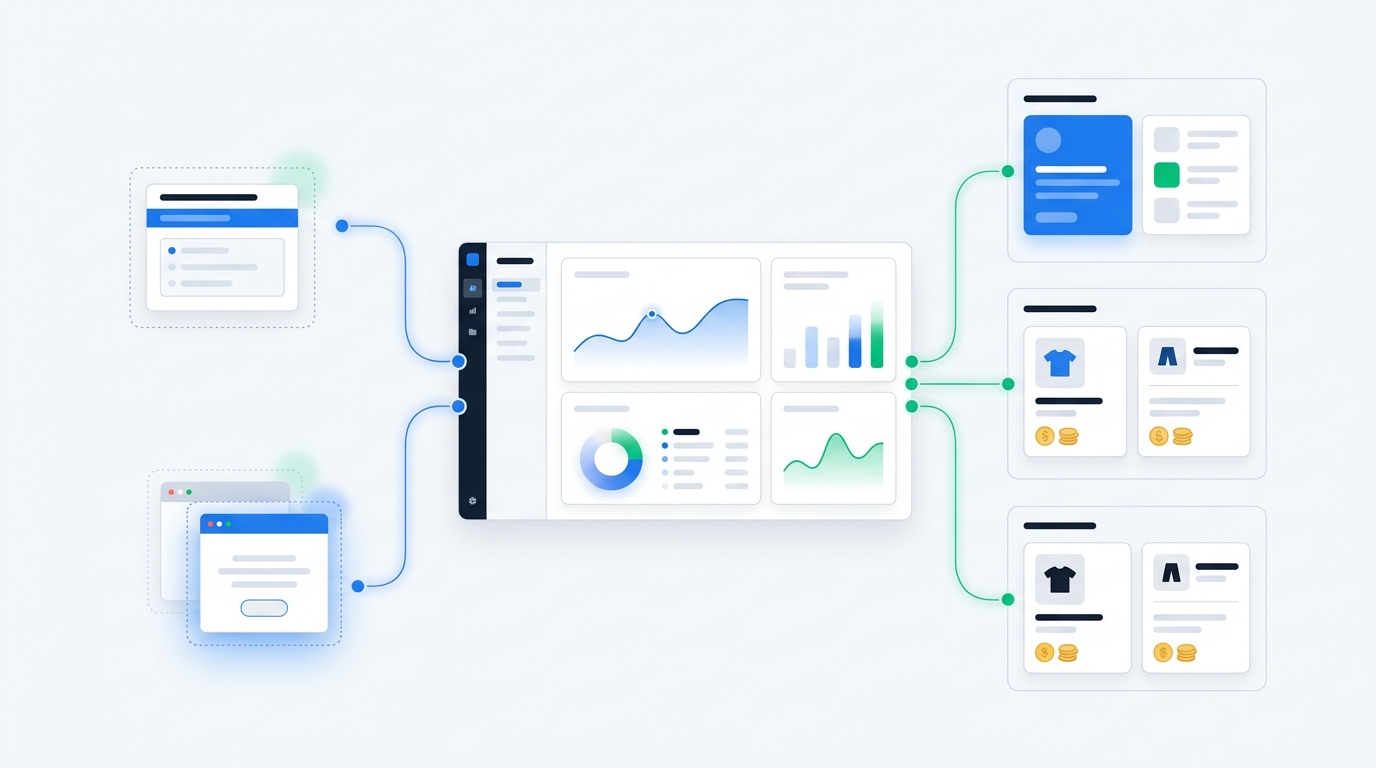
A survey placement is only useful if the answers change decisions. Connect responses to order value, product, campaign, and customer data where possible. UserLoop's revenue-aware analytics are built for that. You can see what buyers said, not just what anonymous respondents said.
Recommended setup for most Shopify stores
Most Shopify stores should use both formats. Start with three placements:
- An order confirmation app block survey for attribution
- A product page app block survey for missing information
- An exit-intent or cart popup survey for hesitation
For the order confirmation survey, ask "How did you first hear about us?" and group the answers into channels. This catches discovery sources that UTMs and pixels miss: podcasts, word of mouth, organic social, creators, PR, and dark social.
For the product page survey, ask "What information would help you decide?" Place it near product details, sizing, ingredients, specs, or comparisons. Review answers weekly and turn repeated objections into better page content.
For the exit-intent or cart popup, ask "What is stopping you from checking out today?" Use answer options so you can respond immediately with shipping clarity, sizing help, reassurance, or a discount when the margin supports it.
Common mistakes
Asking too many questions
One good question beats a seven-question survey almost every time onsite. Long surveys belong in email, customer research panels, or dedicated feedback flows. Onsite surveys need restraint.
Using popups for every question
Popups are powerful, which is exactly why merchants overuse them. If the question can sit naturally on the page, embed it. Save popups for moments where timing changes the outcome.
Hiding important incentives inside app blocks
If the offer matters, make it visible. A survey-for-discount campaign usually needs a popup, slideout, or other triggered display.
Treating survey answers like a separate dataset
Survey data gets more useful when it connects to products, orders, customer segments, and revenue. Otherwise you end up with a list of comments and no clear priority.
Forgetting mobile
Mobile shoppers have less patience for awkward overlays and tiny answer options. Use large tap targets, short copy, and strict frequency caps. Embedded app blocks also need to be placed where they do not push the buy button too far down the page.
How UserLoop handles both formats
UserLoop gives Shopify merchants multiple survey types in one platform, including popup surveys, post-purchase surveys, email surveys, link surveys, NPS, video testimonial collection, and embedded placements.
That matters because survey strategy should not be dictated by the limitations of one widget.
You can use an app block on the order confirmation page for attribution, a popup survey with discount code automation for conversion, an email survey for post-delivery feedback, and AI analysis to group themes and channels after responses come in.
For merchants who want a broad survey setup without stitching together separate tools, start with the UserLoop product overview. If you are ready to install it on Shopify, the app is available on the Shopify App Store.
The bottom line
App block surveys are best when the page gives the customer the context to answer. Popup surveys are best when the customer's behavior creates the moment.
Use app blocks for calm, page-specific feedback: product page gaps, landing page clarity, post-purchase attribution, account surveys, and always-on research.
Use popup surveys for triggered moments: exit intent, cart abandonment, survey-for-discount campaigns, first-visit segmentation, and urgent objections.
The win is not picking one format forever. The win is matching the question to the moment, then using the answer to improve the store.
If the survey does not change a decision, it is probably noise. If it helps you fix a product page, recover a hesitant shopper, clean up attribution, or stop wasting ad spend, it belongs in the funnel.


The agentic growth toolkit for Shopify
Ask your customers anything
UserLoop talks to your customers at scale with surveys and contests that feed one AI-queryable dataset. AI does the setup and the analysis.
- SurveysFind out why customers buy: checkout, email, link & QR.
- ContestsGiveaways that grow your list and social following.
Free plans on both apps · live in minutes