Pre-Purchase Surveys: Qualify Buyers and Reduce Returns Before They Buy
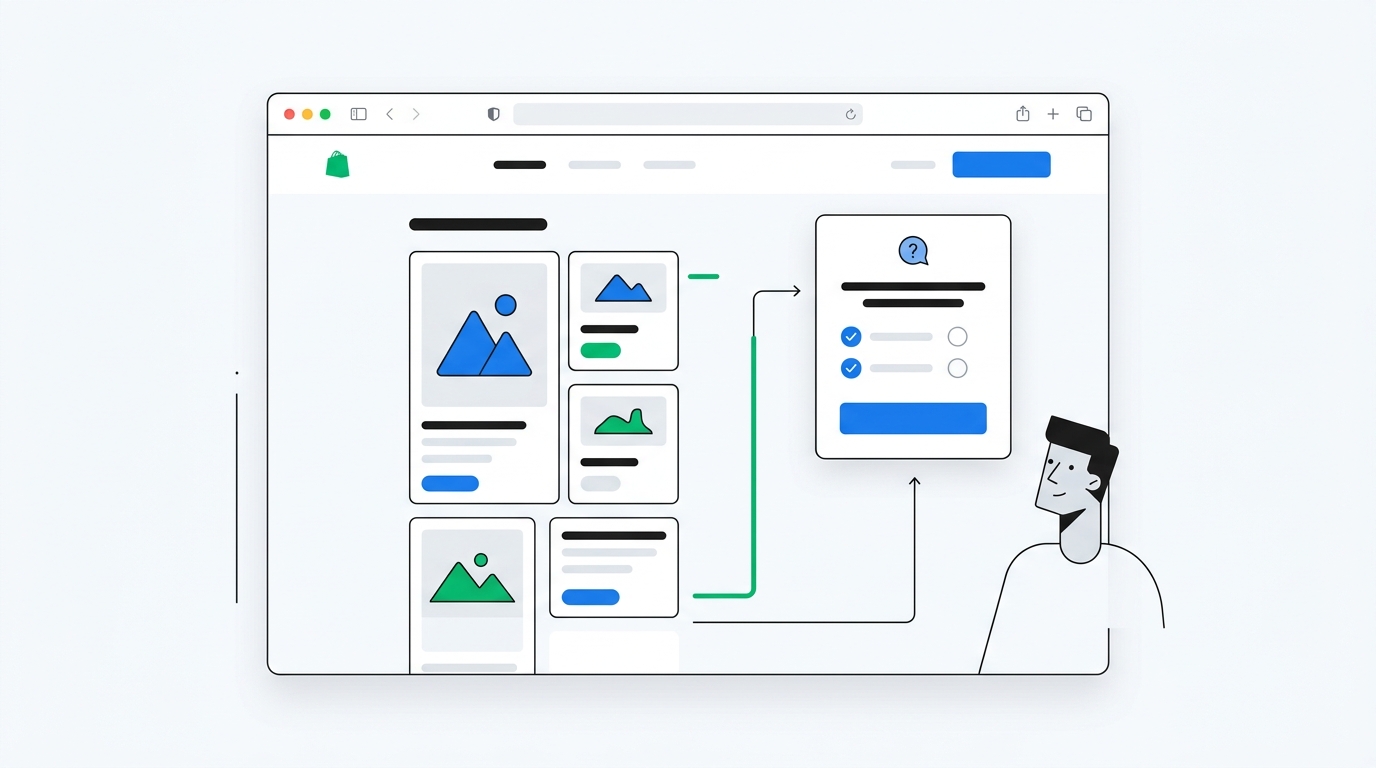
Shopify return problems start before the order is placed.
A customer buys the wrong size because the product page was unclear. They choose the wrong bundle because they did not understand the difference between options. They expect one outcome, receive another, and send it back. Your return report calls it "wrong item" or "did not meet expectations," but the real problem happened earlier: the store failed to qualify the buyer.
Pre-purchase surveys fix that gap.
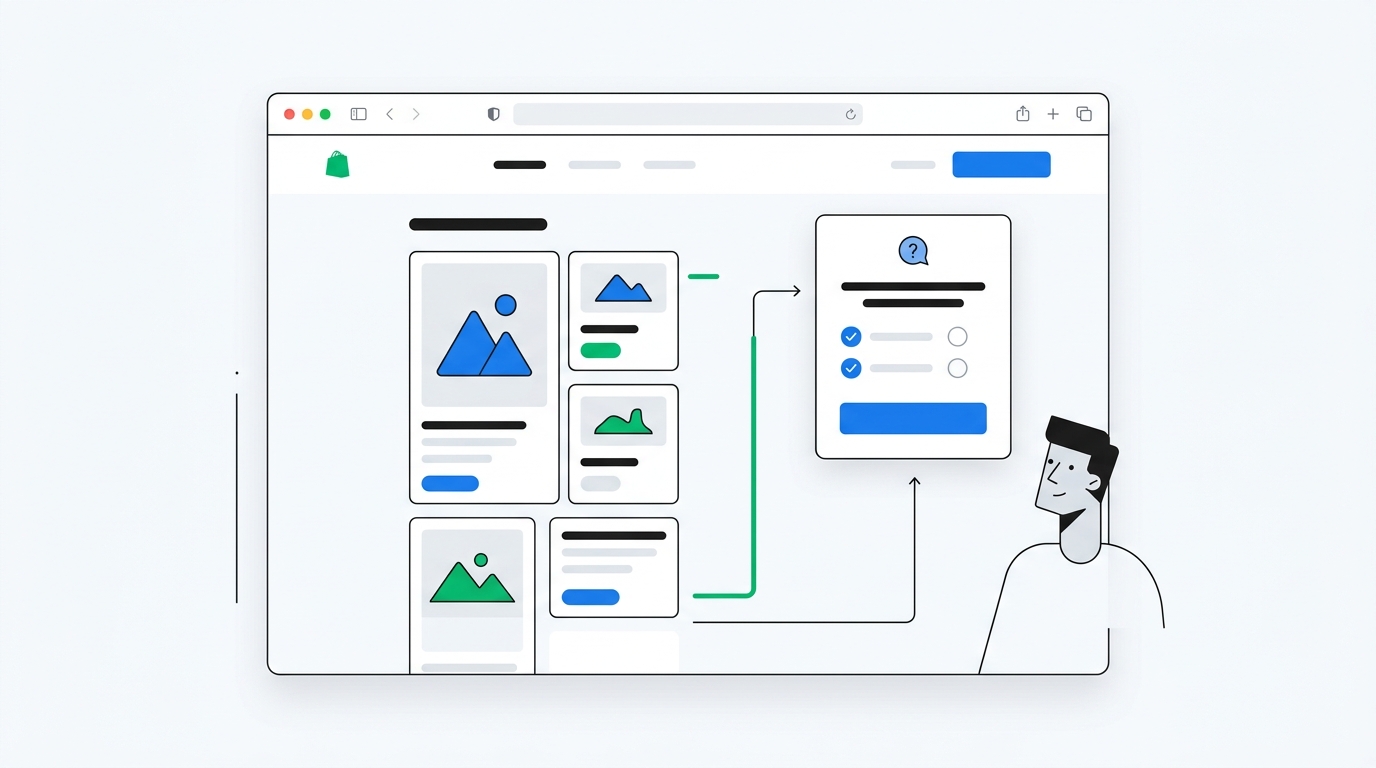
A pre-purchase survey asks a short question while the visitor is still shopping. It can learn what they are looking for, what they are unsure about, what use case they have, or what might stop them from buying. Done well, it does not feel like market research. It feels like helpful guidance.
For Shopify merchants, this is the difference between collecting feedback after a return and preventing the return in the first place.
What is a pre-purchase survey?
A pre-purchase survey is a short survey shown before checkout, usually on a homepage, product page, collection page, cart page, landing page, or exit-intent popup.
The goal is not to ask everything you want to know about the customer. The goal is to ask one useful question at the moment when the answer can improve the shopping experience.
Examples:
- "What are you shopping for today?"
- "Who are you buying this for?"
- "What is your biggest concern before ordering?"
- "Which result are you hoping to get?"
- "What almost stopped you from buying today?"
- "How did you hear about us?"
- "What size, style, or use case best fits you?"
That answer can then inform merchandising, product recommendations, email segmentation, discount logic, landing page copy, and return prevention.
A post-purchase survey tells you what happened after the customer bought. A pre-purchase survey tells you what the customer needs before they buy. You want both, but they solve different problems.
Why pre-purchase surveys matter for Shopify stores
Pre-purchase surveys are useful because most visitors never become customers.
If you only survey buyers, you only hear from the small group that made it through your funnel. That is valuable, but incomplete. You miss the visitors who were confused, hesitant, price-sensitive, comparing alternatives, worried about fit, or unsure which product to choose.
Those visitors are where a lot of conversion and return prevention work lives.
They catch hesitation while it can still be fixed
A return reason collected after delivery is useful, but late. If a customer says "the size was wrong" two weeks after purchase, you can improve your size guide for future buyers, but that order is already a cost.
A pre-purchase survey catches the uncertainty before the order:
- "I am not sure which size to choose"
- "I do not know if this works for sensitive skin"
- "I need this by Friday"
- "I am comparing this to Brand X"
- "I do not know which bundle is best"
Those answers can trigger better guidance. A size concern can lead to a sizing page or fit quiz. A shipping concern can surface delivery estimates. A comparison concern can point to a comparison section. A bundle concern can route the customer to the right product.
This is not just feedback collection. It is conversion assistance.
They collect zero-party data without guessing
Most ecommerce personalization is inferred. A visitor viewed three product pages, so the store guesses they care about that category. A customer clicked an ad, so the store assumes the campaign was the reason they came. A shopper abandoned cart, so the store assumes price was the blocker.
Sometimes those guesses are right. Often they are lazy.
Pre-purchase surveys collect zero-party data, meaning information the customer intentionally gives you. If a visitor says they are shopping for a gift, that is better than inferring intent from browsing behavior. If they say they care most about ingredients, durability, fit, shipping speed, or price, you can use that answer directly.
They improve returns by improving expectations
Returns often happen when expectation and reality do not match.
Pre-purchase surveys help spot expectation gaps:
- The customer thinks the product solves a use case it does not solve
- The customer expects a size, material, or result that is not accurate
- The customer is buying for someone else and needs clearer guidance
- The customer picks a product based on price instead of fit
- The customer misses shipping, subscription, compatibility, or care details
When you know what the visitor is unsure about, you can fix the page experience around that uncertainty.
That might mean rewriting product copy. It might mean adding a comparison table. It might mean changing the default product recommendation. It might mean collecting more video testimonials from customers with the same use case so shoppers can see realistic outcomes before buying.
The best pre-purchase survey placements
Placement matters more than clever wording. A good question in the wrong place becomes noise. A simple question in the right place becomes useful.
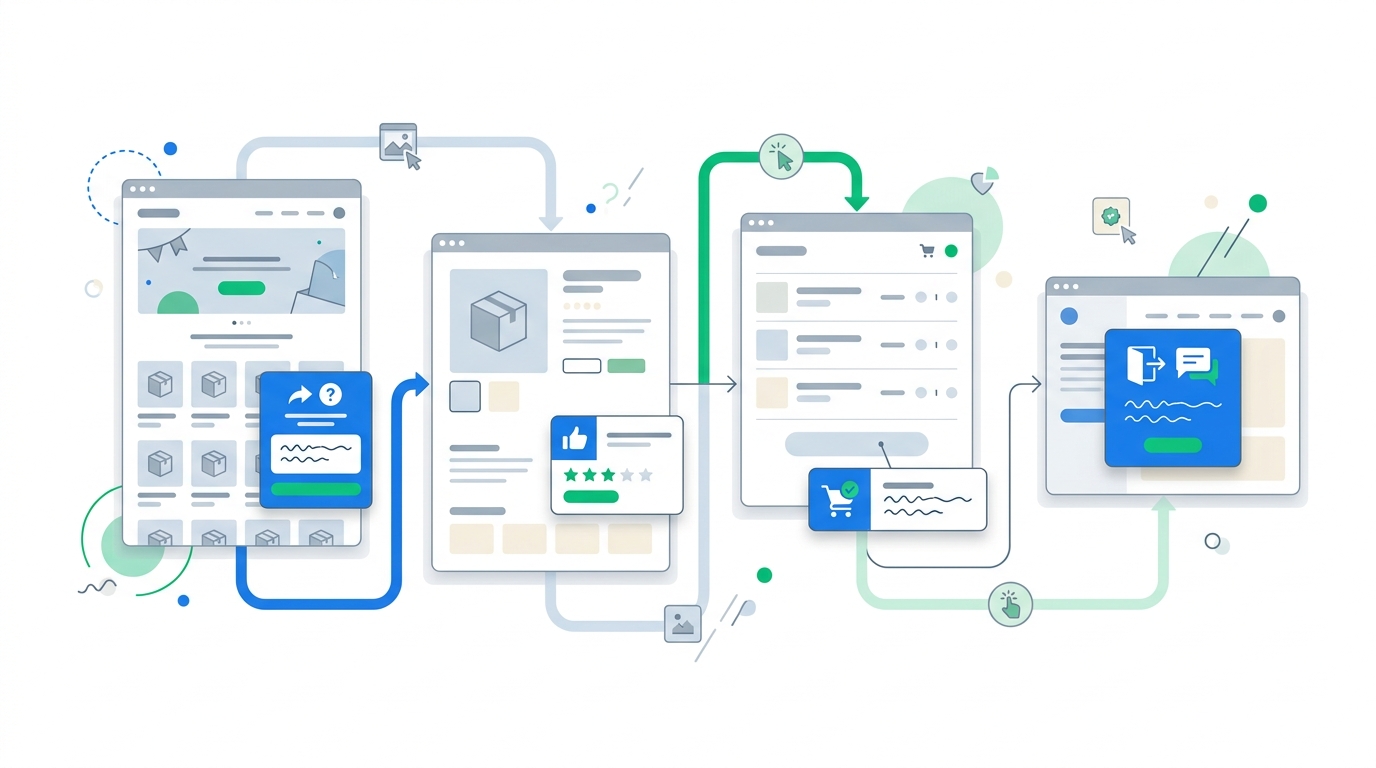
Homepage surveys
The homepage is best for broad intent questions.
Use it when you want to understand why visitors came to the store or what they are trying to find.
Good homepage questions:
- "What are you shopping for today?"
- "How did you hear about us?"
- "Which product category are you most interested in?"
- "Are you shopping for yourself or someone else?"
Homepage answers are especially useful for merchandising. If many visitors say they are looking for a product category that is buried in navigation, your homepage is failing. If a large share says they came from TikTok, a podcast, or word of mouth, your attribution model is probably missing demand creation.
For attribution specifically, pair pre-purchase answers with the post-purchase version of "How did you hear about us?". Pre-purchase surveys capture visitors. Post-purchase surveys capture buyers. The gap between the two tells you which channels attract attention and which channels actually convert.
Product page surveys
Product pages are best for purchase decision questions.
This is where the visitor is evaluating fit. They are comparing price, reviews, photos, variants, size, material, ingredients, shipping, and trust signals.
Good product page questions:
- "What is your biggest question about this product?"
- "What matters most when choosing this product?"
- "Which option are you unsure about?"
- "What result are you hoping for?"
- "Who will use this product?"
Product page surveys should be targeted. Do not ask a generic brand question when the visitor is clearly evaluating a specific item. Ask something that helps you understand the decision in front of them.
For example, a skincare brand might ask, "What skin concern are you shopping for?" A luggage brand might ask, "What kind of trip are you buying for?" A pet brand might ask, "What size is your dog?" A supplements brand might ask, "What goal matters most right now?"
Those answers can guide recommendations and reduce mismatched orders.
Cart surveys
Cart surveys are best for final objections.
At this stage, the customer has shown intent. They added something to cart. If they hesitate, the blocker is usually specific.
Good cart questions:
- "Is anything stopping you from checking out today?"
- "Do you have any questions before ordering?"
- "What would make this decision easier?"
- "Are you confident this is the right product for you?"
Use cart surveys carefully. The cart is not the place for a long questionnaire. It is the place for one friction-finding question, especially if the visitor shows exit intent or has been inactive.
If a meaningful percentage of cart survey answers mention shipping cost, delivery timing, returns, sizing, or discount confusion, you have a conversion problem worth fixing.
Exit-intent surveys
Exit-intent surveys are best for learning why visitors leave.
A visitor moving to close the tab or leave the site is already on the way out. That makes it a good moment to ask a direct question:
"What stopped you from buying today?"
This is one of the highest ROI pre-purchase questions because the answers are brutally practical. Shipping too expensive. Need more reviews. Not sure about sizing. Could not find the right color. Price too high. Need to ask partner. Still comparing options.
We covered this tactic in more detail in Exit Intent Popup Surveys for Shopify. The short version: do not waste exit intent on another generic email popup. Ask why the visitor is leaving.
The questions that reduce returns
Not every pre-purchase survey question helps with returns. Some questions are better for attribution or conversion research. If your goal is fewer returns, focus on questions that reveal fit, use case, expectations, and confidence.
Ask about use case
Use case is often the missing variable behind returns.
A product can be excellent for one use case and wrong for another. If customers buy it for the wrong job, your return rate climbs even if the product itself is good.
Examples:
- Apparel: "What fit are you looking for?"
- Skincare: "What skin concern are you trying to solve?"
- Home goods: "Where will you use this?"
- Pet products: "What size or breed is your pet?"
- Supplements: "What goal matters most to you?"
- Travel gear: "What type of trip are you packing for?"
The answer helps you recommend the right product and rewrite copy around real buying jobs.
Ask about uncertainty
Uncertainty is a return warning signal.
A visitor who says they are unsure about size, material, compatibility, taste, delivery timing, or whether the product will work for them is telling you where the product page is weak.
Use a question like:
"What are you unsure about before ordering?"
Then offer options such as:
- Size or fit
- Materials or ingredients
- Shipping or delivery time
- Returns or exchanges
- Which product to choose
- Whether it will work for my needs
Open text is useful as a follow-up, but multiple choice is often better for the first tap because it is faster on mobile.
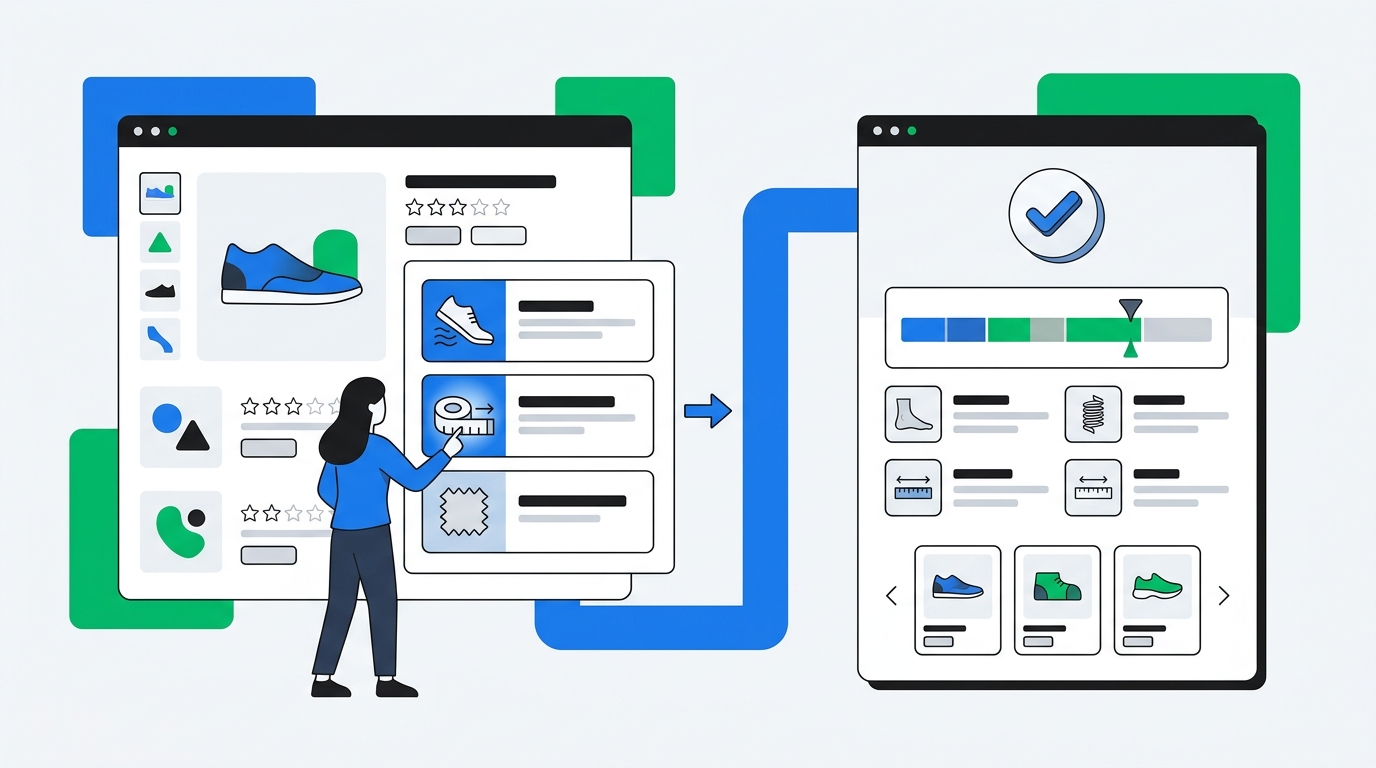
Ask who the purchase is for
Gift purchases have different return dynamics.
A shopper buying for themselves knows their own preferences. A shopper buying for a partner, child, friend, parent, or pet may need more guidance. They may choose the wrong size, style, scent, shade, bundle, or product tier.
Ask:
"Who are you shopping for?"
Then use the answer to adapt follow-up messaging. Gift buyers might need delivery deadlines, exchange policy reassurance, gift notes, gift cards, or best-seller recommendations. Self-purchasers might need benefits, fit, materials, or usage guidance.
This also improves lifecycle marketing. A gift buyer should not always receive the same post-purchase flow as someone buying for themselves.
How to use pre-purchase survey answers
Collecting answers is the easy part. The value comes from doing something with them.
Improve product recommendations
If a visitor tells you their goal, use case, size, concern, or recipient, route them to the right product.
This does not require a giant quiz. Sometimes one question is enough.
A haircare store can ask about hair type. A coffee store can ask about brew method. A pet brand can ask about dog size. A clothing brand can ask about fit preference. A baby brand can ask about the child's age.
Rewrite product pages around real objections
Survey responses are copywriting research.
If visitors repeatedly ask whether a product works for sensitive skin, add that answer above the fold. If they worry about sizing, improve the size guide. If they compare you to a competitor, write a comparison section. If they mention shipping, make delivery timing clearer.
This beats guessing. You are not brainstorming objections in a meeting. You are using the exact objections visitors gave you.
Segment email and SMS flows
Pre-purchase answers become useful even if the visitor does not buy immediately.
If you collect an email or phone number after the survey, push the answer into your lifecycle marketing tool. A visitor who says they care about price should not receive the same welcome flow as a visitor who says they care about materials, reviews, or gifting.
A good welcome flow can use survey data like this:
- Price concern: lead with bundles, value, guarantees, and discount expiry
- Quality concern: lead with materials, testing, reviews, and founder story
- Gift buyer: lead with best sellers, shipping deadlines, exchange policy, and gift packaging
- Comparison shopper: lead with differentiation and proof
- Unsure about fit: lead with size guidance, customer photos, and easy exchanges
UserLoop's ecommerce surveys can collect these answers across popup, landing page, post-purchase, email, link, NPS, and video survey formats, so you are not forced to run separate tools for each stage of the customer journey.
Use AI to find patterns in open text
Open-text questions are valuable because customers do not have to fit your categories. They can tell you the real reason they hesitated.
The problem is analysis. After a few hundred responses, manual tagging becomes a chore. After a few thousand, it becomes a graveyard of good intentions.
This is where AI matters. UserLoop can group messy open-text survey answers into themes, and attribution answers into clean channel buckets. That means "saw you on a creator's morning routine," "TikTok review," and "my friend sent me a video" can be handled intelligently instead of dumped into one useless Other bucket.
For deeper analysis, UserLoop's MCP support lets you chat with survey data in Claude or ChatGPT. You can ask questions like:
- "Which pre-purchase objections are most common for first-time visitors?"
- "Which concerns are linked to lower conversion?"
- "What do gift buyers mention most often?"
- "Which products get the most size uncertainty?"
- "Which survey answers correlate with higher order value?"
That is more useful than exporting a CSV and promising yourself you will clean it up later.
How to set up a pre-purchase survey on Shopify
Start small. The worst version of a pre-purchase survey program is a complicated quiz nobody finishes.
Step 1: Pick one business problem
Choose one goal:
- Reduce returns for a specific product
- Learn why visitors leave product pages
- Improve product recommendations
- Segment gift buyers vs self-purchasers
- Understand traffic sources before purchase
- Find the top cart objections
Do not launch five surveys at once. You will create noise and make the customer experience worse.
Step 2: Choose the placement
Match the placement to the decision:
| Goal | Best placement | Example question |
|---|---|---|
| Reduce returns | Product page | "What are you unsure about before ordering?" |
| Improve recommendations | Homepage or collection page | "What are you shopping for today?" |
| Capture objections | Cart or exit intent | "Is anything stopping you from checking out?" |
| Attribute demand | Homepage or landing page | "How did you hear about us?" |
| Segment gift buyers | Product page or cart | "Who are you shopping for?" |
If the question does not match the page, move it.
Step 3: Keep it short
One question is enough for the first version.
If you need a follow-up, make it optional. A two-step survey can work when the first answer naturally creates the second question, but do not force every shopper through a mini-interview.
Step 4: Decide what happens after the answer
A pre-purchase survey should not be a dead end. After the visitor answers, show helpful guidance, offer a relevant incentive, or save the answer for segmentation and analysis.
UserLoop's popup surveys can use discount code automation so the visitor earns a Shopify discount code after completing the survey. That is a better exchange than a generic "10% off for your email" popup because the merchant gets context, not just another anonymous subscriber.
Step 5: Review patterns weekly
Look for patterns, not one-off comments.
Ask:
- Which concern appears most often?
- Which products create the most uncertainty?
- Which answers predict lower conversion or higher returns?
- Which visitor segments spend more?
- Which questions get ignored?
Survey data becomes powerful when it is connected to revenue. A concern mentioned by 5% of visitors can matter more than a concern mentioned by 20% if the smaller group represents high-AOV customers or a high-return product.
That is why revenue-aware analytics matter. You do not just want response counts. You want responses connected to orders, products, and value.
Pre-purchase and post-purchase surveys work better together
Pre-purchase surveys show what shoppers need before buying. Post-purchase surveys show why buyers actually bought and what happened after checkout.
Together, they answer better questions:
- Which channels bring visitors, and which channels bring buyers?
- Which pre-purchase concerns still appear in return reasons?
- Which products create uncertainty before checkout?
- Which objections are resolved by better copy, reviews, or guidance?
- Which customer segments have higher order value?
This is the real feedback loop. Ask before purchase to guide the decision. Ask after purchase to validate what happened. Analyze both with revenue context.
If you want to build that loop in one Shopify app, start with UserLoop's product overview or install UserLoop from the Shopify App Store. You can run popup surveys, post-purchase surveys, email surveys, NPS, link surveys, and video testimonial collection without stitching together a stack of separate tools.
The bottom line
Pre-purchase surveys are not about pestering visitors with questions. They are about asking one useful thing at the moment when the answer can improve the shopping experience.
Use them to qualify buyers, surface uncertainty, recommend better products, find objections, segment follow-up, and reduce preventable returns.
The best return is the one that never happens because the customer bought the right product in the first place.


The agentic growth toolkit for Shopify
Ask your customers anything
UserLoop talks to your customers at scale with surveys and contests that feed one AI-queryable dataset. AI does the setup and the analysis.
- SurveysFind out why customers buy: checkout, email, link & QR.
- ContestsGiveaways that grow your list and social following.
Free plans on both apps · live in minutes