How to Turn Cart Abandoners Into Customers With One-Question Surveys
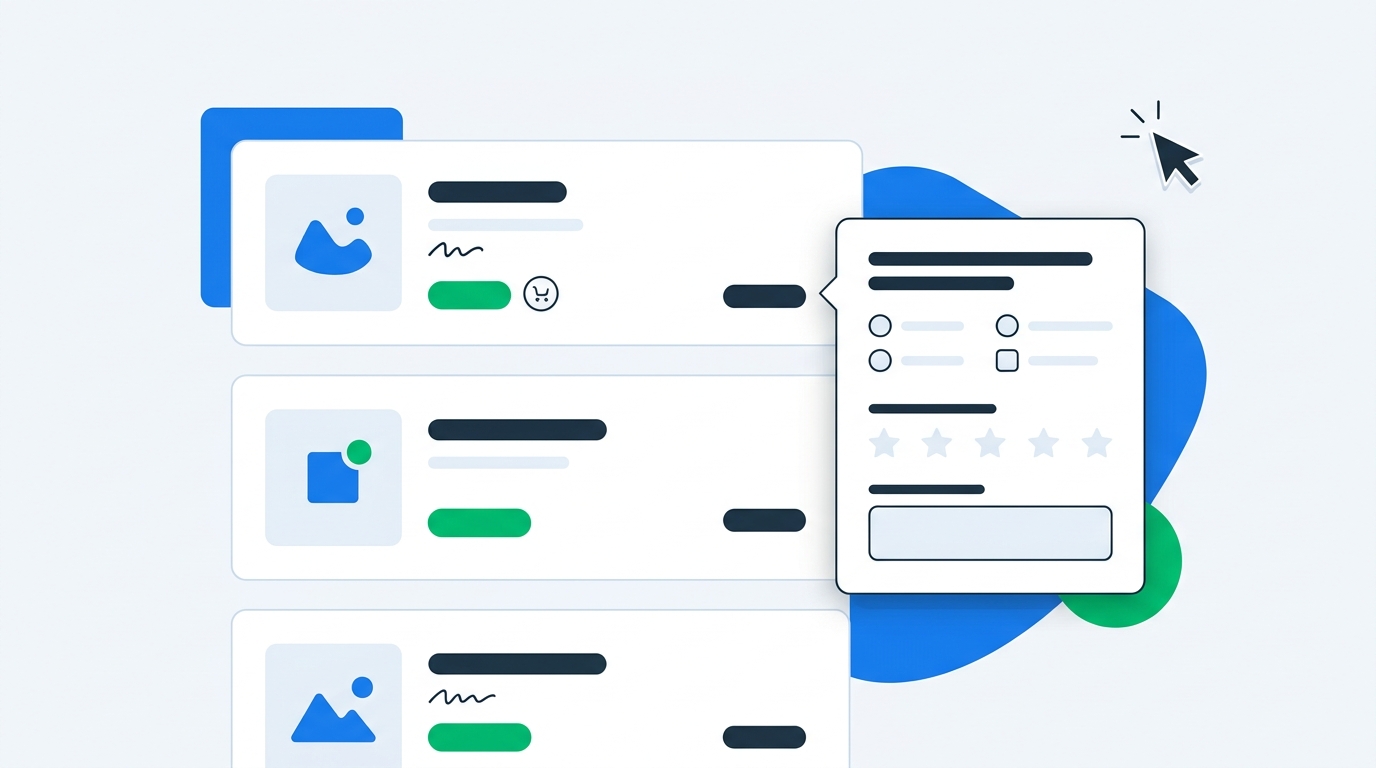
Cart abandonment is usually treated like an email problem.
A shopper adds a product to cart, leaves, and the store sends a recovery flow: reminder, reminder, discount. That flow can win some orders back, but it rarely tells you why the shopper left in the first place.
That matters because abandoned carts do not all mean the same thing.
One shopper left because shipping was higher than expected. Another wanted to compare sizes. Another got interrupted. Another did not trust the return policy. Another was ready to buy but could not use their preferred payment method. If every one of them gets the same "Still thinking it over?" email, you are guessing.
A cart abandonment survey changes the game. Instead of waiting for the shopper to leave and hoping an email saves the order later, you ask one short question while they are still on site:
"What is stopping you from checking out today?"
That answer can trigger a better popup, a smarter discount, a more useful abandoned cart flow, and a better fix to the page itself.
What is a cart abandonment survey?
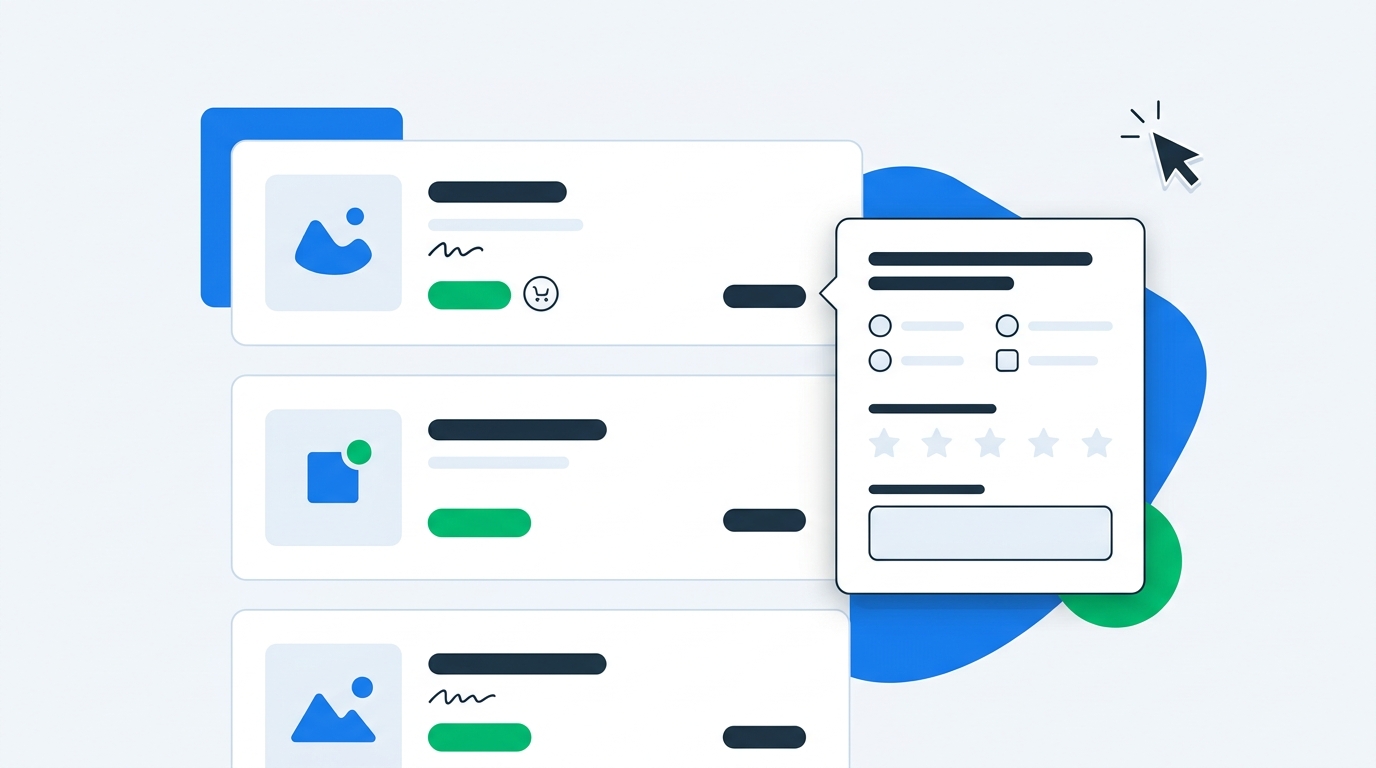
A cart abandonment survey is a short survey shown to shoppers who add items to cart but appear likely to leave before completing checkout. It usually appears as an exit-intent popup, a cart drawer question, a slideout, or a follow-up email survey.
The best version is brutally simple: one question, fast answers, and a clear next step.
Examples:
- "What is stopping you from checking out today?"
- "What would make you feel ready to order?"
- "Did anything surprise you at checkout?"
- "What are you comparing us against?"
- "What information is missing?"
For Shopify merchants, the goal is not to run a long research project. The goal is to identify the blocker while the shopper still has buying intent.
That blocker might be price. It might be shipping. It might be product uncertainty. It might be trust. It might be timing. You cannot solve those problems with one generic abandoned cart email.
You can solve more of them when you know which problem you are dealing with.
Why abandoned cart emails are not enough
Abandoned cart emails are useful. Keep them.
But they have three obvious weaknesses.
First, they only work if you have the shopper's email or phone number. Anonymous cart abandoners are invisible unless you use onsite recovery tactics.
Second, they arrive after the shopper has already left. By then the buyer may have compared alternatives, forgotten the product, or decided the purchase can wait.
Third, most abandoned cart flows use the same message for every shopper. That is the biggest issue. A shopper who left because of shipping costs does not need the same message as a shopper who left because they are unsure about sizing.
A one-question survey gives you intent data before the trail goes cold. It tells you whether to recover the shopper with reassurance, product guidance, shipping clarity, a discount, or no incentive at all.
This is the same logic behind using popup surveys instead of basic email popups: ask for context, not just contact details.
The one question that works best
If you only ask one cart abandonment survey question, ask this:
"What is stopping you from checking out today?"
It works because it is direct, broad enough to catch unexpected objections, and tied to the exact moment of hesitation. You are not asking the shopper to rate the store or fill out a customer research survey. You are asking them to explain the obstacle in front of them.
Use answer options when you want fast segmentation:
- Shipping cost or delivery timing
- Price
- Need more product information
- Not sure about size or fit
- Comparing with another option
- Payment issue
- Just browsing
- Other
Use open text when you want richer detail:
- "Need this by Friday but not sure it will arrive"
- "I do not know if the medium will fit"
- "Shipping is almost as much as the product"
- "I want to ask my partner first"
- "Waiting until payday"
- "Does this work with sensitive skin?"
For most stores, the best structure is a multiple choice question with an "Other" text field. That gives you clean reporting and still catches the answers you did not predict.
With UserLoop's ecommerce surveys, merchants can run popup surveys, link surveys, email surveys, post-purchase surveys, NPS, and video testimonial requests in one place. For cart abandonment, the popup survey is usually the fastest place to start because it catches shoppers before they leave.
When to show a cart abandonment survey
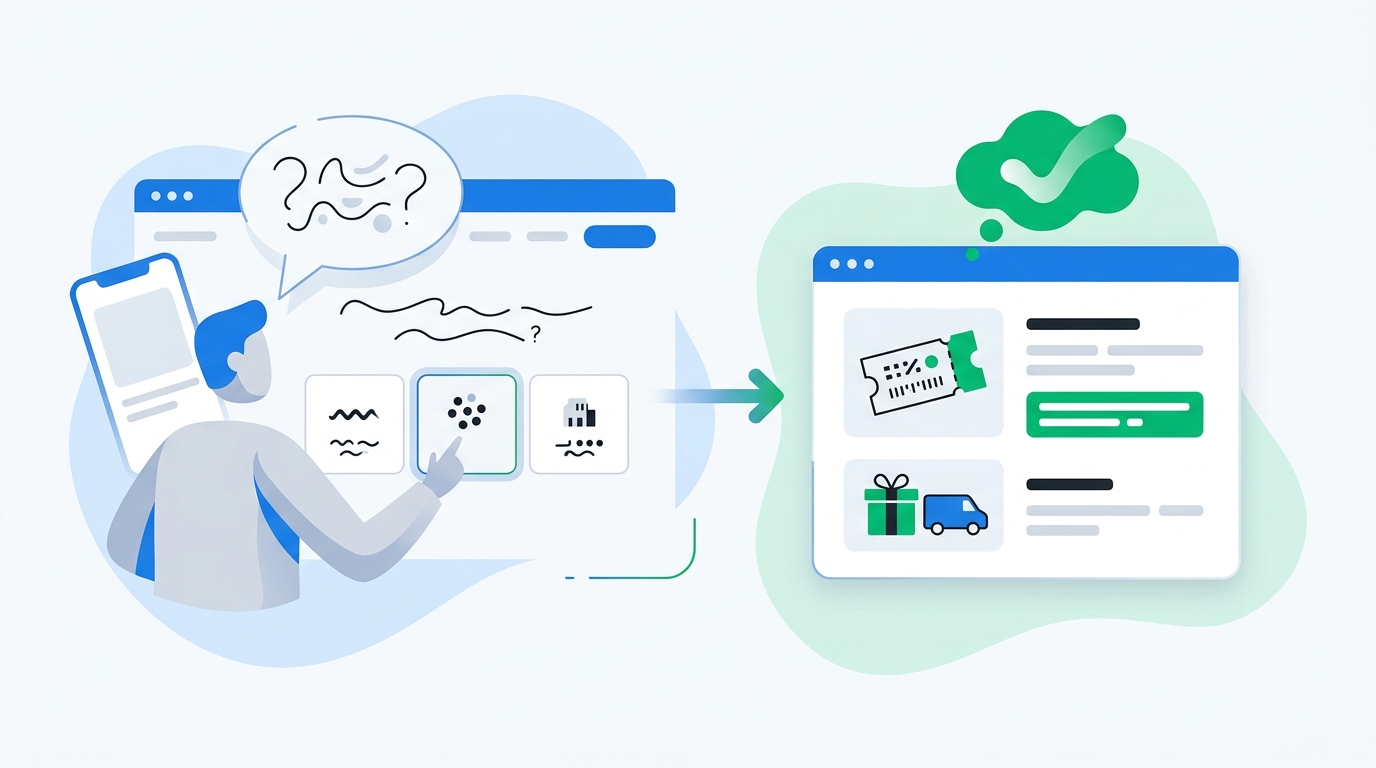
Timing makes or breaks the survey. Ask too early and you interrupt a normal shopping session. Ask too late and the shopper is gone.
Show it on exit intent
Exit intent is the cleanest trigger for desktop shoppers. If the cursor moves toward the browser bar, close button, or back button while the cart contains products, show the survey.
Do not show it to every visitor. Show it to shoppers with meaningful intent:
- They added at least one product to cart
- They spent enough time on site to understand the offer
- They reached the cart or checkout step
- They are not already in the middle of completing checkout
The question should feel like a last helpful check, not a trap.
Show it in the cart drawer
If your Shopify store uses a cart drawer, you can place a small survey module inside it. This works well for questions like:
"Anything making you hesitate?"
The cart drawer is a good spot because the shopper is already reviewing the order. You are not interrupting a product page. You are asking at the exact moment they are deciding whether to continue.
Keep the module compact. A cart drawer is not the place for five questions and a paragraph of explanation.
Ask after abandonment by email
If the shopper leaves and you have their email, you can add a one-click survey to the abandoned cart flow.
The first email can still focus on recovery. The second email can ask:
"What stopped you from checking out?"
Then provide tap-to-answer options. This gives you feedback from people who did not respond to the recovery message, and it can still route them into a more relevant follow-up.
For example, a shopper who clicks "shipping cost" can receive a shipping threshold reminder. A shopper who clicks "not sure about size" can receive a fit guide. A shopper who clicks "price" can receive a discount if your margin allows it.
UserLoop's email surveys are useful here because the answer is captured inside the survey program instead of buried inside an email platform as a link click.
What to do with each answer
A cart abandonment survey is only useful if it changes what you do next. Do not collect answers for a dashboard nobody opens.
If the blocker is shipping cost
Shipping surprises are one of the most common cart killers. If shoppers consistently choose shipping cost, test three fixes:
- Show shipping thresholds earlier on product pages and cart pages
- Add estimated delivery timing before checkout
- Test free shipping thresholds against margin, not vibes
If shipping cost is the issue, a generic 10% discount may not be the best recovery offer. Free shipping may convert better and feel more directly connected to the objection.
If the blocker is price
Price objections need more nuance than "send everyone a coupon."
Some shoppers are price-sensitive but still interested. Others do not understand the value. Others are comparing your product against a cheaper alternative. Those are different problems.
Use the survey answer to decide what to test:
- Show payment options earlier
- Surface bundles or smaller starter products
- Add comparison content
- Offer a discount only after the shopper explains the blocker
This is where survey-triggered discounts beat default coupon popups. A normal popup says, "Give us your email for 10% off." A survey popup asks what is stopping the shopper, then offers the right incentive or guidance based on the answer.
That is the core idea behind survey-triggered discount codes. The discount is not the opening move. It is a response to intent.
If the blocker is product uncertainty
Product uncertainty is often a page problem, not a price problem.
If shoppers say they are unsure about size, fit, ingredients, compatibility, material, or use case, fix the product page first. Add sizing guidance, comparison tables, product videos, clearer specifications, or FAQs.
Then use the survey response to route shoppers to the right information:
- Size concern: show fit guide or reviews by size
- Ingredient concern: show ingredient details or certifications
- Compatibility concern: show product matching guide
- Use-case concern: show examples from similar customers
This is where a cart abandonment survey can reduce returns too. If people almost bought the wrong item, the survey gives you a chance to correct the mismatch before it becomes a return.
If the blocker is trust
Trust objections show up in plain language:
- "Never heard of you"
- "Are returns free?"
- "Is this legit?"
- "Need to read reviews first"
- "Not sure about quality"
Do not answer trust objections with urgency. "Only 2 left" does not help a shopper who is worried you might not deliver.
Use social proof, return policy clarity, delivery guarantees, customer photos, and video testimonials. UserLoop can collect video testimonials through surveys, which gives you a direct way to turn customer feedback into trust assets for future shoppers.
If the blocker is timing
Some shoppers are not lost. They are not ready.
"Just browsing," "waiting until payday," "buying later," and "need to ask someone" should not trigger the same recovery sequence as a price objection.
For timing blockers, use reminders, wishlists, back-in-stock style nudges, or email capture with a reason to return. A hard discount may train shoppers to wait.
How to set up a cart abandonment survey on Shopify
You do not need a complex research stack. Start with one survey and one decision you want to improve.
Step 1: choose the cart moment
Pick one starting point:
- Exit-intent popup for cart visitors
- Embedded cart drawer question
- Abandoned cart email survey
For most stores, exit intent is the fastest test because it reaches shoppers before they leave and does not require an email address.
Step 2: write one question
Use this default:
"What is stopping you from checking out today?"
Then offer answer options that match your store:
- Shipping or delivery
- Price
- Size or fit
- Product questions
- Payment issue
- Comparing options
- Just browsing
- Other
Do not ask for a rating. Do not ask three follow-up questions. The shopper is already on the edge of leaving.
Step 3: decide the response logic
Before launching, decide what happens after each answer.
Examples:
- Shipping: show free shipping threshold or delivery estimate
- Price: offer a small discount if margin allows
- Size: link to fit guide
- Product question: show support chat or FAQ
- Trust: show reviews, return policy, or video testimonial
- Comparing: show comparison content
- Timing: offer reminder or wishlist capture
This is where UserLoop's popup surveys with discount code automation fit naturally. You can ask the question, generate a discount code after completion, and tie the response back to customer behavior instead of handing out discounts blindly.
If you want a faster starting point, use UserLoop's abandoned cart survey generator to draft the question and answer options, then adapt them to your products.
Step 4: connect answers to revenue
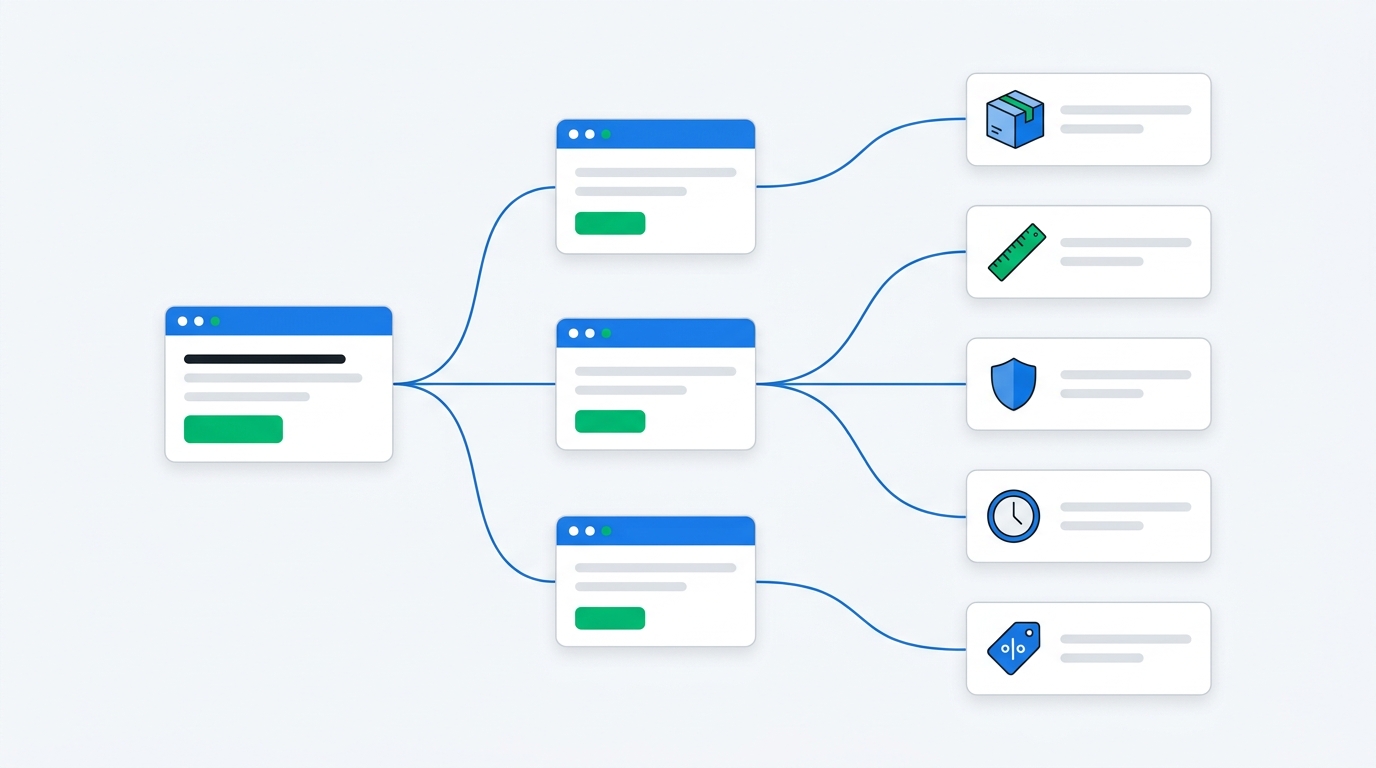
Do not judge the survey by response count alone. Track what happens after shoppers answer.
Useful metrics:
- Survey view rate
- Survey completion rate
- Recovered checkout rate
- Revenue recovered by answer type
- Discount usage by answer type
- Top objections by product or collection
- Repeat objections over time
This is where revenue-aware analytics matter. A blocker mentioned by 5% of shoppers may be worth fixing first if those shoppers have high cart values. A blocker mentioned by 30% of low-intent visitors may be less urgent.
With UserLoop's survey analytics, survey responses can be connected to order value and customer context. That makes the survey more than qualitative feedback. It becomes a prioritization tool.
Step 5: review weekly and fix the funnel
Cart abandonment surveys should create a weekly habit.
Look at the top blockers every week. Pick one. Fix the page, popup, email, or checkout communication that caused it. Then watch whether the objection declines.
A good survey program is not a permanent complaint box. It is a feedback loop.
If shipping objections spike after a pricing change, you know fast. If size concerns drop after adding a fit guide, you know the fix worked. If trust objections stay high, you know reviews and proof need attention.
Cart abandonment survey examples by store type
Different categories need different answer options. Copying a generic template is fine for day one, but you will get better data if the answer choices match the purchase risk.
Apparel and footwear
Ask: "What is stopping you from checking out today?"
Good answer options:
- Not sure about size or fit
- Want to compare styles
- Shipping or returns concern
- Price
- Need to ask someone
- Just browsing
Follow-up actions: size guide, customer photos, return policy clarity, free exchange messaging, fit-related reviews.
Beauty and skincare
Good answer options:
- Not sure it works for my skin type
- Ingredient concern
- Want to see reviews or results
- Price
- Shipping timing
- Just browsing
Follow-up actions: ingredient explainer, skin type guide, before-and-after proof, dermatologist or expert guidance if appropriate.
Supplements and wellness
Good answer options:
- Need more information
- Not sure about ingredients
- Want to compare alternatives
- Trust or quality concern
- Price
- Subscription concern
Follow-up actions: certification details, FAQ, third-party testing information, subscription flexibility, comparison content.
Home goods and furniture
Good answer options:
- Not sure about size or dimensions
- Need to check space at home
- Shipping cost or delivery timing
- Want to compare options
- Price
- Return policy concern
Follow-up actions: dimension diagrams, room examples, delivery estimates, financing options, return policy explanation.
Common mistakes to avoid
The fastest way to ruin a cart abandonment survey is to treat it like a lead capture popup wearing a fake mustache.
Asking too much
A shopper who is leaving will not answer a five-question survey. Ask one question. If you need more detail, collect it later from customers who engage.
Showing it to everyone
If every visitor sees the survey, you will annoy people and dilute the data. Target shoppers with cart intent.
Offering discounts too early
If the popup opens with a discount, you teach shoppers to wait for the coupon. Ask first. Reward second, if the answer justifies it.
Ignoring open-text answers
Multiple choice is useful, but the "Other" box is where new objections appear. Review it. Group the themes. Add new answer options when the same objection repeats.
Failing to act
The point is not to prove that people dislike shipping costs. The point is to decide whether to change the threshold, show delivery timing earlier, or test a free shipping offer.
Where UserLoop fits
UserLoop helps Shopify merchants run the whole cart abandonment feedback loop without stitching together a survey tool, popup app, discount app, and spreadsheet.
You can:
- Show a one-question popup survey to cart abandoners
- Generate discount codes after survey completion
- Capture open-text objections
- Run post-purchase surveys for buyers
- Use email surveys for follow-up
- Connect responses to order value and customer context
- Collect video testimonials from happy customers
- Analyze feedback across survey types
That matters because cart abandonment is not isolated. The same shopper who abandons today may buy tomorrow, answer a post-purchase survey next week, and leave a video testimonial later. Your survey data is more useful when it lives in one customer feedback system.
Start with the UserLoop product overview if you want to see how popup surveys, post-purchase surveys, email surveys, video testimonials, and analytics work together. Or install UserLoop from the Shopify App Store and launch a one-question cart abandonment survey this week.
The takeaway
Cart abandonment is not one problem. It is a pile of different objections that all produce the same symptom: the shopper leaves without buying.
A one-question survey separates those objections. It tells you when to offer shipping help, when to improve product guidance, when to show trust proof, when to send a reminder, and when a discount is actually worth using.
The best abandoned cart flow is not the one with the cleverest subject line. It is the one that responds to the reason the shopper left.
Ask the reason. Then fix the reason.


The agentic growth toolkit for Shopify
Ask your customers anything
UserLoop talks to your customers at scale with surveys and contests that feed one AI-queryable dataset. AI does the setup and the analysis.
- SurveysFind out why customers buy: checkout, email, link & QR.
- ContestsGiveaways that grow your list and social following.
Free plans on both apps · live in minutes