How to Create an Effective Shopify Questionnaire for Your Store
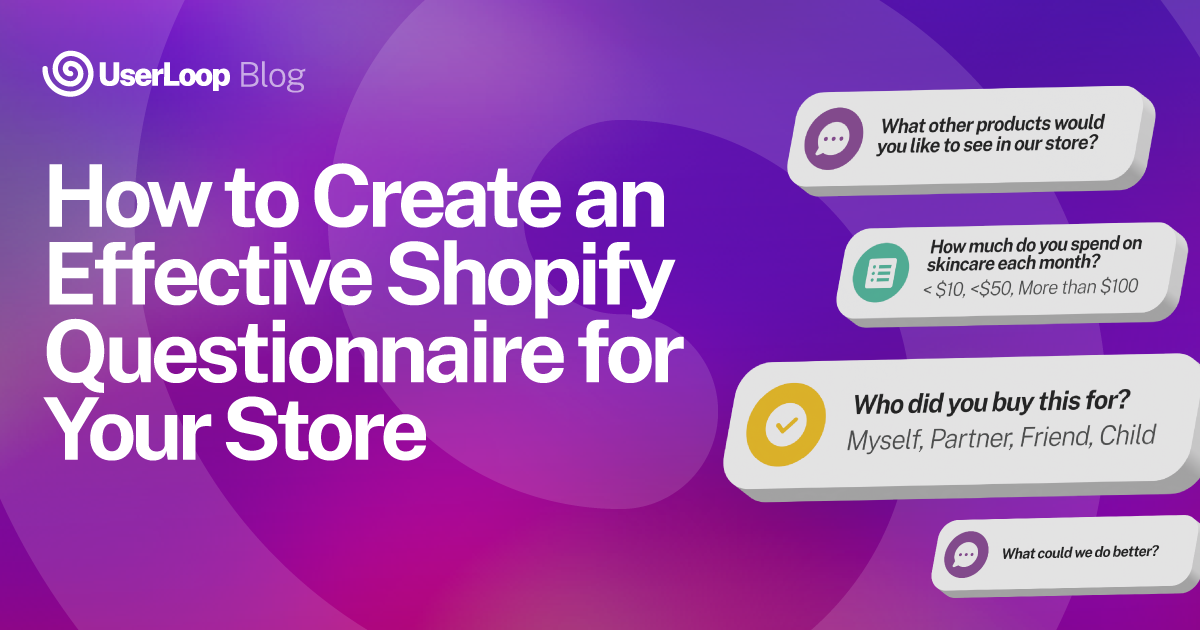
Are you looking to boost customer engagement and tailor your Shopify store to meet your audience's needs?
A well-crafted Shopify questionnaire can be a game-changer for your e-commerce business.
By asking the right quiz questions, you can gather valuable customer feedback, personalize your marketing efforts, and optimize your product collections to match customer preferences.
In this guide, we'll walk you through the process of creating an effective Shopify questionnaire that drives results. You'll learn how to plan your strategy, design a user-friendly quiz, and use a Shopify quiz app to customize your store. We'll also cover how to analyze questionnaire data to improve your business and overcome common challenges.
By the end, you'll have the know-how to create a popup quiz that enhances your quiz funnel and leads to better product recommendations for your customers.
Planning Your Shopify Questionnaire Strategy
Before diving into creating your Shopify questionnaire, it's crucial to plan your strategy. Start by setting clear objectives for your quiz, such as gathering customer feedback, personalizing marketing efforts, or optimizing product recommendations .
Next, map out the customer journey to understand how your questionnaire fits into the overall customer experience. Identify the key touchpoints where you can engage customers with your quiz, such as on your website, through email campaigns, or on social media .
Consider the following steps when planning your Shopify questionnaire strategy:
- Define your target audience: Determine which customer segments you want to target with your questionnaire. Create buyer personas based on customer data, feedback, and behavior to tailor your questions and recommendations .
- Choose the right questionnaire format: Decide on the type of questionnaire that best suits your objectives and target audience. Options include multiple-choice, open-ended, or a combination of both. Keep in mind that shorter, more engaging quizzes tend to have higher completion rates .
- Integrate with your Shopify store: Look for Shopify quiz apps that seamlessly integrate with your store, allowing you to customize the look and feel of your questionnaire and easily collect and analyze customer responses .
- Incentivize participation: Offer incentives, such as discounts or exclusive content, to encourage customers to complete your questionnaire. This not only increases participation but also helps build customer loyalty .
By carefully planning your Shopify questionnaire strategy, you'll be well-equipped to create a quiz that engages customers, provides valuable insights, and drives business growth.
Crafting a User-Friendly Questionnaire Design
When designing your Shopify questionnaire, prioritize user experience to maximize engagement and completion rates. A well-crafted questionnaire layout, progress indicators, and accessibility features can make a significant difference in how customers perceive and interact with your quiz.
Choosing an Appealing Layout
Select a questionnaire layout that aligns with your brand's esthetic and is visually appealing to your target audience. Consider using a clean, uncluttered design with ample white space to focus attention on the questions and answer options .
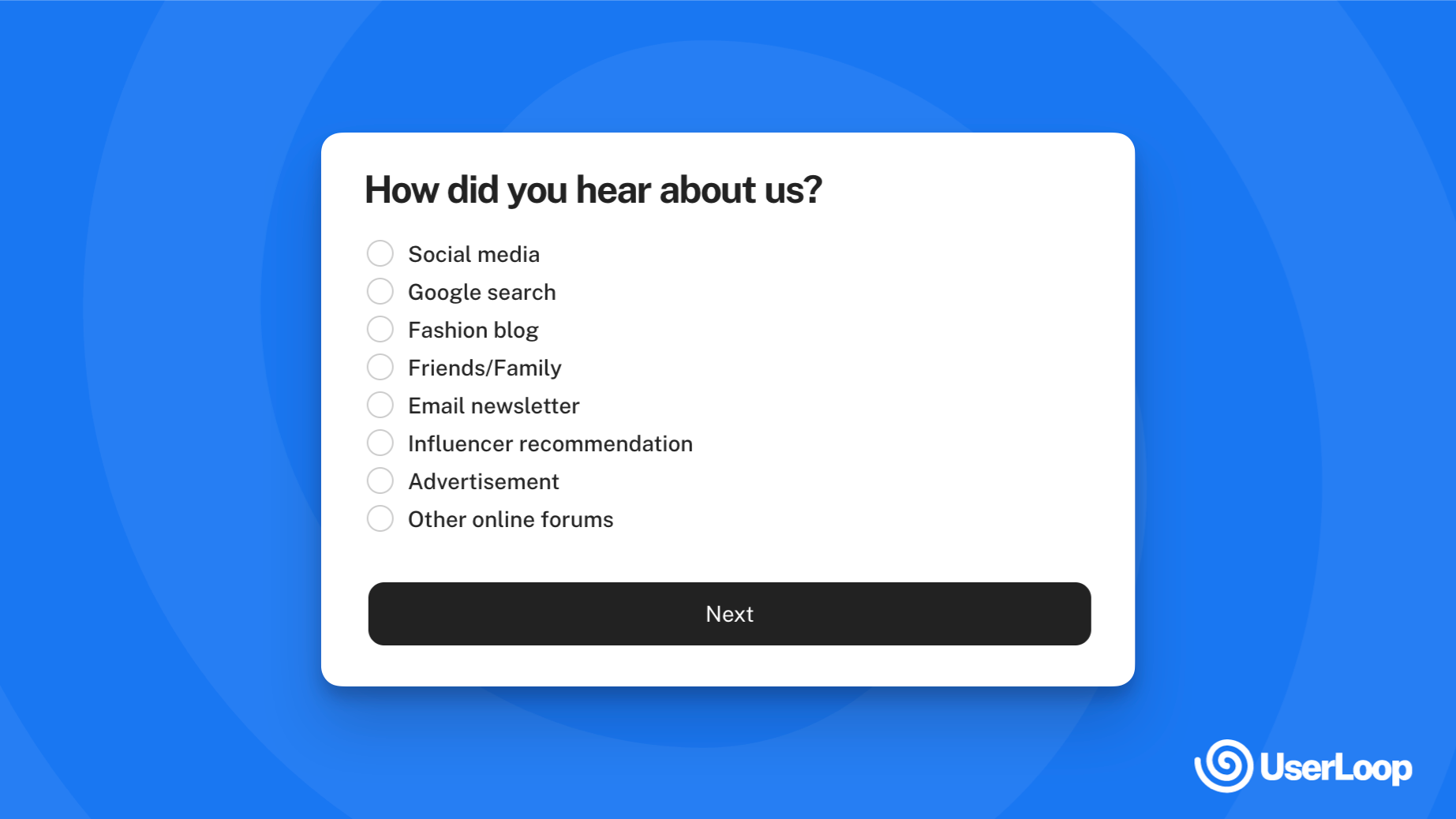
Incorporate your brand colors, fonts, and imagery to create a cohesive experience that seamlessly integrates with your Shopify store. Use high-quality images and videos to enhance the visual appeal and engagement of your questionnaire .
Implementing Progress Indicators
Include progress bars or step indicators to give customers a sense of how far along they are in the questionnaire. This transparency can motivate them to complete the quiz, as they can see their progress and the remaining steps .
Customize your progress indicators to match your brand style and questionnaire design. You can use percentages, visual bars, or step numbers to communicate progress effectively .
Ensuring Accessibility
Prioritize accessibility when designing your Shopify questionnaire to ensure that all customers, including those with disabilities, can participate. Follow Web Content Accessibility Guidelines (WCAG) to create an inclusive user experience .
Use sufficient color contrast between text and background elements to ensure readability for customers with visual impairments. Provide text alternatives for images and videos, such as alt text and captions, to make your content accessible to screen reader users .
Ensure that your questionnaire is keyboard-navigable and that interactive elements have clear focus states. This allows customers who rely on keyboards or assistive technologies to navigate and complete your quiz easily .
By focusing on an appealing layout, implementing progress indicators, and ensuring accessibility, you can create a user-friendly Shopify questionnaire that engages customers and encourages them to provide valuable insights for your business.
Leveraging Questionnaire Data for Business Growth
Once you've collected valuable insights from your Shopify questionnaire, it's time to put that data to work. By analyzing customer responses, you can identify patterns and trends that will help you make informed decisions to grow your business.
Segmenting Customers
One powerful way to leverage questionnaire data is by segmenting your customers based on their responses. By grouping customers who share similar characteristics, preferences, or behaviors, you can tailor your marketing efforts and product offerings to better meet their needs .
For example, you might create segments based on:
- Demographic information (age, gender, location)
- Purchasing behavior (frequency, average order value, product preferences)
- Engagement level (email opens, click-through rates, social media interactions)
With an unlimited number of customers and a growing collection of templates, there's no end to how you can group your customers in Shopify . Plus, segments automatically update as you add new customers and as their information changes over time, ensuring your data remains accurate and actionable.
Tailoring Marketing Campaigns
Armed with insights from your questionnaire, you can create targeted email campaigns that resonate with specific customer segments. Personalized emails have been shown to drive higher open rates, click-through rates, and ultimately, more purchases .
Consider these strategies:
- Send personalized product recommendations based on a customer's quiz responses
- Offer exclusive discounts or promotions to high-value customer segments
- Retarget customers who abandoned their cart with a tailored message encouraging them to complete their purchase
By sending the right message to the right customers at the right time, you can build stronger relationships and increase customer lifetime value.
Informing Product Development
In addition to improving your marketing efforts, questionnaire data can also guide your product development strategy. By understanding which features and benefits customers value most, you can prioritize product improvements and innovations that align with their needs .
Use customer feedback to:
- Identify common pain points or frustrations with existing products
- Gather ideas for new product features or variations
- Validate product concepts before investing in development
Continual feedback through the development process can help ensure that your final product meets customer expectations and drives satisfaction .
By leveraging questionnaire data to segment customers, tailor marketing campaigns, and inform product development, you can make data-driven decisions that lead to business growth. Remember to keep customers involved throughout the process, learn from mistakes, and use your own experience to guide your strategy .
Overcoming Common Questionnaire Challenges in Shopify
Addressing Low Response Rates
Low response rates can be a significant challenge when conducting Shopify questionnaires. To improve response rates, consider offering incentives such as discounts, free shipping, or exclusive content to encourage customers to participate . Personalize your survey invitations by addressing customers by name and highlighting the importance of their feedback .
Keep your questionnaire concise and focused, as shorter surveys tend to have higher completion rates . Optimize your survey for mobile devices, as many customers prefer to respond on their smartphones or tablets .
Handling Incomplete Responses
Incomplete responses can skew your questionnaire results and make it difficult to draw meaningful conclusions.
To minimize incomplete responses, design your questionnaire with a clear and logical flow, using skip logic to guide respondents through relevant questions based on their previous answers .
Provide a progress bar or indicator to show respondents how far along they are in the survey, motivating them to complete it . Allow respondents to save their progress and return later if needed, especially for longer questionnaires .
Ensuring Data Privacy and Security
Data privacy and security are crucial considerations when conducting Shopify questionnaires. Ensure that your questionnaire complies with relevant data protection regulations, such as GDPR or CCPA, depending on your target audience's location .
Be transparent about how you will use and store the collected data, and provide an opt-out option for customers who do not wish to participate . Use secure data collection and storage methods, such as encryption and access controls, to protect your customers' sensitive information .
By addressing these common challenges, you can create an effective Shopify questionnaire that yields valuable insights while respecting your customers' privacy and preferences.
Conclusion
Creating an effective Shopify questionnaire has a significant impact on customer engagement and business growth. By carefully planning your strategy, designing a user-friendly quiz, and leveraging the right Shopify quiz app, you can gather valuable insights to tailor your marketing efforts and optimize your product offerings. The data collected through these questionnaires enables you to segment customers, personalize campaigns, and make informed decisions about product development, ultimately leading to increased customer satisfaction and loyalty.
To make the most of your Shopify questionnaire, it's crucial to address common challenges such as low response rates and incomplete answers. By offering incentives, keeping surveys concise, and ensuring data privacy, you can encourage participation and gather meaningful feedback. To wrap up, implementing a well-crafted questionnaire is a powerful tool to understand your customers better and drive your e-commerce success. Sign up to try UserLoop to build a Shopify Customer Survey that meets your specific needs and helps you achieve your business goals.


The agentic growth toolkit for Shopify
Ask your customers anything
UserLoop talks to your customers at scale with surveys and contests that feed one AI-queryable dataset. AI does the setup and the analysis.
- SurveysFind out why customers buy: checkout, email, link & QR.
- ContestsGiveaways that grow your list and social following.
Free plans on both apps · live in minutes