New in UserLoop: Popup Surveys, App Blocks, and AI Analysis via MCP
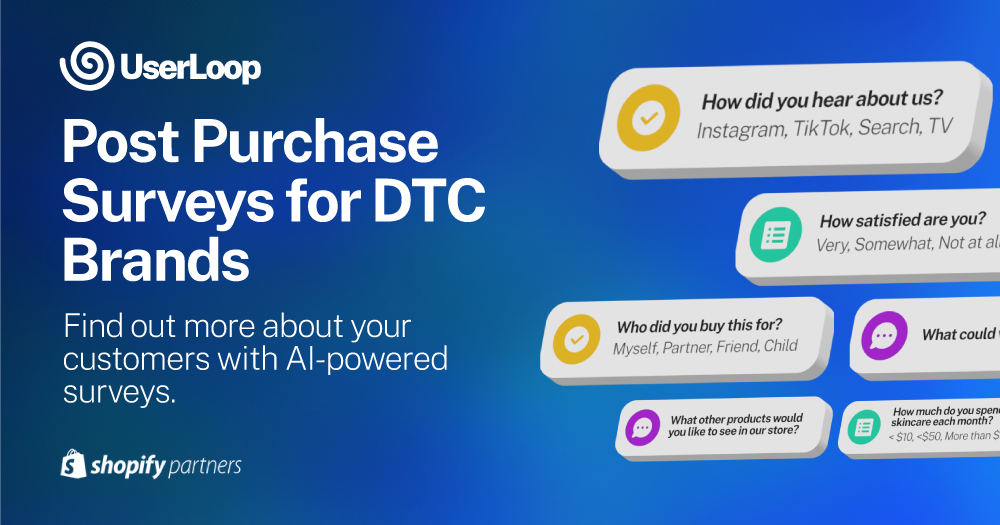
We just shipped three features we've been working on for a while, and together they change what's possible with customer feedback on Shopify.
Until now, UserLoop surveys lived in two places: checkout pages and email. Both are great for post-purchase feedback, but they only reach customers who've already bought. That's a small fraction of the people visiting your store every day.
These three new features close that gap:
- Popup Surveys — display surveys as modal overlays on any page, triggered by a timer, exit intent, or scroll depth.
- App Block Surveys — embed surveys directly into your Shopify theme as native inline sections.
- MCP Server — connect your survey data to AI assistants like Claude and ChatGPT for conversational analysis.
Here's what each one does and why we built it.
Popup Surveys
Popup surveys let you show a survey to any visitor on any page of your store. They appear as a modal overlay — triggered by a timer, exit intent, or scroll depth — and capture responses right there in the popup.
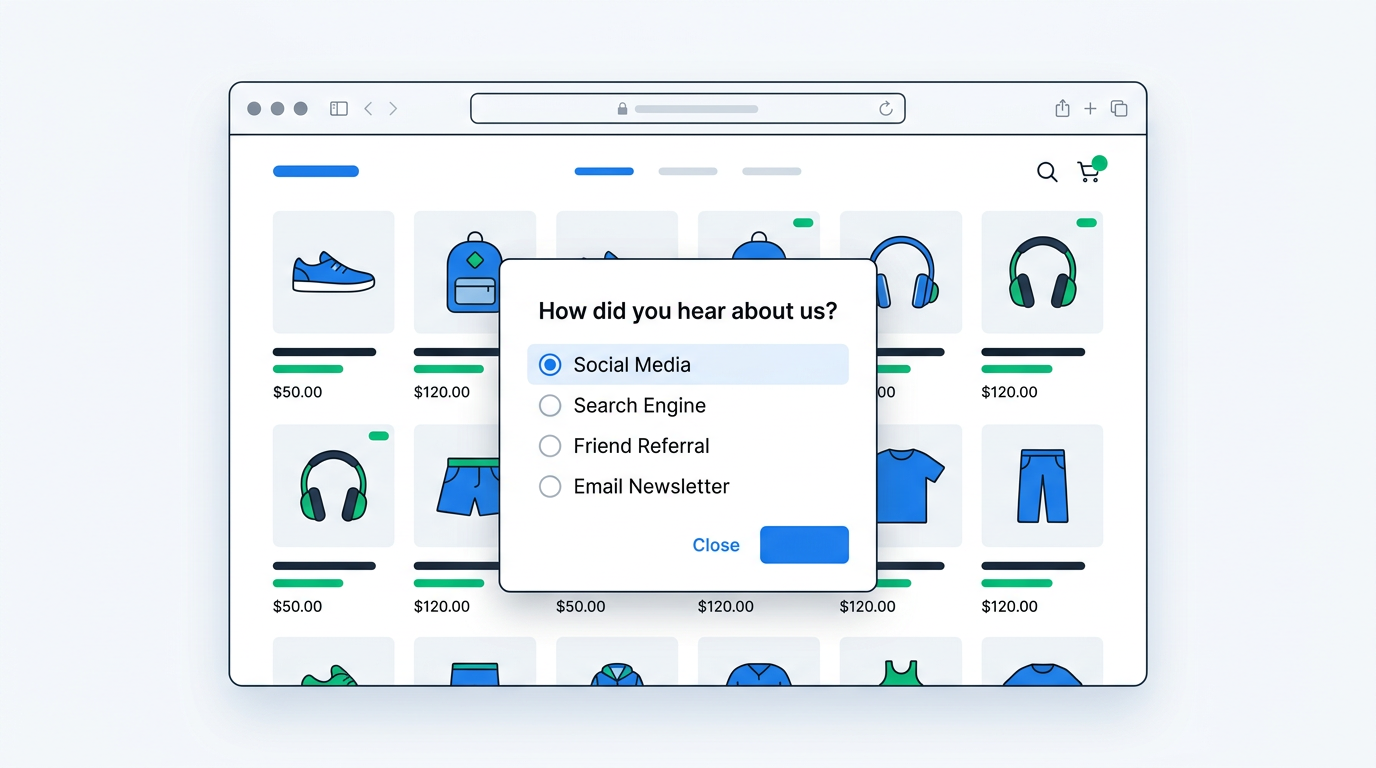
This is the first time you can collect feedback from visitors who haven't purchased. That means exit intent surveys on product pages, timed feedback prompts on your home page, and cart page questions — all reaching the people your checkout and email surveys never could.
How it works
You create a popup survey in your UserLoop dashboard, activate it, then add it to your Shopify theme with one click. From the theme editor, you configure:
- Trigger type — timer (1-60 seconds), exit intent, or scroll depth (10-100%)
- Page targeting — enable or disable for home, product, collection, cart, blog, and other pages
- Position — center (with overlay), or fixed to any corner
- Width — 300-600px on desktop, auto full-width bottom sheet on mobile
Once a visitor completes or dismisses the popup, it won't show again in that browser. No repeat annoyance.
Discount codes for conversion
You can attach a discount code to any popup survey. Visitors complete the survey, then receive a unique code they can copy and use at checkout. You're collecting feedback and driving conversions at the same time — a visitor who was about to bounce now has a reason to stay.
Where we think popups shine
- Exit intent on product pages — ask what stopped them from buying. You'll surface objections you never knew existed.
- Timed surveys on high-traffic pages — "How did you find us?" or "What are you looking for?" after 5-10 seconds.
- Cart page — ask if anything is unclear about shipping, returns, or payment. Reducing friction on your highest-intent page directly impacts revenue.
App Block Surveys
App block surveys take a completely different approach. Instead of a popup overlay, the survey embeds directly into your page as a native Shopify app block — inline, part of the page, inheriting your theme's fonts and styling.
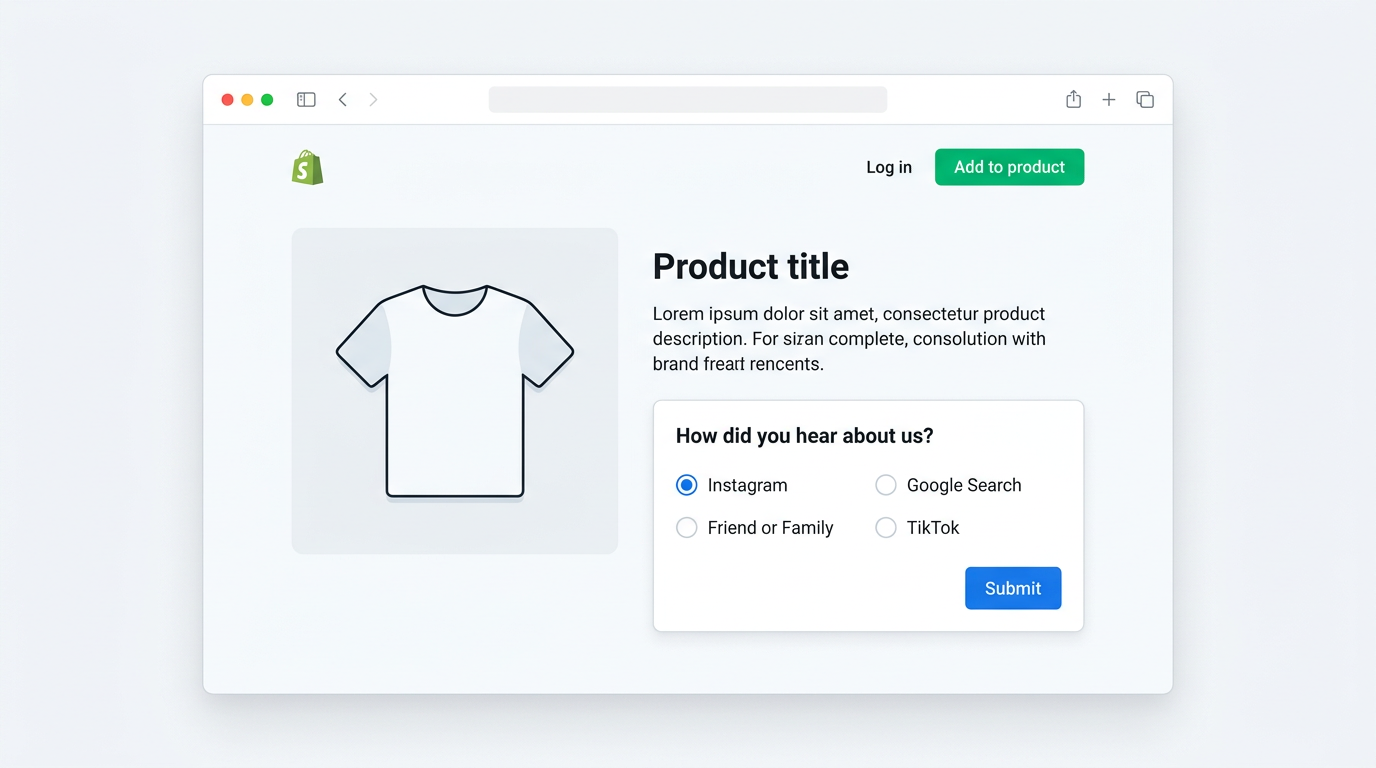
You place them through the Shopify theme editor by dragging the UserLoop block wherever you want it — below a product description, on a landing page, on the account page. The survey renders immediately as part of the page content. No trigger, no delay — it's just there.
Styling controls
App blocks are designed to blend into your theme:
- Width — 300-800px (default 600px)
- Background — transparent, card (white with shadow), or bordered
- Border radius and padding — match your theme's design tokens
- Font — automatically inherits your theme's typeface
Smart customer targeting
You can target questions based on customer status:
- All visitors — shown to everyone
- New customers only — visitors who've never placed an order
- Returning customers only — visitors who've ordered before
If your survey includes an email question, UserLoop checks the visitor's order history in real time after they enter their email — so subsequent questions can be dynamically shown or hidden based on their customer type.
Where app blocks work best
- Product pages — embed "How did you hear about us?" to capture attribution from visitors who haven't purchased yet
- Account pages — NPS surveys that returning customers see every time they log in
- Landing pages — lead capture with an email question and optional discount reward
Popup vs. app block
These aren't competing features — they complement each other.
| Popup Survey | App Block Survey | |
|---|---|---|
| Display | Modal overlay | Inline on the page |
| Trigger | Timer, scroll, or exit intent | Immediate — visible on page load |
| Repeat visits | Shown once per visitor | Shown every page load |
| Best for | Exit feedback, site-wide questions, discount capture | Page-specific feedback, attribution, ongoing collection |
| Mobile | Bottom sheet overlay | Inline, scrollable |
A typical setup: run a popup survey for exit intent feedback across all pages, and embed app block surveys on specific product pages for ongoing attribution data.
MCP Server
This one's different from the other two. Popup and app block surveys are about collecting feedback. The MCP server is about analyzing it.
MCP (Model Context Protocol) is an open standard that lets AI assistants access external data sources. We've built an MCP server that connects your UserLoop survey data to Claude Desktop and ChatGPT. Once connected, you can ask an AI assistant questions about your survey responses in plain English — and it fetches, analyzes, and summarizes the answers.
What it can do
The MCP server exposes seven tools:
| Tool | Description |
|---|---|
| List Surveys | Get all your surveys |
| Get Survey | Get survey details including questions and answer options |
| Analytics Counts | Aggregated response counts for any question |
| Open Ended Responses | Text responses for open-ended questions |
| Raw Responses | Raw response data with customer and order details |
| Get Response | Single response by ID |
| Health Check | Verify the connection is working |
In practice, this means you can ask things like:
- "What are the top reasons customers almost didn't buy this month?"
- "Which marketing channel drives the highest AOV?"
- "Summarize what customers are saying about shipping"
- "Compare NPS scores between new and returning customers"
The AI assistant fetches the data through the MCP server and gives you an answer in seconds — work that would normally take hours of spreadsheet analysis.
Privacy
Email addresses are automatically redacted before being sent to the AI assistant. james@example.com becomes ja**@ex*****.com. You can disable this, but we recommend keeping it on.
Setup
Claude Desktop: Open Settings > Developer > Edit Config, then add:
{
  "mcpServers": {
    "userloop": {
      "url": "https://mcp.userloop.io/mcp?api_key=YOUR_API_KEY"
    }
  }
}
Replace YOUR_API_KEY with your API key from Account settings. Restart Claude Desktop.
ChatGPT: Go to Settings > Apps & Connectors > Create. Enter https://mcp.userloop.io/mcp as the URL. Add a custom header: X-UserLoop-Key with your API key. Save.
Both take under 5 minutes.
Why we built this
We already have AI insights built into the UserLoop dashboard — topic extraction, answer insights, and summary cards. But those are pre-computed and general. The MCP server lets you ask specific questions on demand, follow up, and explore your data conversationally. It's the difference between reading a report and having a conversation with someone who's read every response.
How these features work together
These three features form a stack:
Capture — Popup surveys reach visitors across your entire store. App block surveys collect targeted, ongoing feedback on specific pages. Together with checkout and email surveys, you're now covering every segment of your audience and every moment in the customer journey.
Analyze — The MCP server connects all of that data to an AI assistant. Instead of exporting spreadsheets or reading responses one by one, you ask questions and get answers.
A full UserLoop setup now looks like this:
- Checkout survey — post-purchase attribution
- Email survey — post-delivery satisfaction
- Popup survey — exit intent and site-wide feedback
- App block survey — page-specific questions and lead capture
- MCP server — conversational analysis with Claude or ChatGPT
Getting started
All three features are available now. Popup surveys and the MCP server are included in the Pro plan ($19/month). App block surveys are available on all plans.
If you're already on UserLoop, you can start using these today — create a new popup or app block survey from your dashboard, or connect the MCP server to your AI assistant.
If you're new to UserLoop, install it from the Shopify App Store. There's a free plan to get started, and setup takes about 5 minutes.


The agentic growth toolkit for Shopify
Ask your customers anything
UserLoop talks to your customers at scale with surveys and contests that feed one AI-queryable dataset. AI does the setup and the analysis.
- SurveysFind out why customers buy: checkout, email, link & QR.
- ContestsGiveaways that grow your list and social following.
Free plans on both apps · live in minutes