How to create a Shopify Customer Survey in 10 minutes or less
When you think about Shopify customer surveys, what's the first thing that comes into your mind?
Is it a positive thought - “I love how much insight I can get from my store visitors through the Shopify customer survey I set up”
Or…
Is it a negative thought - “I have no idea how to get my store visitors to complete a survey. In fact, I don’t even know how to get started!”
There’s no denying that surveys can be complex things. But they don’t have to be.
Creating a Shopify customer survey shouldn’t take you longer than 10 minutes.
So today we’ll run you through how to set up your customer survey in your Shopify store in less than 10 minutes. And we’ll give you a heap of tips and tricks you can use to get more powerful insights and actionable data from the results.
Here’s what we’ll cover in this article:
How to add a Shopify customer survey to your store in less than 10 minutes
3 ways to increase the completion rate of your Shopify customer survey
How UserLoop helps you get more positive responses and control where negative responses end up
What to do with the data you get from your surveys
How to add a Shopify customer survey to your store in less than 10 minutes

There are lots of tools you can use to set up surveys in your Shopify store. You can find a list of the top 10 from 2021 here.
But we want to focus on the tool that ranked number 1 - UserLoop. It’s easy to use, beginner-friendly, offers automation to make your life easier, and requires little to no tech skills.
So let's get started…
Step 1 - Install UserLoop
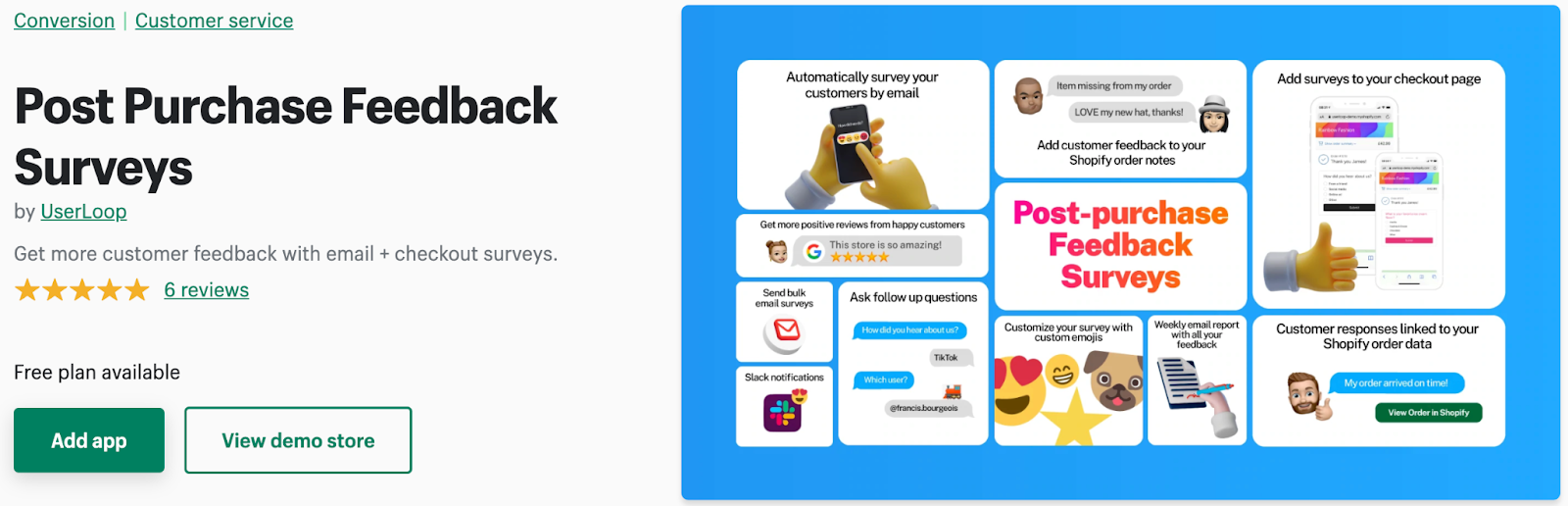
Getting UserLoop on your store couldn’t be easier. Simply visit the UserLoop App on the Shopify app store and click “Add App”. Go to your Shopify Admin and click “install app”. And that’s it!
Step 2 - Set up your survey
The next step is to get your first survey set up. Depending on your goal, you will want to add different questions to your survey.
You can either use the UserLoop Question Library which contains hundreds of expertly developed questions to get started, or add your own.
UserLoop's built-in library of best practice ecommerce survey questions is a great way to get started with collecting high quality customer insights.
Step 3 - Build your first Shopify customer survey
UserLoop adds a survey you build to the order confirmation page. So think about what you want to know from your customers and start creating your first 1-click response survey.
Here are some great ideas for getting incredible customer insights:
Attribution - How did you hear about us?
Features - What new feature would you like to see added to this store?
Experience - How would you rate your checkout experience today?
These are great questions to ask right after the customer completes their order. So pick one and create your first Shopify customer survey.
Step 4 - Customize your survey
Customize your survey to match your store branding. Add your own logo, choose your brand colors, even choose your own reaction emojis.
Step 5 - Publish your survey
Once you hit publish, your survey is live on your store and will immediately start collecting responses and usable data for you to gain powerful customer insights.
UserLoop tracks your Customer Satisfaction Score (CSAT) automatically, making it easy to see how happy your customers are at any time.
Want to see this in action before you make your own survey?
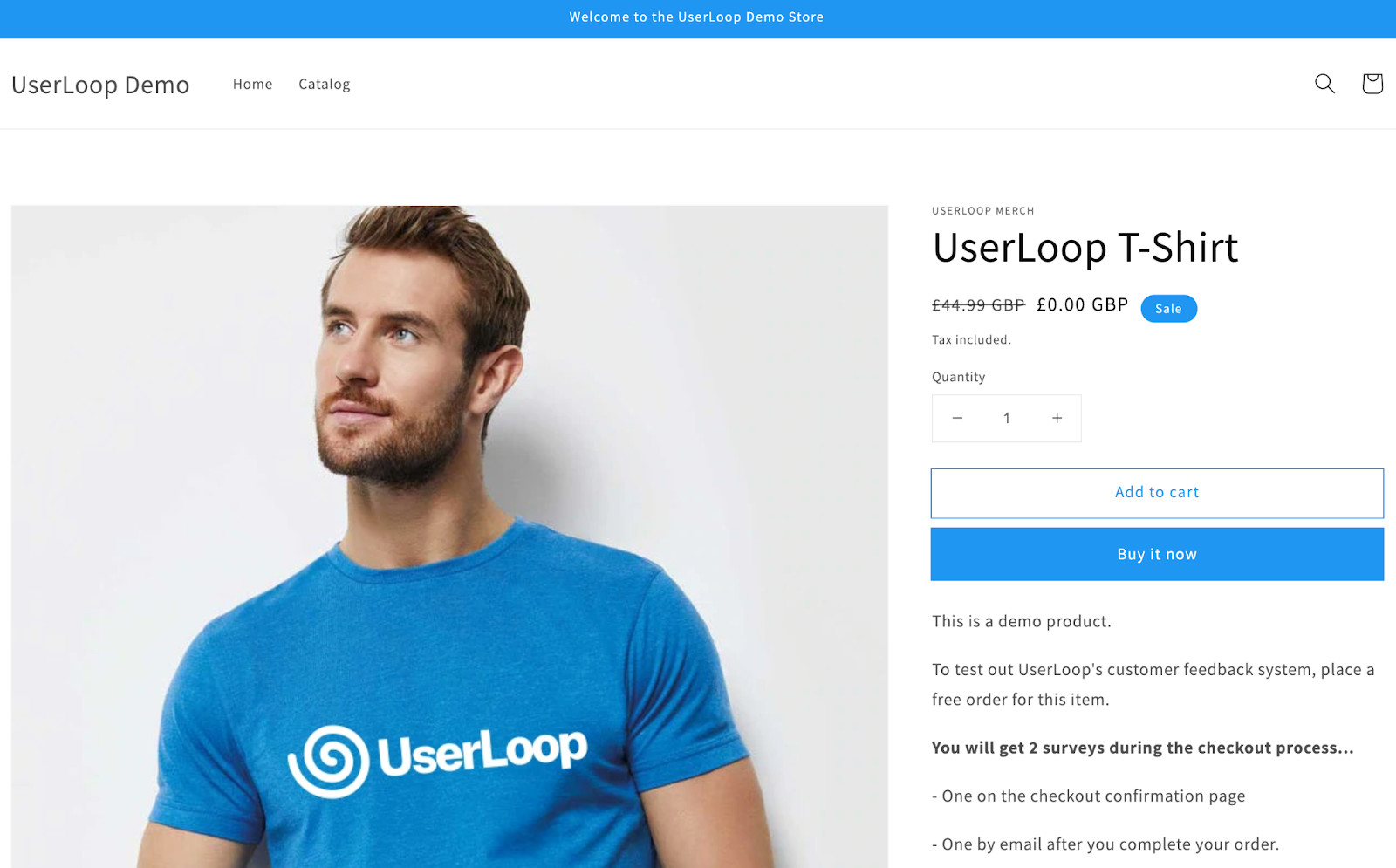
We’ve built a snazzy demo for you to see how the app works. Follow the exact process your customers will go through. Take a look and get an instant demo here>>>
3 ways to increase the completion rate of your Shopify customer surveys
Did you know?
Only 3% of customers typically respond to a conventional satisfaction survey.
We want way more responses than that, right?
Fortunately, there are proven ways you can increase the response rate of your Shopify customer surveys. Let’s take a look at our 3 favorites…
1. KISS (Keep It Simple Survey)
Have you ever received an invitation to complete a survey and read “This survey will take no longer than 2 minutes”?
Yet 5 minutes later, you’re still filling in complicated and in-depth questions. 🤬
This is one of the main culprits for the extremely low completion rates. But it also gives surveys a bad name.
Asking your customers for feedback should feel seamless to them. They are the users. And nowadays, fewer and fewer people want to spend more than a few seconds doing something that provides no instant reward for them.
That’s why UserLoop uses 1-click surveys that take only as long as reading the question and hitting a response - 10, 15 seconds tops.
This approach can yield 10X more responses than conventional surveys because it makes it really easy for your customers to provide you with feedback.
In fact, our users typically see response rates of over 60%. We've optimized our surveys for maximum response rates with this simple 1-click design.
2. Incentivize
If you’re not getting the number of responses you need from your Shopify customer surveys, consider adding a little incentive.
Think about it. Your customers are volunteering their time for you to get information.
Not many people want to do something for nothing when it comes to eCommerce. So reward them for their time and effort.
Offer 10% off their next order if they respond. Give them free shipping on their next order. Get creative and give back to the customers that are providing you with valuable data you can use to improve and grow your Shopify store.
3. Capture responses from potential customers too
How many customers do you get per month?
That number is the maximum number of surveys you can get if you limit yourself to post-checkout surveys only.
That’s why we’ve added an extra feature to help you get even more responses from prospects too (and understand how to improve your conversion rates).
Introducing… The abandon cart survey.
Why are customers adding something to their cart but not completing the order? Was it the experience? Was it the price?
Find out with abandon cart surveys that allow you to get this valuable data that you can use to boost your sales and revenue!
How UserLoop helps you get more positive responses and control where negative responses end up
So you know by now that UserLoop shows a survey directly on your order confirmation page.
But after this, UserLoop also sends an email survey to your customers when they complete an order or abandon their checkout.
This process is completely customizable in the app so you can choose how and when these surveys are sent.
This simple, yet effective approach enables you to take control of where positive and negative responses end up on the internet. In other words, it helps you promote where you want positive reviews to be left and prevent negative reviews from ever seeing the light of day.
Wow! Now how does it do that?
When customers respond to your email survey, happy customers are sent to your favorite review sites to leave you a positive review.
However, unhappy customers are asked for more information through UserLoop so you can resolve their issues privately.
This avoids customers leaving negative reviews on public review sites and social media and it allows you the opportunity to fix their problem so they end up leaving a positive review.
What to do with the data you get from your surveys
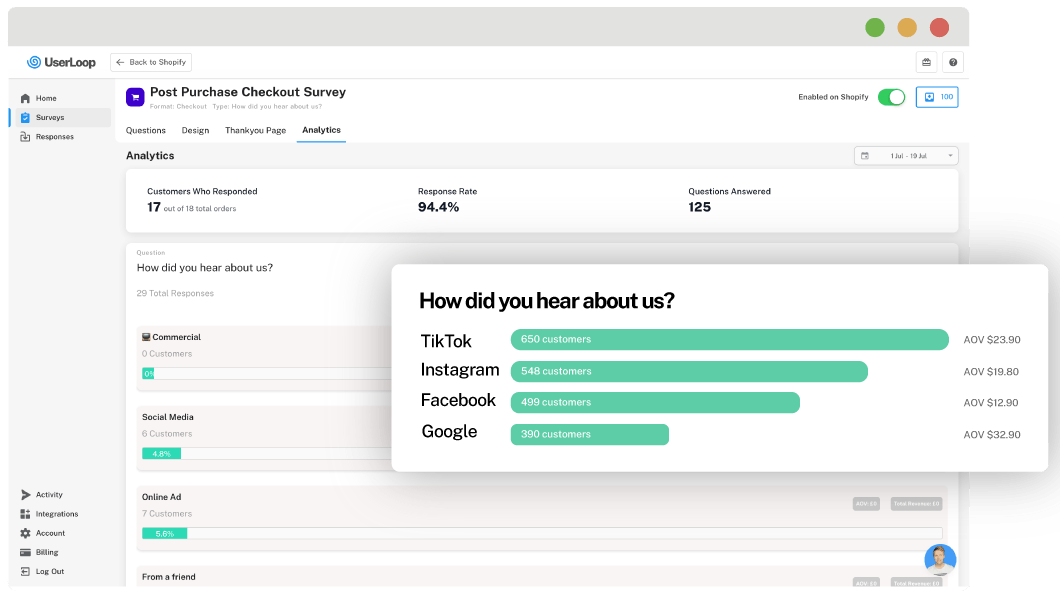
UserLoop comes with built-in response analytics. So you can check the data in real-time right from the app.
The analytics will automatically identify the customer responses which are boosting your sales the most. And it links every customer response to your Shopify order and revenue data to help you identify what's working and what isn't.
The worst thing you can do is to ignore the analytics.
The whole point of running your Shopify customer survey was to learn. So you need to use the data that you get to improve your store, products, or customer experience.
Go to the Analytics Tab and track the trends or identify issues with specific customers or specific products easily.
Are you ready to start collecting powerful data from more customers and prospects on your Shopify Store with customer surveys?
Start your free trial that gives you 50 free responses every month!


The agentic growth toolkit for Shopify
Ask your customers anything
UserLoop talks to your customers at scale with surveys and contests that feed one AI-queryable dataset. AI does the setup and the analysis.
- SurveysFind out why customers buy: checkout, email, link & QR.
- ContestsGiveaways that grow your list and social following.
Free plans on both apps · live in minutes