
Objective
Collect useful customer-created product photography
Invite customers to show a real product moment, with clear moderation and usage expectations.
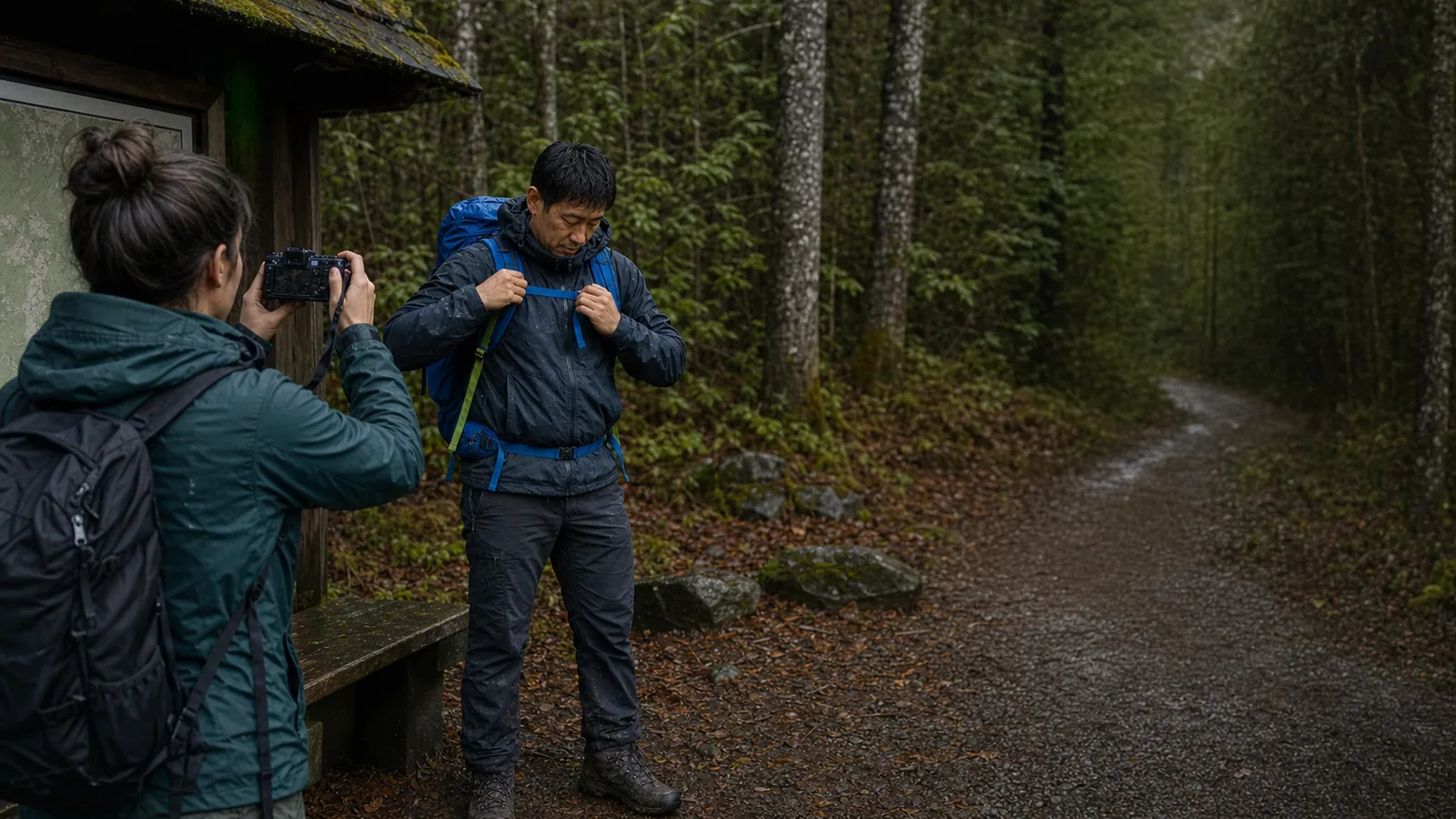
Enter the giveaway
Start with the complete working structure, then adjust the language, timing, and incentive to fit your customers and brand.
Best used when
Your team has a specific decision or growth objective and needs a focused artifact to move from planning to launch.
Collect useful customer-created product photography
Customers who already own the product and like it enough to photograph it, which in practice means recent buyers and repeat customers. It is the wrong campaign to aim at cold prospects: someone who has never received your product has nothing to upload.
2 weeks, opened to buyers of one product family
Publishable photos per campaign, and how many of them you actually ran on product pages, in email, or in ads within 90 days
Primary action
Upload a photo
Bonus actions
Promotion copy
“Show us your order in real life. Upload one photo to enter, add your email and a friend for bonus entries, and the shots we love most take the bundle.”
Generate a focused variation while keeping the expert-written version available as your baseline.
Add your goal and audience. If AI is unavailable, the complete template on this page still works as a practical starting point.
Your inputs are sent only to generate this result and are not stored by UserLoop.
Three specifics worth checking against your own store before you launch.
Start with the focused version, publish, and let the first answers steer the next iteration.
Write the shot brief before you pick the prize: product visible, daylight, one photo per person
Put reuse rights, the judging method, and your review process in the rules, then link them from the entry form
Review every entry before anything gets published, file the keepers by product, and credit the customers you feature
Strong execution usually comes from removing ambiguity and keeping every action tied to the original objective.
Rules that never mention usage, which leaves your best asset unpublishable
A camera or cash prize, which attracts photographers instead of customers
Announcing a judged contest and then quietly drawing a winner at random
A brief so loose that half the entries crop the product out of frame
Yes, and more of them than a simple draw needs. The rules should cover who can enter, the dates and timezone, how the winner is chosen, what rights you take in the photos, and a promise from the entrant that the photo is theirs to give. Requirements vary by country and by US state, so check yours before you publish. The giveaway rules generator on this site gives you a first draft to take to your own review.
Only if the entry terms say so and the entrant agreed at upload. Ask for the license in plain words: which channels, for how long, and whether you can crop or add text. Require that anyone recognizable in the photo has agreed too, and leave out photos of children unless a parent entered on their behalf.
They are two different campaigns. Judging produces better photos because effort gets rewarded, but you have to publish your criteria and stand behind them when someone disagrees. A random draw among valid entries is simpler to run and easier to defend, and it pairs well with a low bar for entry. Pick one before launch and never switch mid-campaign.
Fewer than any other campaign, always. Uploading a photo is the highest-effort entry action there is, so a prize that would pull a thousand email entries may pull a few dozen photos. That is the trade: fewer entries, each one worth something. Keep email signup and refer a friend as bonus actions so people who will not shoot a photo still join the list.
Collect useful customer insight with Surveys and grow your audience with Contests.